







Question: Write an assembly language program that repeatedly prompts the user to enter signed decimal integer numbers. The program should be run from the command prompt,
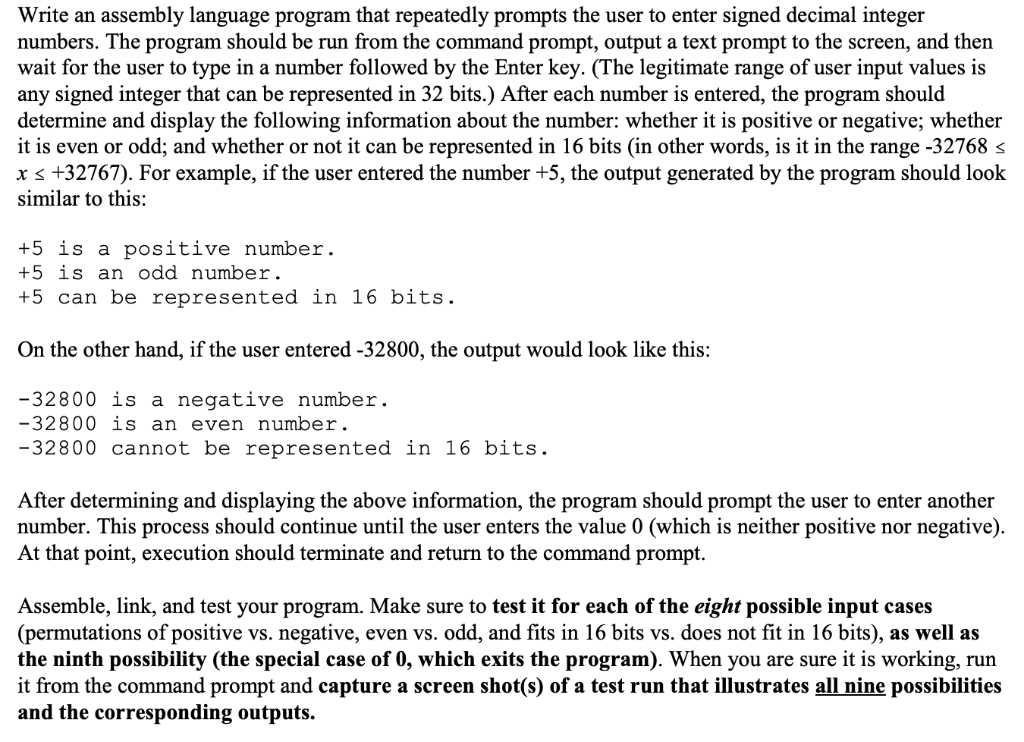
Write an assembly language program that repeatedly prompts the user to enter signed decimal integer numbers. The program should be run from the command prompt, output a text prompt to the screen, and then wait for the user to type in a number followed by the Enter key. (The legitimate range of user input values is any signed integer that can be represented in 32 bits.) After each number is entered, the program should determine and display the following information about the number: whether it is positive or negative; whether it is even or odd; and whether or not it can be represented in 16 bits (in other words, is it in the range-32768 x s +32767). For example, if the user entered the number +5, the output generated by the program should look similar to this: +5 is a positive number +5 is an odd number +5 can be represented in 16 bits On the other hand, if the user entered -32800, the output would look like this: 32800 is a negative number. 32800 is an even number -32800 cannot be represented in 16 bits After determining and displaying the above information, the program should prompt the user to enter another number. This process should continue until the user enters the value 0 (which is neither positive nor negative) At that point, execution should terminate and return to the command prompt. Assemble, link, and test your program. Make sure to test it for each of the eight possible input cases (permutations of positive vs. negative, even vs. odd, and fits in 16 bits vs. does not fit in 16 bits), as well as the ninth possibility (the special case of 0, which exits the program). When you are sure it is working, run it from the command prompt and capture a screen shot(s) of a test run that illustrates all nine possibilities and the corresponding outputs. Write an assembly language program that repeatedly prompts the user to enter signed decimal integer numbers. The program should be run from the command prompt, output a text prompt to the screen, and then wait for the user to type in a number followed by the Enter key. (The legitimate range of user input values is any signed integer that can be represented in 32 bits.) After each number is entered, the program should determine and display the following information about the number: whether it is positive or negative; whether it is even or odd; and whether or not it can be represented in 16 bits (in other words, is it in the range-32768 x s +32767). For example, if the user entered the number +5, the output generated by the program should look similar to this: +5 is a positive number +5 is an odd number +5 can be represented in 16 bits On the other hand, if the user entered -32800, the output would look like this: 32800 is a negative number. 32800 is an even number -32800 cannot be represented in 16 bits After determining and displaying the above information, the program should prompt the user to enter another number. This process should continue until the user enters the value 0 (which is neither positive nor negative) At that point, execution should terminate and return to the command prompt. Assemble, link, and test your program. Make sure to test it for each of the eight possible input cases (permutations of positive vs. negative, even vs. odd, and fits in 16 bits vs. does not fit in 16 bits), as well as the ninth possibility (the special case of 0, which exits the program). When you are sure it is working, run it from the command prompt and capture a screen shot(s) of a test run that illustrates all nine possibilities and the corresponding outputs
Step by Step Solution
There are 3 Steps involved in it

Get step-by-step solutions from verified subject matter experts
 Study Help