







Question: Write and Run SQL Statements in MS Access MySQL focusing on INSERT, UPDATE, DELETE, LIKE, Wildcards, IN and BETWEEN. If you are using MS
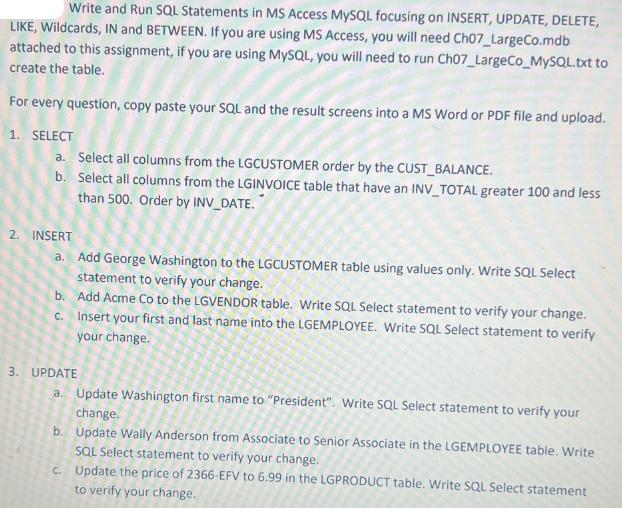
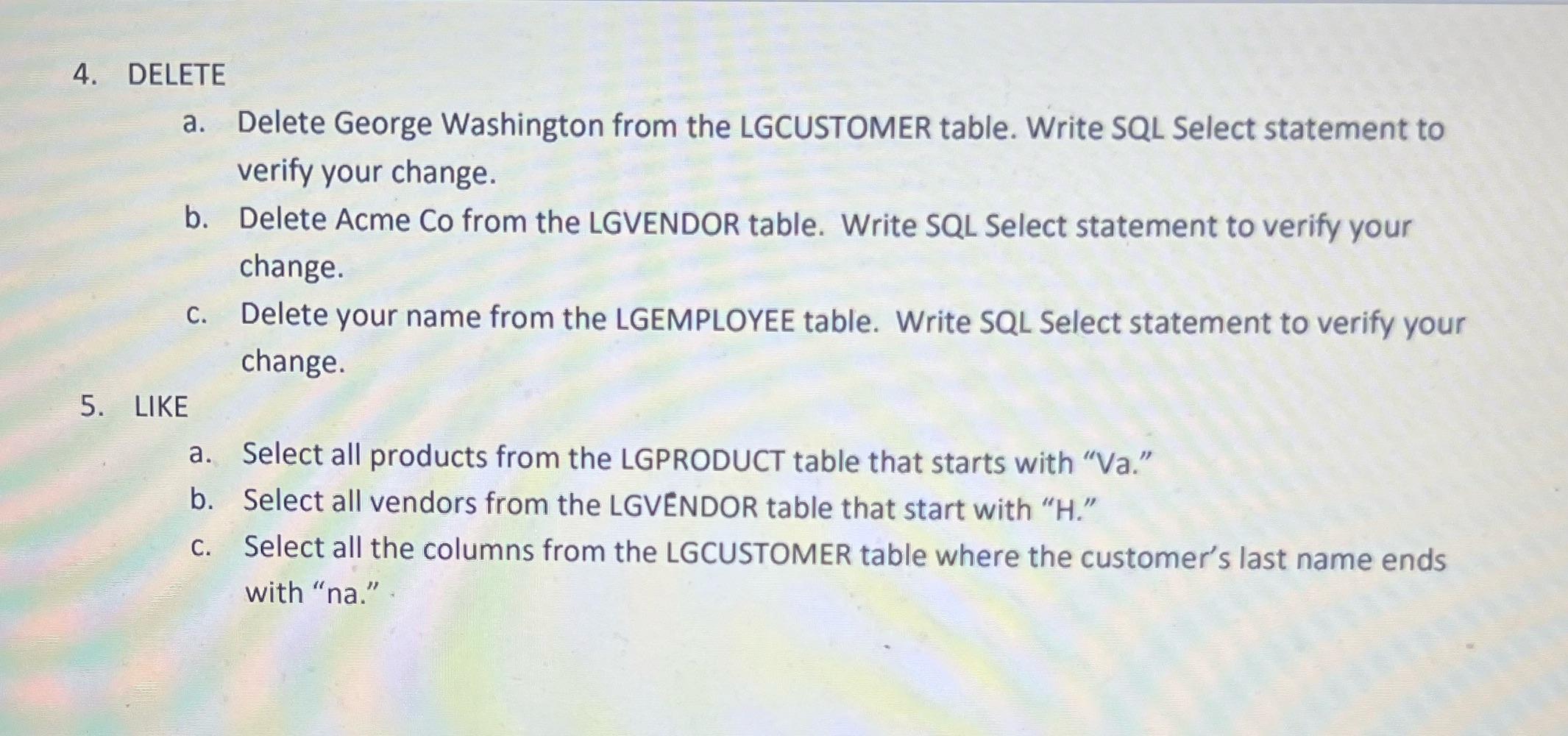
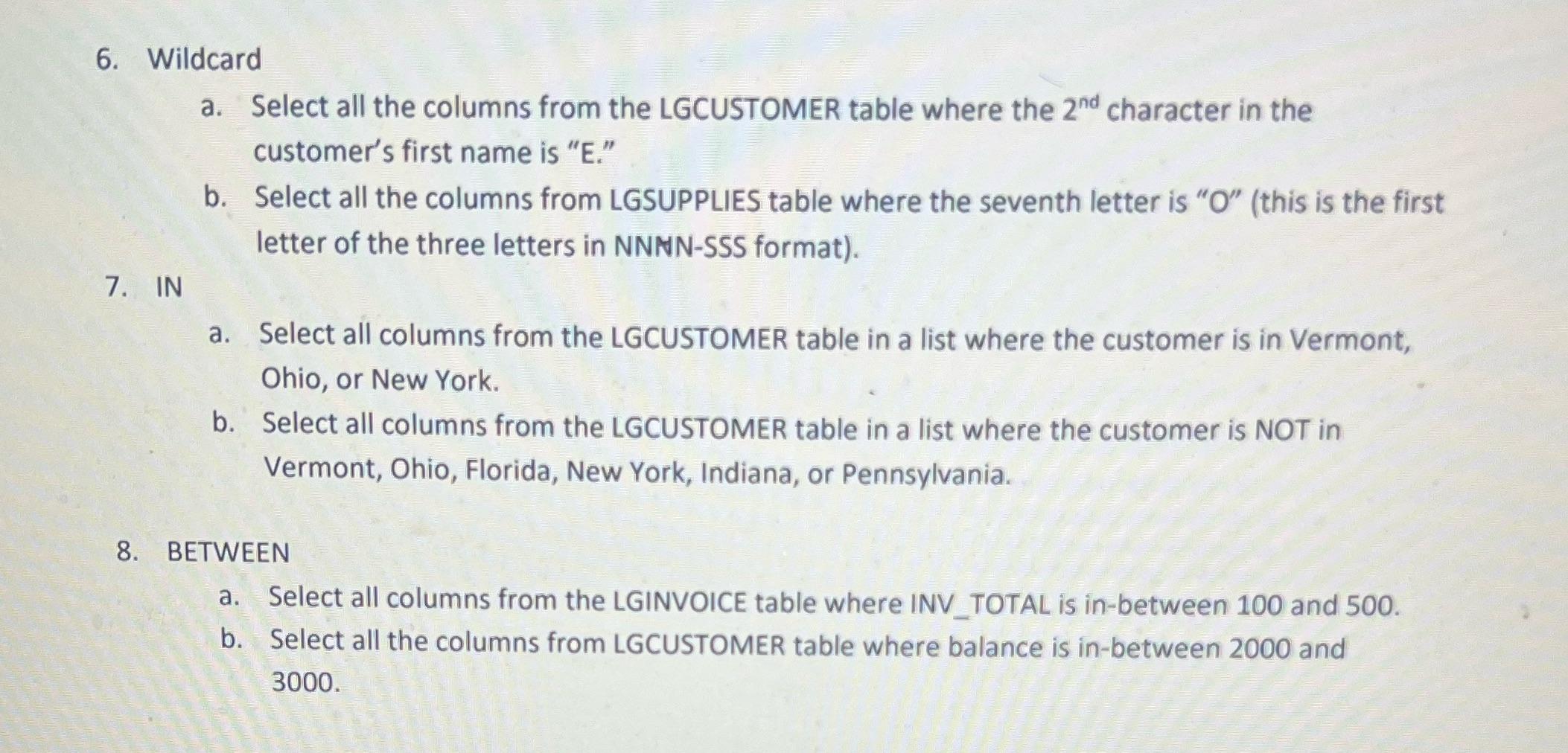
Write and Run SQL Statements in MS Access MySQL focusing on INSERT, UPDATE, DELETE, LIKE, Wildcards, IN and BETWEEN. If you are using MS Access, you will need Ch07_LargeCo.mdb attached to this assignment, if you are using MySQL, you will need to run Ch07_LargeCo_MySQL.txt to create the table. For every question, copy paste your SQL and the result screens into a MS Word or PDF file and upload. 1. SELECT a. b. Select all columns from the LGCUSTOMER order by the CUST_BALANCE. Select all columns from the LGINVOICE table that have an INV_TOTAL greater 100 and less than 500. Order by INV_DATE. 2. INSERT a. Add George Washington to the LGCUSTOMER table using values only. Write SQL Select statement to verify your change. Add Acme Co to the LGVENDOR table. Write SQL Select statement to verify your change. Insert your first and last name into the LGEMPLOYEE. Write SQL Select statement to verify your change. b. c. 3. UPDATE a. Update Washington first name to "President". Write SQL Select statement to verify your change. b. Update Wally Anderson from Associate to Senior Associate in the LGEMPLOYEE table. Write SQL Select statement to verify your change. c. Update the price of 2366-EFV to 6.99 in the LGPRODUCT table. Write SQL Select statement to verify your change. 4. DELETE a. Delete George Washington from the LGCUSTOMER table. Write SQL Select statement to verify your change. b. Delete Acme Co from the LGVENDOR table. Write SQL Select statement to verify your change. c. Delete your name from the LGEMPLOYEE table. Write SQL Select statement to verify your change. 5. LIKE a. b. Select all products from the LGPRODUCT table that starts with "Va." Select all vendors from the LGVENDOR table that start with "H." Select all the columns from the LGCUSTOMER table where the customer's last name ends with "na." 6. Wildcard a. Select all the columns from the LGCUSTOMER table where the 2nd character in the customer's first name is "E." b. Select all the columns from LGSUPPLIES table where the seventh letter is "O" (this is the first letter of the three letters in NNNN-SSS format). 7. IN a. Select all columns from the LGCUSTOMER table in a list where the customer is in Vermont, Ohio, or New York. b. Select all columns from the LGCUSTOMER table in a list where the customer is NOT in Vermont, Ohio, Florida, New York, Indiana, or Pennsylvania. 8. BETWEEN a. Select all columns from the LGINVOICE table where INV TOTAL is in-between 100 and 500. b. Select all the columns from LGCUSTOMER table where balance is in-between 2000 and 3000.
Step by Step Solution
There are 3 Steps involved in it
It seems you have posted a set of questions related to SQL statements for certain database operations like SELECT INSERT UPDATE DELETE and using claus... View full answer

Get step-by-step solutions from verified subject matter experts
 Study Help