







Question: WRITE LEGO MINDSTORMS EV3 SOFTWARE PROGRAM with the following instructions: Note: Additional EV3 software blocks must be downloaded to handle the Ultra-Sonic Sensor & Gyro
WRITE LEGO MINDSTORMS EV3 SOFTWARE PROGRAM
with the following instructions:
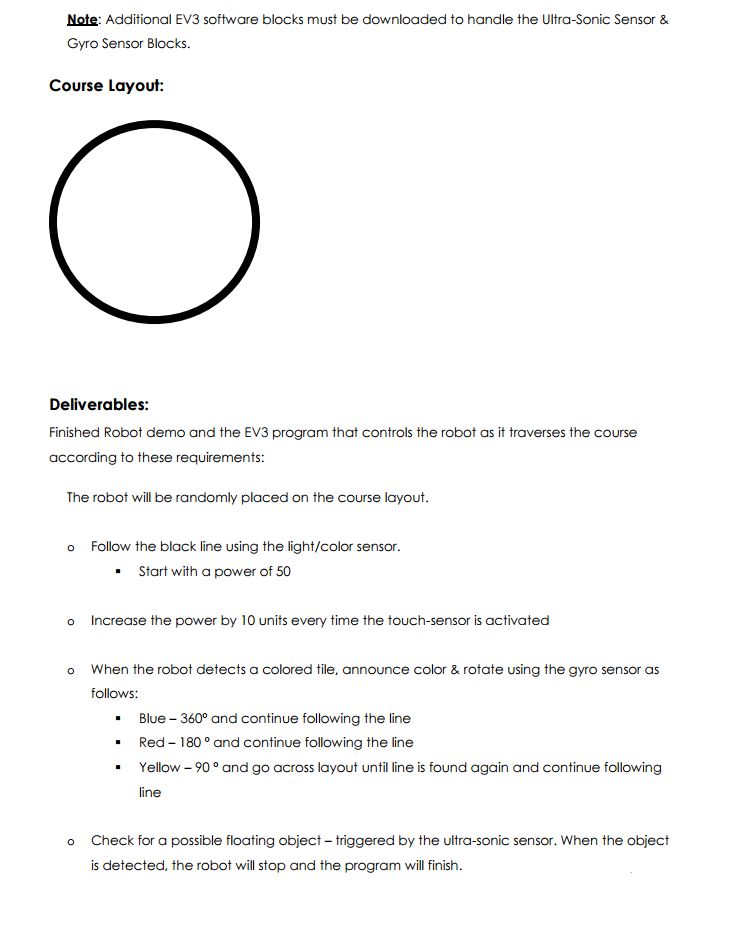
Note: Additional EV3 software blocks must be downloaded to handle the Ultra-Sonic Sensor & Gyro Sensor Blocks. Course Layout: Deliverables: Finished Robot demo and the EV3 program that controls the robot as it traverses the course according to these requirements: The robot will be randomly placed on the course layout. o Follow the black line using the light/color sensor. Start with a power of 50 o Increase the power by 10 units every time the touch-sensor is activated o When the robot detects a colored tile, announce Color &rotate using the gyro sensor as follows: Blue 3600 and continue following the line Red 180 and continue following the line Yellow-90 o and go across layout until line is found again and continue following ne o Check for a possible floating object-triggered by the ultra-sonic sensor. When the object is detected, the robot will stop and the program will finish Note: Additional EV3 software blocks must be downloaded to handle the Ultra-Sonic Sensor & Gyro Sensor Blocks. Course Layout: Deliverables: Finished Robot demo and the EV3 program that controls the robot as it traverses the course according to these requirements: The robot will be randomly placed on the course layout. o Follow the black line using the light/color sensor. Start with a power of 50 o Increase the power by 10 units every time the touch-sensor is activated o When the robot detects a colored tile, announce Color &rotate using the gyro sensor as follows: Blue 3600 and continue following the line Red 180 and continue following the line Yellow-90 o and go across layout until line is found again and continue following ne o Check for a possible floating object-triggered by the ultra-sonic sensor. When the object is detected, the robot will stop and the program will finish
Step by Step Solution
There are 3 Steps involved in it

Get step-by-step solutions from verified subject matter experts
 Study Help