







Question: write sql 4. On the available images page, select the editions that you intend to deploy for your network Add Image Wizard Available Images The
write sql
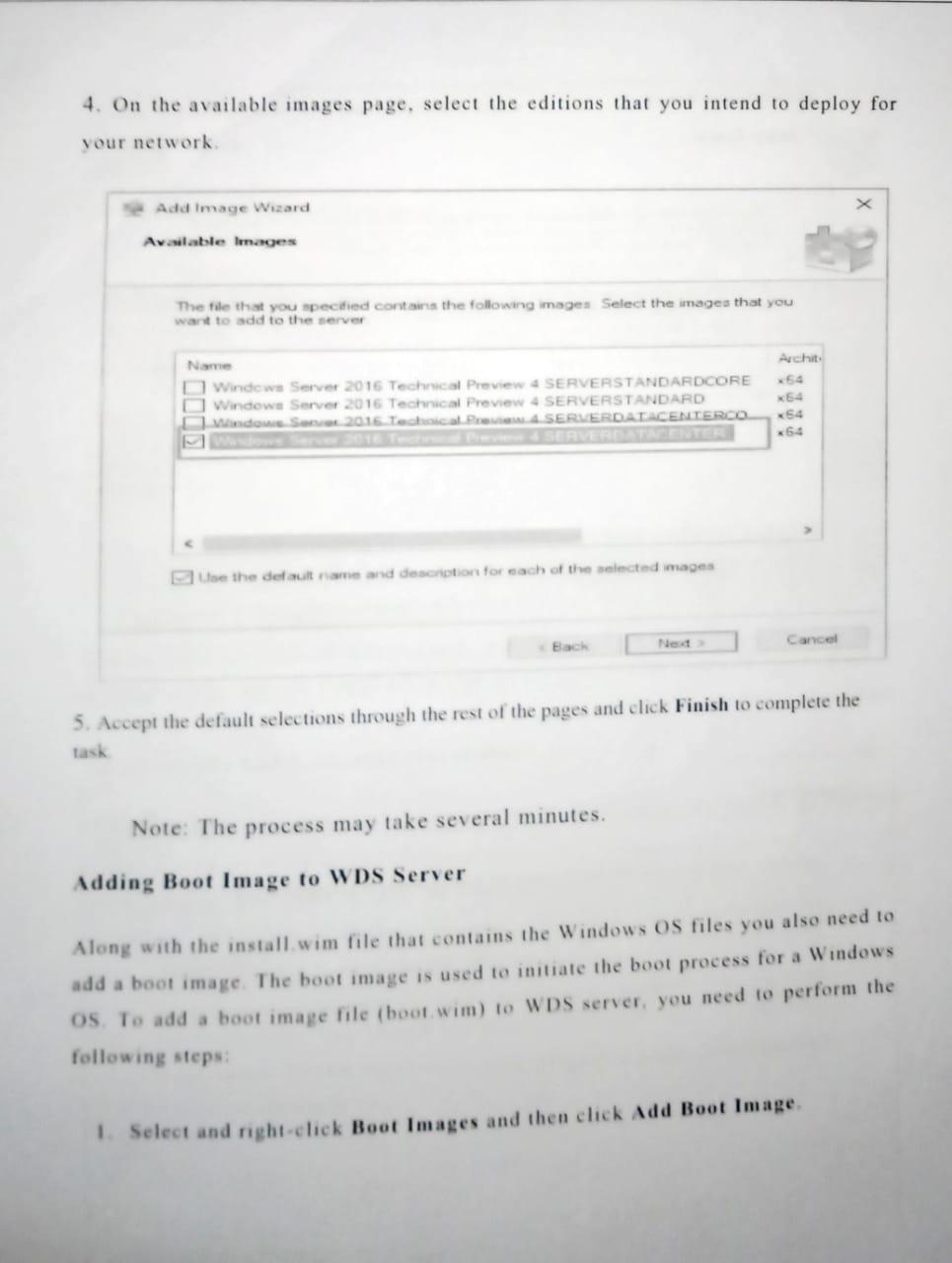
4. On the available images page, select the editions that you intend to deploy for your network Add Image Wizard Available Images The file that you specified contains the following images Select the images that you want to add to the server Archit 54 Name Windows Server 2016 Technical Preview 4 SERVERSTANDARDCORE Windows Server 2016 Technical Preview 4 SERVERSTANDARD Windows Se 2015 Technical PA SERVERDATACENTERCO K64 *54 *6+ use the default name and descretion for each of the selected images Back Canool Net 5. Accept the default selections through the rest of the pages and click Finish to complete the task Note: The process may take several minutes. Adding Boot Image to WDS Server Along with the install.wim file that contains the Windows OS files you also need to add a boot image. The boot image is used to initiate the boot process for a Windows os. To add a boot image file (boot wim) to WDS server, you need to perform the following steps: Select and right click Boot Images and then click Add Boot Image 4. On the available images page, select the editions that you intend to deploy for your network Add Image Wizard Available Images The file that you specified contains the following images Select the images that you want to add to the server Archit 54 Name Windows Server 2016 Technical Preview 4 SERVERSTANDARDCORE Windows Server 2016 Technical Preview 4 SERVERSTANDARD Windows Se 2015 Technical PA SERVERDATACENTERCO K64 *54 *6+ use the default name and descretion for each of the selected images Back Canool Net 5. Accept the default selections through the rest of the pages and click Finish to complete the task Note: The process may take several minutes. Adding Boot Image to WDS Server Along with the install.wim file that contains the Windows OS files you also need to add a boot image. The boot image is used to initiate the boot process for a Windows os. To add a boot image file (boot wim) to WDS server, you need to perform the following steps: Select and right click Boot Images and then click Add Boot Image
Step by Step Solution
There are 3 Steps involved in it

Get step-by-step solutions from verified subject matter experts
 Study Help