







Question: write the code in c programing (1) Prompt the user to input a wall's height and width. Calculate and output the wall's area. (2 pts)
write the code in c programing
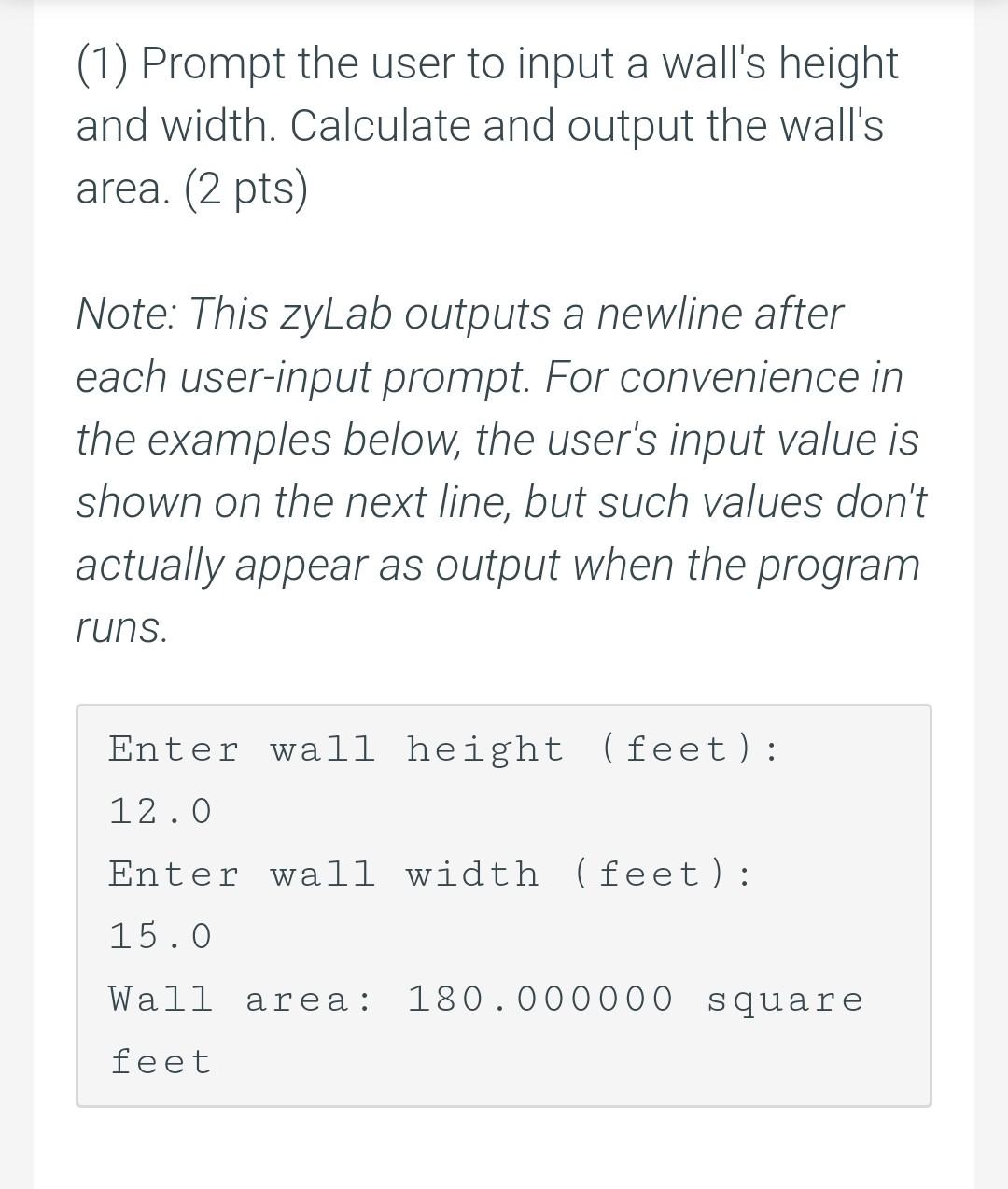
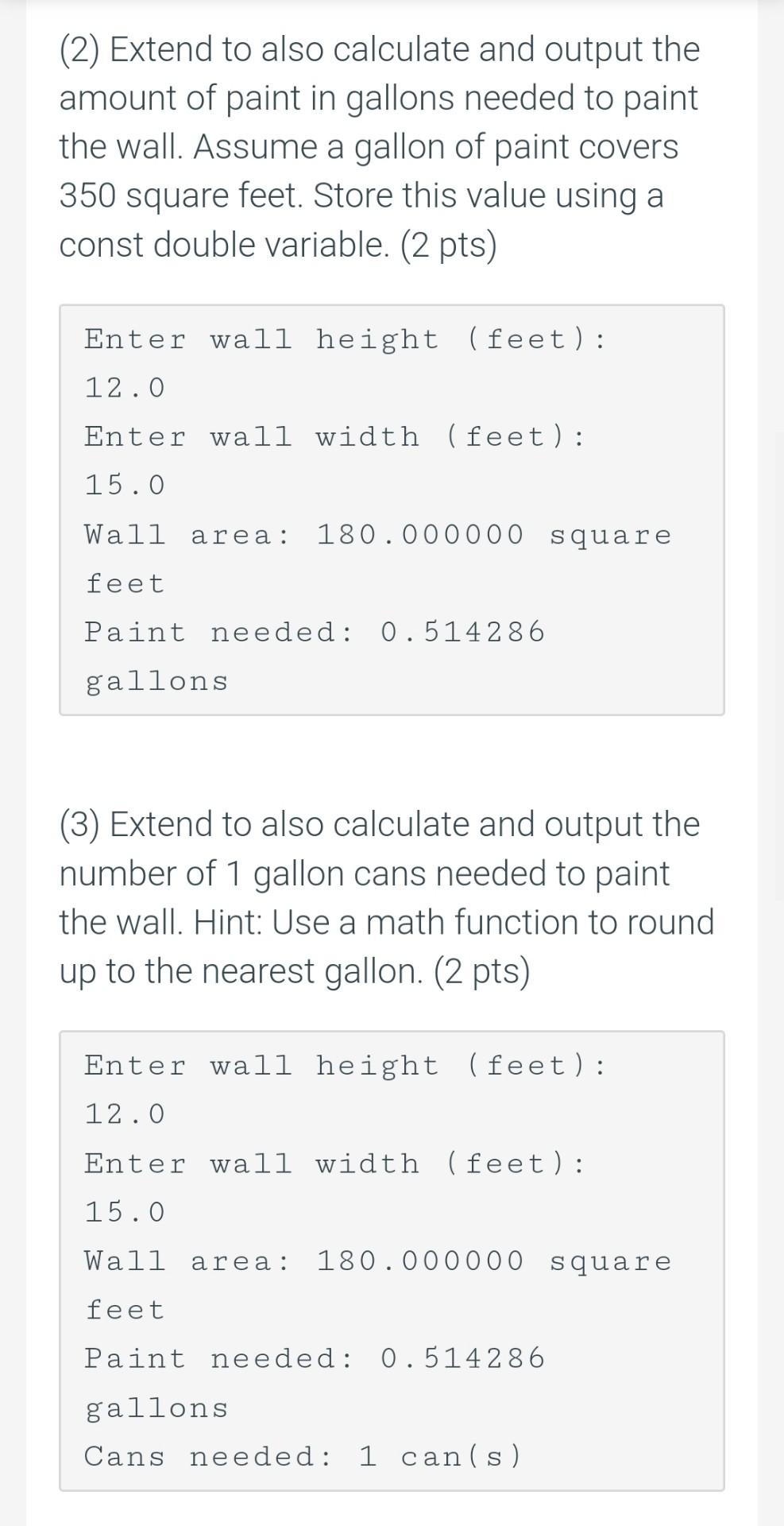
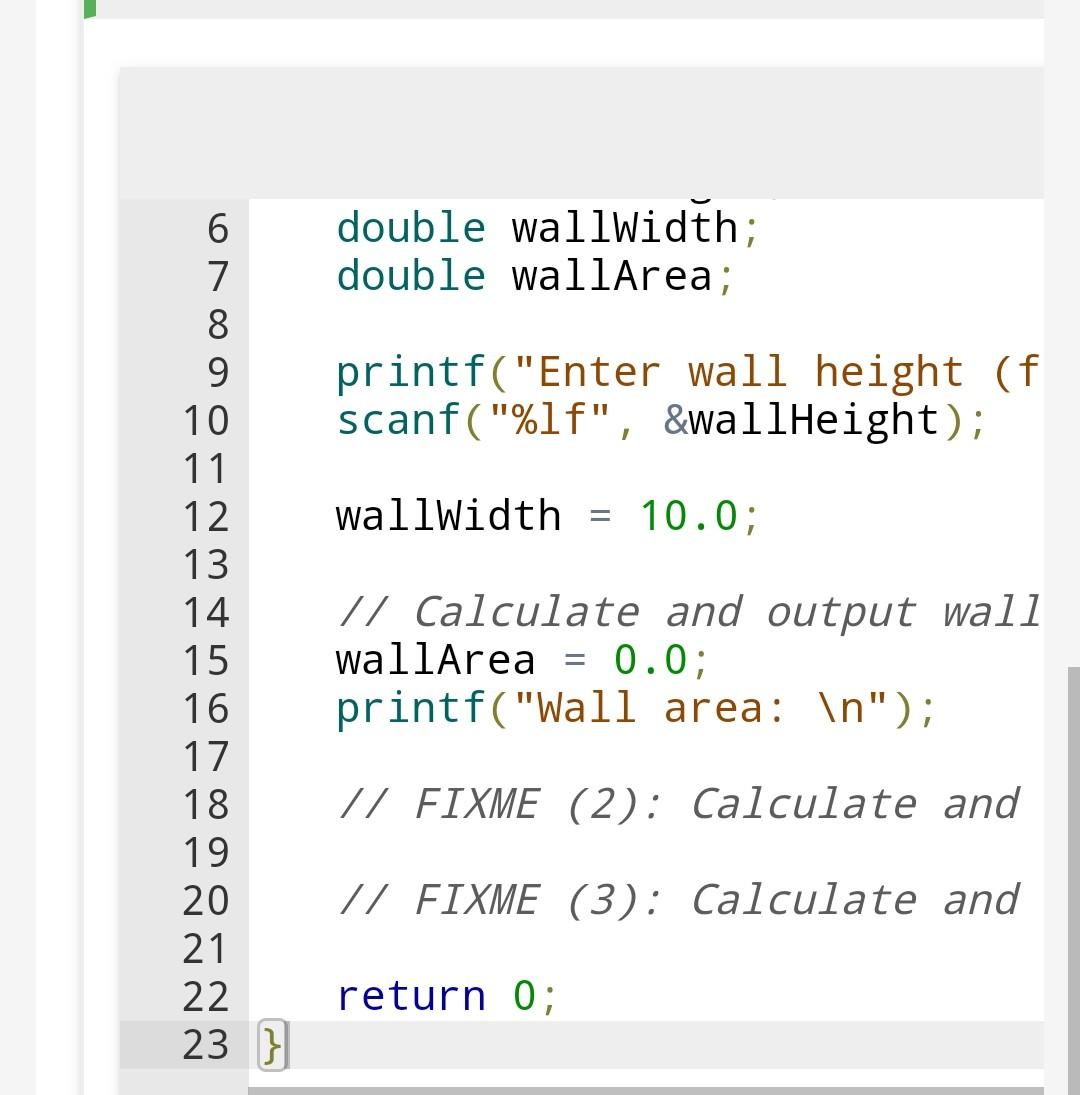
(1) Prompt the user to input a wall's height and width. Calculate and output the wall's area. (2 pts) Note: This zyLab outputs a newline after each user-input prompt. For convenience in the examples below, the user's input value is shown on the next line, but such values don't actually appear as output when the program runs. Enter wall height (feet): 12.0 Enter wall width (feet): 15.0 Wall area: 180.000000 square feet (2) Extend to also calculate and output the amount of paint in gallons needed to paint the wall. Assume a gallon of paint covers 350 square feet. Store this value using a const double variable. (2 pts) Enter wall height (feet): 12.0 Enter wall width (feet): 15.0 Wall area: 180.000000 square feet Paint needed: 0.514286 gallons (3) Extend to also calculate and output the number of 1 gallon cans needed to paint the wall. Hint: Use a math function to round up to the nearest gallon. (2 pts) Enter wall height (feet): 12.0 Enter wall width (feet): 15.0 Wall area: 180.000000 square feet Paint needed: 0.514286 gallons Cans needed: 1 can(s) double wallWidth; double wallArea; printf("Enter wall height (f scanf("%lf", SwallHeight); wallwidth = 10.0; 6 7 8 9 10 11 12 13 14 15 16 17 18 19 20 21 22 23 } // Calculate and output wall wallArea = 0.0; printf("Wall area: "); - // FIXME (2): Calculate and // FIXME (3): Calculate and return 0
Step by Step Solution
There are 3 Steps involved in it

Get step-by-step solutions from verified subject matter experts
 Study Help