







Question: WRITE THE CODE & THE OUTPUTS Fun with find. Write a function to return the index of the value that is nearest to a desired
WRITE THE CODE & THE OUTPUTS
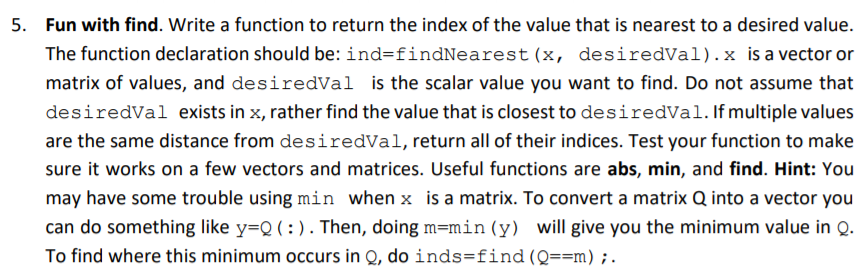
Fun with find. Write a function to return the index of the value that is nearest to a desired value. The function declaration should be:ind=findNearest(x, desiredVa1)x is a vector or matrix of values, and desiredVal is the scalar value you want to find. Do not assume that desiredVal exists in x, rather find the value that is closest to desiredVal. If multiple values are the same distance from desiredVal, return all of their indices. Test your function to make sure it works on a few vectors and matrices. Useful functions are abs, min, and find. Hint: You may have some trouble using min when x is a matrix. To convert a matrix Q into a vector you can do something like y=0( : ) . Then, doing m=min (y) will give you the minimum value in Q. To find where this minimum occurs in Q, do inds-find (Qm). 5. Fun with find. Write a function to return the index of the value that is nearest to a desired value. The function declaration should be:ind=findNearest(x, desiredVa1)x is a vector or matrix of values, and desiredVal is the scalar value you want to find. Do not assume that desiredVal exists in x, rather find the value that is closest to desiredVal. If multiple values are the same distance from desiredVal, return all of their indices. Test your function to make sure it works on a few vectors and matrices. Useful functions are abs, min, and find. Hint: You may have some trouble using min when x is a matrix. To convert a matrix Q into a vector you can do something like y=0( : ) . Then, doing m=min (y) will give you the minimum value in Q. To find where this minimum occurs in Q, do inds-find (Qm). 5
Step by Step Solution
There are 3 Steps involved in it

Get step-by-step solutions from verified subject matter experts
 Study Help