







Question: write the code usuing android studio. Lab Assignment #2: Preliminary Exercise Define the class Boat having the following five data members--and associated accessors. (This involves
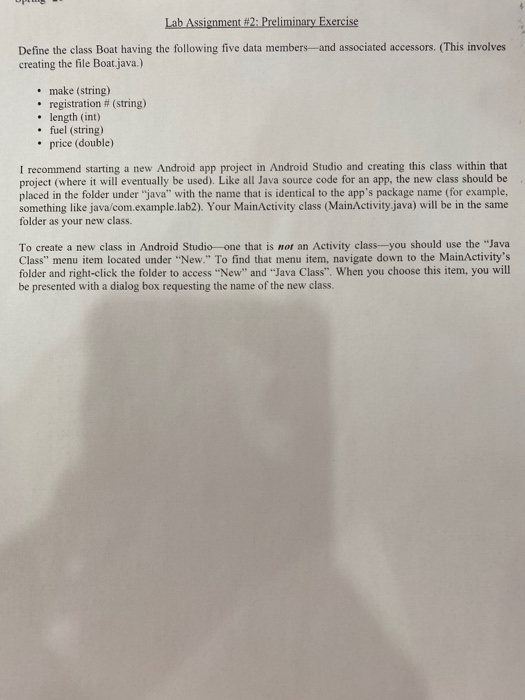
Lab Assignment #2: Preliminary Exercise Define the class Boat having the following five data members--and associated accessors. (This involves creating the file Boat.java.) make (string) registration # (string) length (int) fuel (string) price (double) I recommend starting a new Android app project in Android Studio and creating this class within that project where it will eventually be used). Like all Java source code for an app, the new class should be placed in the folder under "java" with the name that is identical to the app's package name (for example, something like java/com.example.lab2). Your MainActivity class (MainActivity.java) will be in the same folder as your new class. To create a new class in Android Studio one that is not an Activity class-you should use the "Java Class" menu item located under "New." To find that menu item, navigate down to the MainActivity's folder and right-click the folder to access "New" and "Java Class". When you choose this item, you will be presented with a dialog box requesting the name of the new class
Step by Step Solution
There are 3 Steps involved in it

Get step-by-step solutions from verified subject matter experts
 Study Help