







Question: Write the function insideOut(). If a string size is even and two or more, the middle two characters are removed and placed at the back
Write the function insideOut(). If a string size is even and two or more, the middle two characters are removed and placed at the back and front of the result. If the size is odd and three or more, then the middle three characters are removed. The first is placed at the back of the string, the last is placed at the front, and the middle one is discarded.
Here are some examples:
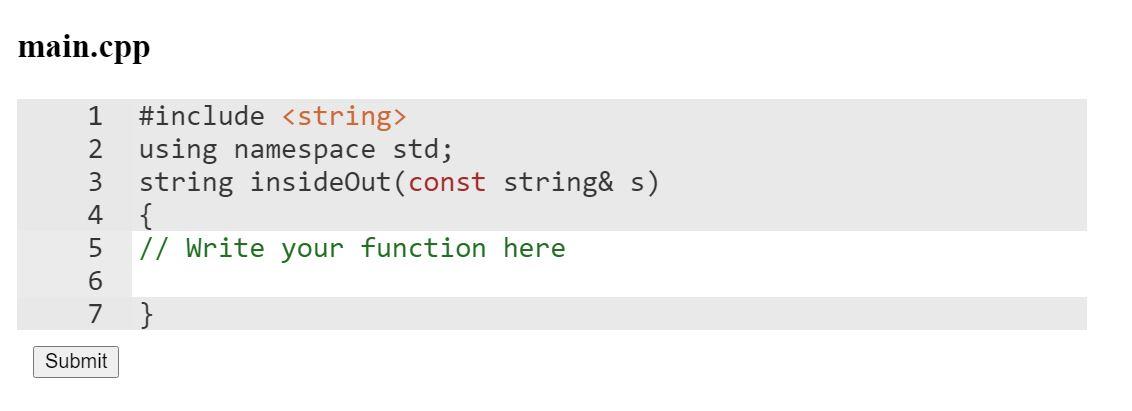
insideOut("hello")->"lhoe" insideOut("a")->"a" insideOut("ab")->"ba" insideOut("cat")->"tc" insideOUt("frog")->"ofgr" Complete the following file:
 Question 4:
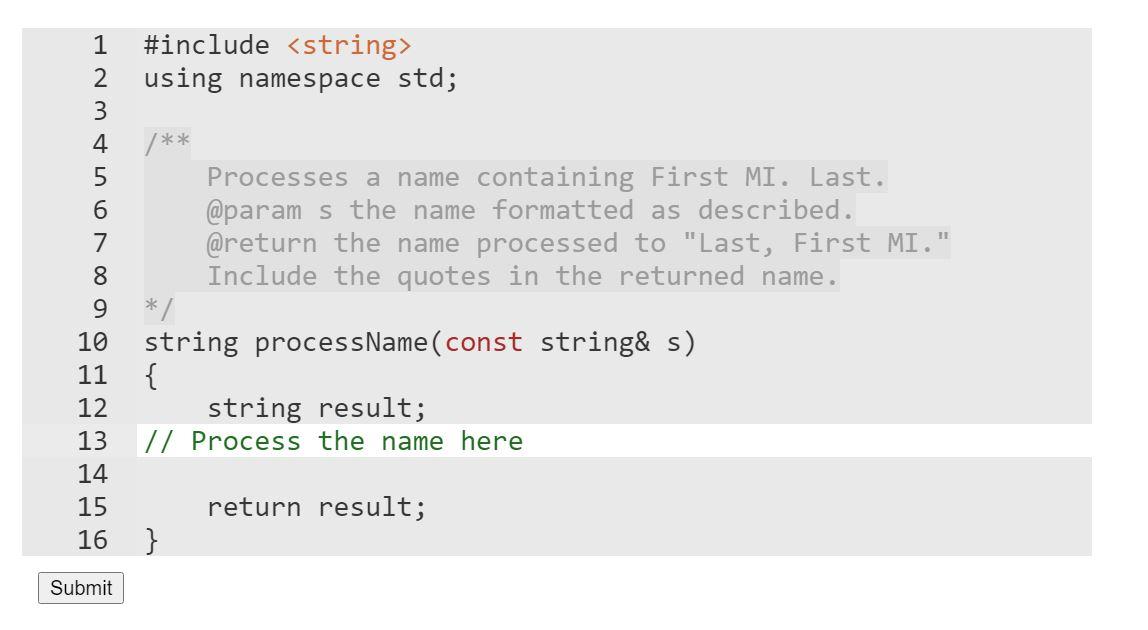
Write the function processName(). It's input is a full name in the form (First MI. Last). Your job is to use string member functions to break the name into the first name, last name and middle initial, and return the processed name in the form "Last, First MI.".
Use the string member functions substr(), find(), rfind(), find_first_not_of(), find_last_not_of() and at() to solve this problem.
You may assume:
- that every name will have exactly one word for the first and last names and a single character, followed by a period for the middle initial.
- There will be at least one space separating each of the portions of the input name, but there may be more spaces.
main.cpp 1 #include
Step by Step Solution
There are 3 Steps involved in it

Get step-by-step solutions from verified subject matter experts
 Study Help