







Question: Written in Java Write a program in which the user can manage a collection of tasks. Each task has an associated action a priority. The
Written in Java
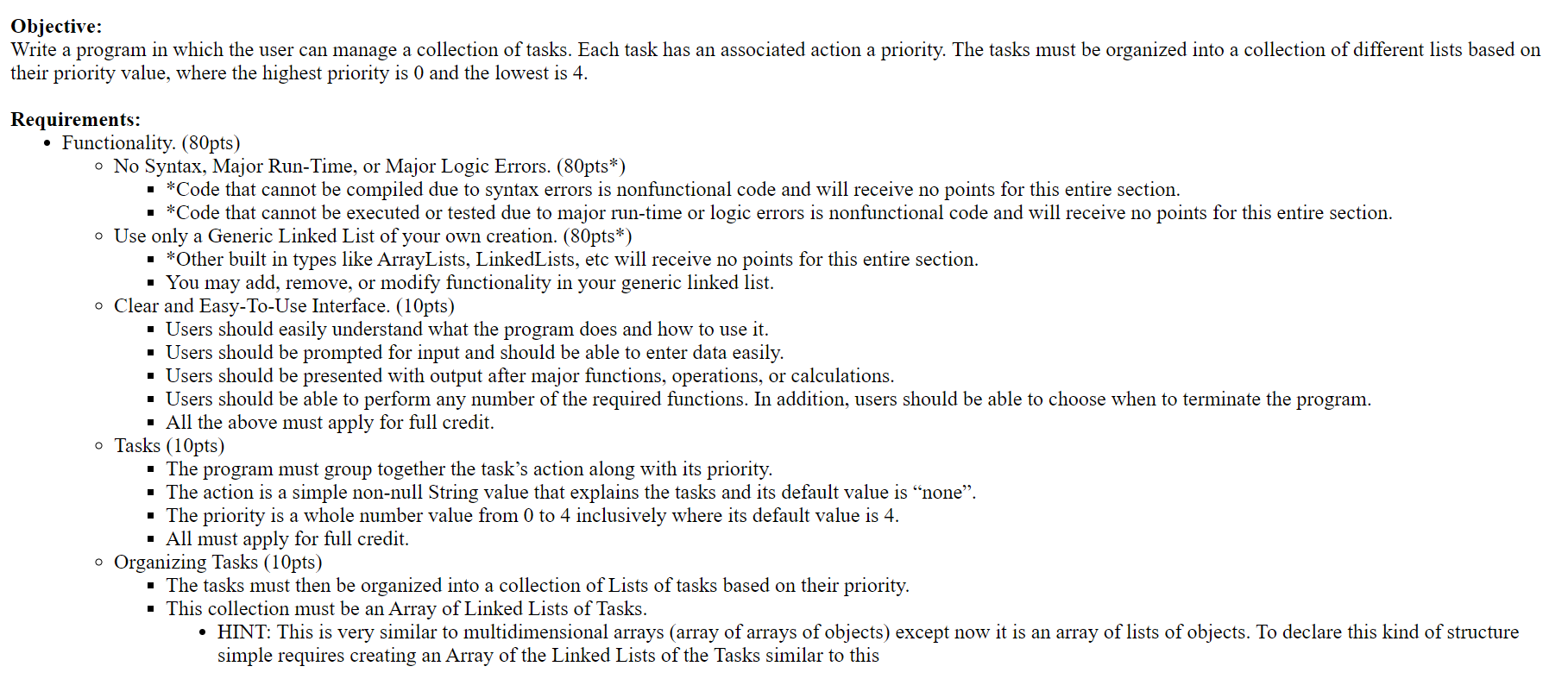
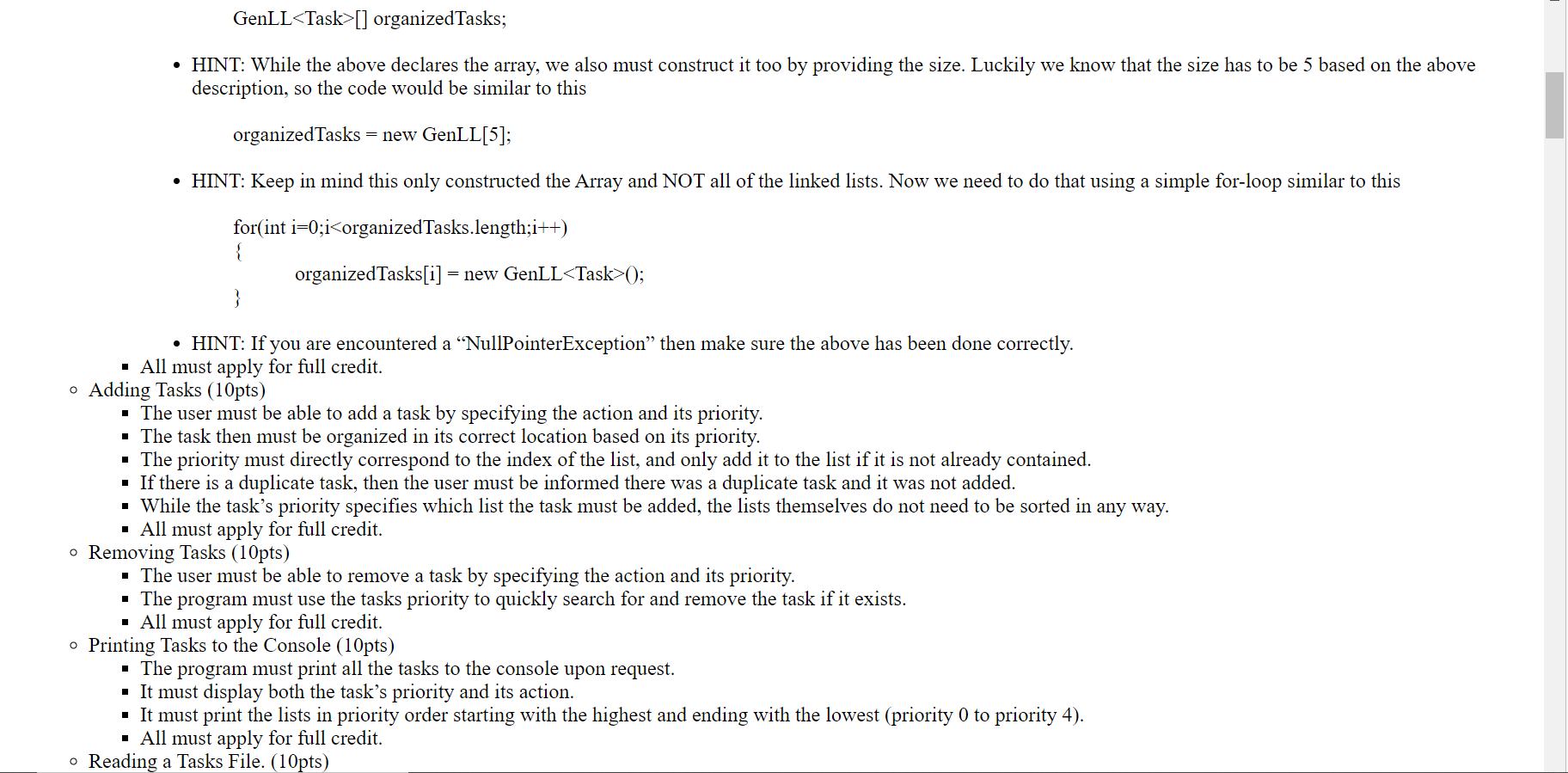
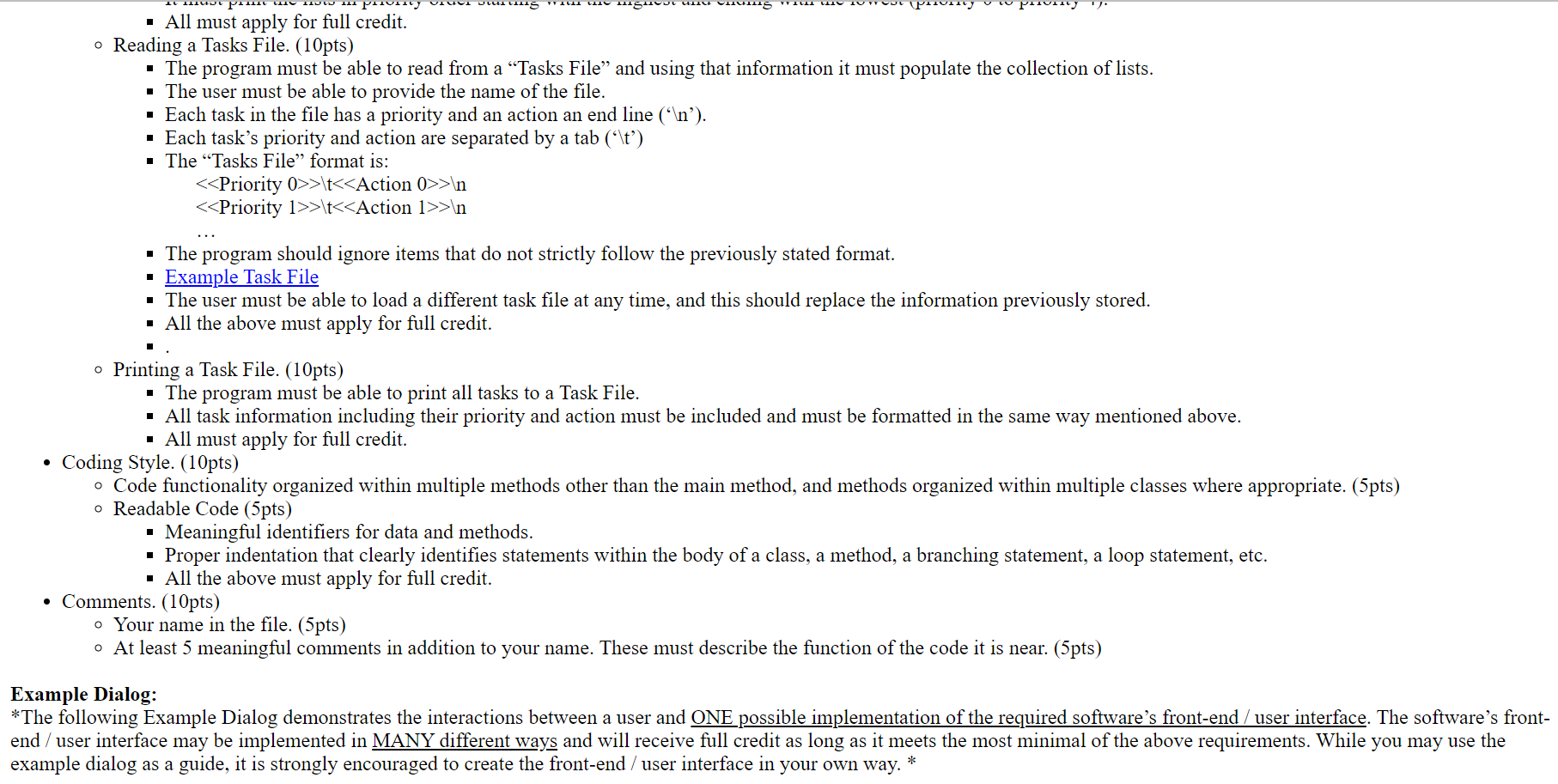
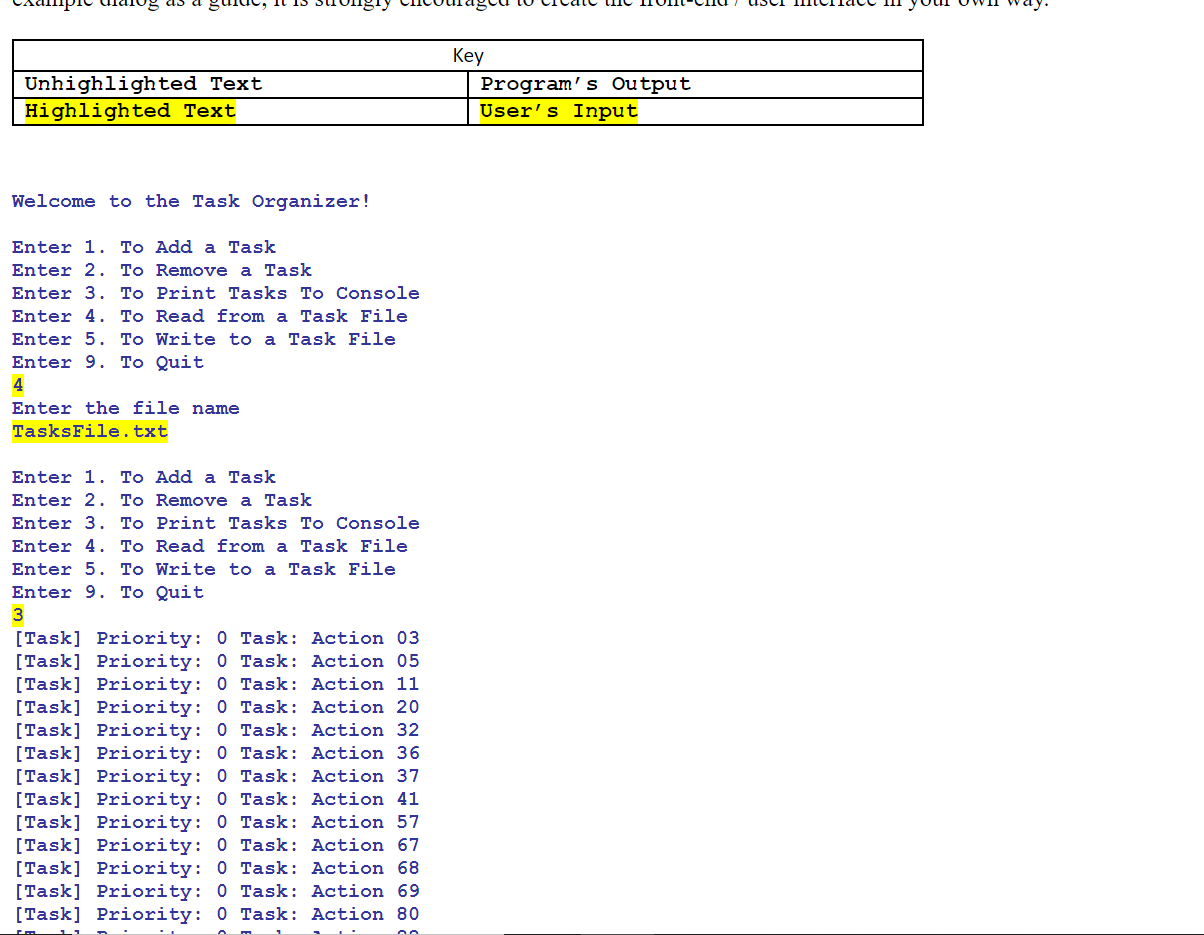
Write a program in which the user can manage a collection of tasks. Each task has an associated action a priority. The tasks must be organized into a collection of different lists based o. their priority value, where the highest priority is 0 and the lowest is 4 . Requirements: - Functionality. (80pts) - No Syntax, Major Run-Time, or Major Logic Errors. (80pts*) - *Code that cannot be compiled due to syntax errors is nonfunctional code and will receive no points for this entire section. - *Code that cannot be executed or tested due to major run-time or logic errors is nonfunctional code and will receive no points for this entire section. - Use only a Generic Linked List of your own creation. (80pts*) - *Other built in types like ArrayLists, LinkedLists, etc will receive no points for this entire section. - You may add, remove, or modify functionality in your generic linked list. - Clear and Easy-To-Use Interface. (10pts) - Users should easily understand what the program does and how to use it. - Users should be prompted for input and should be able to enter data easily. - Users should be presented with output after major functions, operations, or calculations. - Users should be able to perform any number of the required functions. In addition, users should be able to choose when to terminate the program. - All the above must apply for full credit. - Tasks (10pts) - The program must group together the task's action along with its priority. - The action is a simple non-null String value that explains the tasks and its default value is "none". - The priority is a whole number value from 0 to 4 inclusively where its default value is 4 . - All must apply for full credit. - Organizing Tasks (10pts) - The tasks must then be organized into a collection of Lists of tasks based on their priority. - This collection must be an Array of Linked Lists of Tasks. - HINT: This is very similar to multidimensional arrays (array of arrays of objects) except now it is an array of lists of objects. To declare this kind of structure simple requires creating an Array of the Linked Lists of the Tasks similar to this GenLL [] organizedTasks; - HINT: While the above declares the array, we also must construct it too by providing the size. Luckily we know that the size has to be 5 based on the above description, so the code would be similar to this organizedTasks=newGenLL[5] - HINT: Keep in mind this only constructed the Array and NOT all of the linked lists. Now we need to do that using a simple for-loop similar to this for(int i=0;i0; - HINT: If you are encountered a "NullPointerException" then make sure the above has been done correctly. - All must apply for full credit. Adding Tasks (10pts) - The user must be able to add a task by specifying the action and its priority. - The task then must be organized in its correct location based on its priority. - The priority must directly correspond to the index of the list, and only add it to the list if it is not already contained. - If there is a duplicate task, then the user must be informed there was a duplicate task and it was not added. - While the task's priority specifies which list the task must be added, the lists themselves do not need to be sorted in any way. - All must apply for full credit. - Removing Tasks (10pts) - The user must be able to remove a task by specifying the action and its priority. - The program must use the tasks priority to quickly search for and remove the task if it exists. - All must apply for full credit. - Printing Tasks to the Console (10pts) - The program must print all the tasks to the console upon request. - It must display both the task's priority and its action. - It must print the lists in priority order starting with the highest and ending with the lowest (priority 0 to priority 4). - All must apply for full credit. - Reading a Tasks File. (10pts) - All must apply for full credit. - Reading a Tasks File. (10pts) - The program must be able to read from a "Tasks File" and using that information it must populate the collection of lists. - The user must be able to provide the name of the file. - Each task in the file has a priority and an action an end line (' n '). - Each task's priority and action are separated by a tab (' t ') - The "Tasks File" format is: >t>ln >t>ln - The program should ignore items that do not strictly follow the previously stated format. - Example Task File - The user must be able to load a different task file at any time, and this should replace the information previously stored. - All the above must apply for full credit. -. - Printing a Task File. (10pts) - The program must be able to print all tasks to a Task File. - All task information including their priority and action must be included and must be formatted in the same way mentioned above. - All must apply for full credit. - Coding Style. (10pts) - Code functionality organized within multiple methods other than the main method, and methods organized within multiple classes where appropriate. (5pts) - Readable Code (5pts) - Meaningful identifiers for data and methods. - Proper indentation that clearly identifies statements within the body of a class, a method, a branching statement, a loop statement, etc. - All the above must apply for full credit. - Comments. (10pts) - Your name in the file. (5pts) - At least 5 meaningful comments in addition to your name. These must describe the function of the code it is near. (5pts) Example Dialog: *The following Example Dialog demonstrates the interactions between a user and ONE possible implementation of the required software's front-end / user interface. The software's front end / user interface may be implemented in MANY different ways and will receive full credit as long as it meets the most minimal of the above requirements. While you may use the example dialog as a guide, it is strongly encouraged to create the front-end / user interface in your own way. * Welcome to the Task Organizer! Enter 1. To Add a Task Enter 2. To Remove a Task Enter 3. To Print Tasks To Console Enter 4. To Read from a Task File Enter 5. To Write to a Task File Enter 9. To Quit 4 Enter the file name TasksFile.txt Enter 1. To Add a Task Enter 2. To Remove a Task Enter 3. To Print Tasks To Console Enter 4. To Read from a Task File Enter 5. To Write to a Task File Enter 9. To Quit 3 [Task] Priority: 0 Task: Action 03 [Task] Priority: 0 Task: Action 05 [Task] Priority: 0 Task: Action 11 [Task] Priority: 0 Task: Action 20 [Task] Priority: 0 Task: Action 32 [Task] Priority: 0 Task: Action 36 [Task] Priority: 0 Task: Action 37 [Task] Priority: 0 Task: Action 41 [Task] Priority: 0 Task: Action 57 [Task] Priority: 0 Task: Action 67 [Task] Priority: 0 Task: Action 68 [Task] Priority: 0 Task: Action 69 [Task] Priority: 0 Task: Action 80
Step by Step Solution
There are 3 Steps involved in it

Get step-by-step solutions from verified subject matter experts
 Study Help