







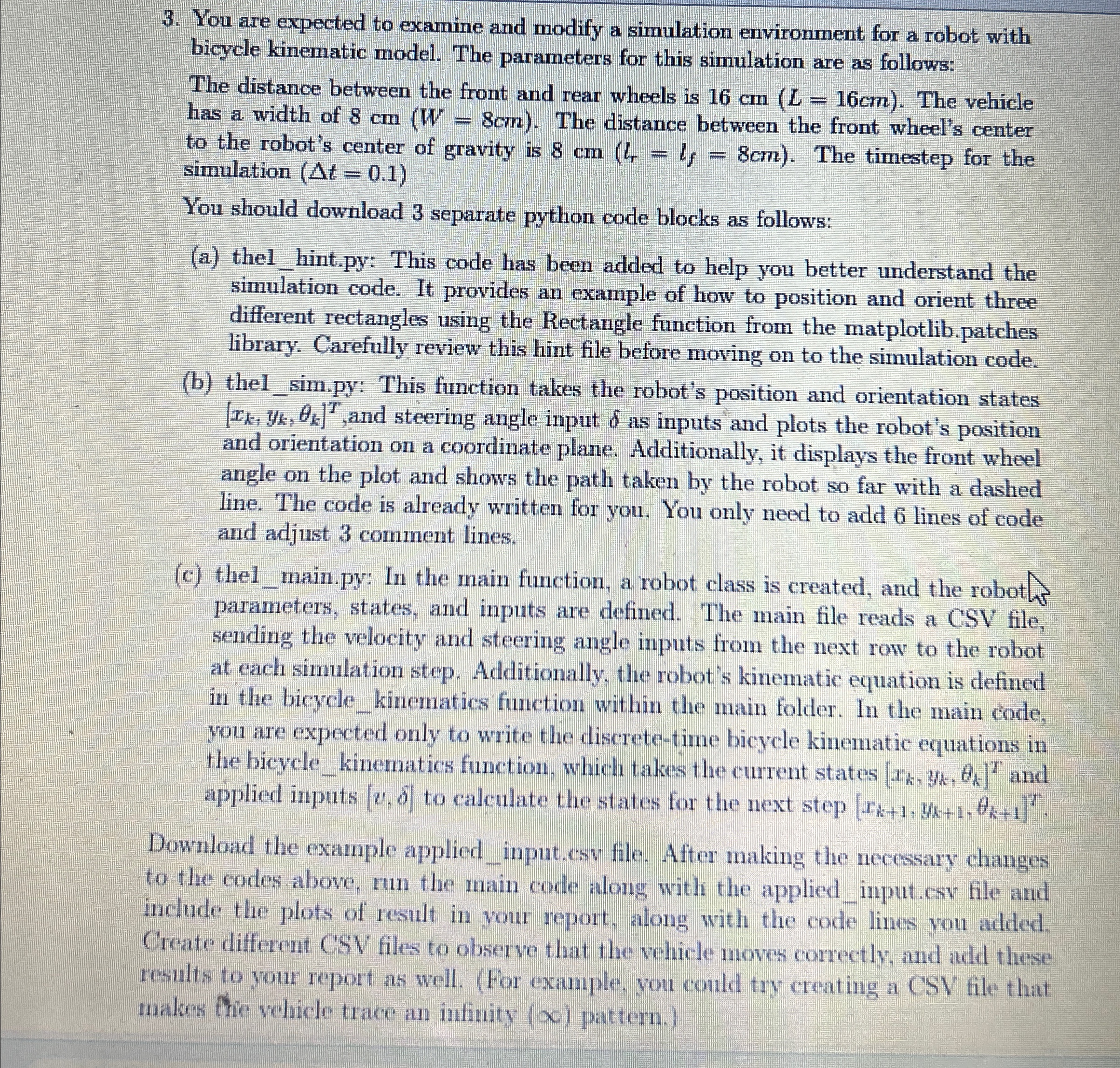
Question: You are expected to examine and modify a simulation environment for a robot with bicycle kinematic model. The parameters for this simulation are as follows:
You are expected to examine and modify a simulation environment for a robot with bicycle kinematic model. The parameters for this simulation are as follows:
The distance between the front and rear wheels is The vehicle has a width of The distance between the front wheel's center to the robot's center of gravity is The timestep for the simulation
You should download separate python code blocks as follows:
a thelhint.py: This code has been added to help you better understand the simulation code. It provides an example of how to position and orient three different rectangles using the Rectangle function from the matplotlib.patches library. Carefully review this hint file before moving on to the simulation code.
b thelsim.py: This function takes the robot's position and orientation states and steering angle input as inputs and plots the robot's position and orientation on a coordinate plane. Additionally, it displays the front wheel angle on the plot and shows the path taken by the robot so far with a dashed line. The code is already written for you. You only need to add lines of code and adjust comment lines.
c thelmain.py: In the main function, a robot class is created, and the robot parameters, states, and inputs are defined. The main file reads a CSV file, sending the velocity and steering angle inputs from the next row to the robot at each simulation step. Additionally, the robot's kinematic equation is defined in the bicyclekinematics function within the main folder. In the main code, you are expected only to write the discretetime bicycle kinematic equations in the bicyclekinematics function, which takes the current states and applied inputs to calculate the states for the next step
Download the example appliedinput.csv file. After making the necessary changes to the codes above, run the main code along with the appliedinput.csv file and include the plots of result in your report, along with the code lines you added. Create different CSV files to observe that the vehicle moves correctly, and add these results to your report as well. For example, you could try creating a CSV file that makes frie vehicle trace an infinity pattern.
Step by Step Solution
There are 3 Steps involved in it
1 Expert Approved Answer
Step: 1 Unlock

Question Has Been Solved by an Expert!
Get step-by-step solutions from verified subject matter experts
Step: 2 Unlock
Step: 3 Unlock
 Study Help