







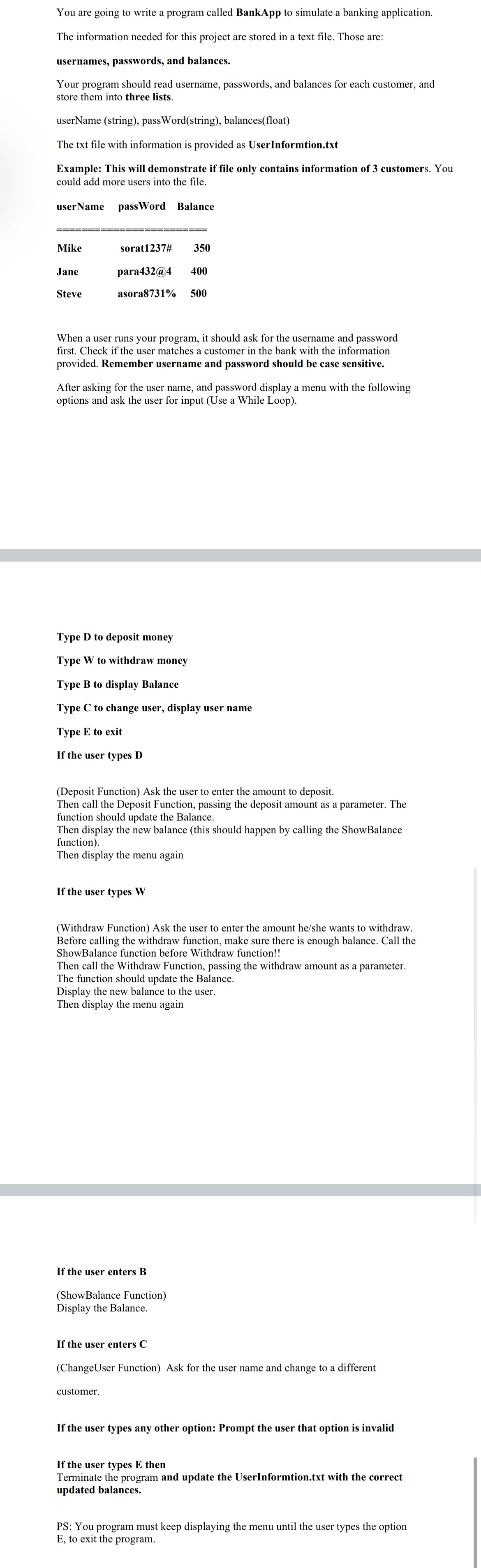
Question: You are going to write a program called BankApp to simulate a banking application. The information needed for this project are stored in a text
You are going to write a program called BankApp to simulate a banking application.
The information needed for this project are stored in a text file. Those are:
usernames, passwords, and balances.
Your program should read username, passwords, and balances for each customer, and store them into three lists.
userName string passWordstring balancesfloat
The txt file with information is provided as UserInformtion.txt
Example: This will demonstrate if file only contains information of customers. You could add more users into the file.
userName passWord Balance
tableMikesorat#Janepara@Steveasora
When a user runs your program, it should ask for the username and password first. Check if the user matches a customer in the bank with the information provided. Remember username and password should be case sensitive
After asking for the user name, and password display a menu with the following options and ask the user for input Use a While Loop
Type to deposit money
Type to withdraw money
Type B to display Balance
Type to change user, display user name
Type E to exit
If the user types
Deposit Function Ask the user to enter the amount to deposit
Then call the Deposit Function, passing the deposit amount as a parameter. The function should update the Balance.
Then display the new balance this should happen by calling the ShowBalance function
Then display the menu again
If the user types
Withdraw Function Ask the user to enter the amount heshe wants to withdraw Before calling the withdraw function, make sure there is enough balance. Call th ShowBalance function before Withdraw function!!
Then call the Withdraw Function, passing the withdraw amount as a parameter The function should update the Balance.
Display the new balance to the user.
Then display the menu again
If the user enters B
ShowBalance Function
Display the Balance.
If the user enters
ChangeUser Function Ask for the user name and change to a different customer
If the user types any other option: Prompt the user that option is invalid
If the user types then Terminate the program and update the UserInformtion.txt with the correct updated balances.
PS: You program must keep displaying the menu until the user types the option E to exit the program.
Step by Step Solution
There are 3 Steps involved in it
1 Expert Approved Answer
Step: 1 Unlock

Question Has Been Solved by an Expert!
Get step-by-step solutions from verified subject matter experts
Step: 2 Unlock
Step: 3 Unlock
 Study Help