



Question: You are working on an extremely long document and want to jump to page 2 3 5 . What is the quickest way to do
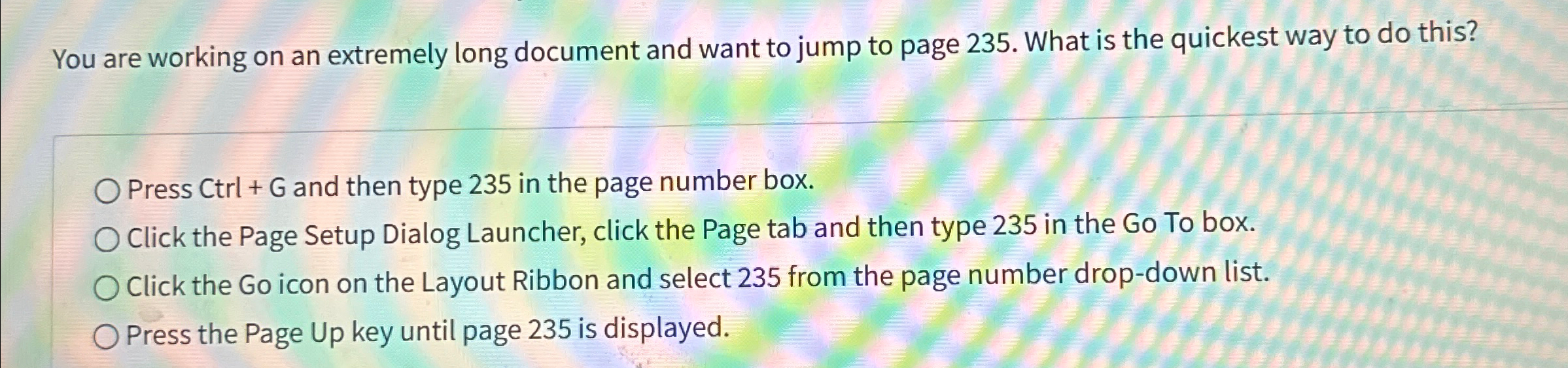
You are working on an extremely long document and want to jump to page What is the quickest way to do this?
Press and then type in the page number box.
Click the Page Setup Dialog Launcher, click the Page tab and then type in the Go To box.
Click the Go icon on the Layout Ribbon and select from the page number dropdown list.
Press the Page Up key until page is displayed.
Step by Step Solution
There are 3 Steps involved in it
1 Expert Approved Answer
Step: 1 Unlock

Question Has Been Solved by an Expert!
Get step-by-step solutions from verified subject matter experts
Step: 2 Unlock
Step: 3 Unlock