







Question: you built a simple one-function calculator using HTML and Javascript. In this lab you'll extend your calculator to add additional functions. We do this a
you built a simple one-function calculator using HTML and Javascript. In this lab you'll extend your calculator to add additional functions. We do this a lot in programmingtake something that already exists and add things to it.
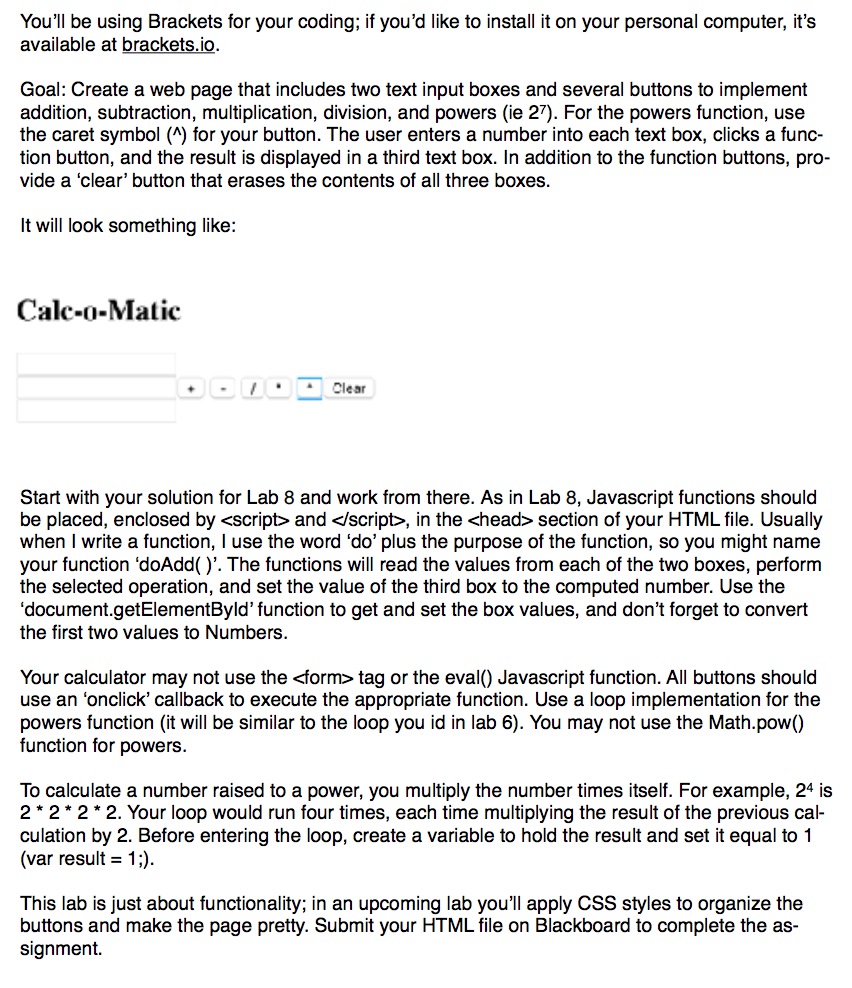
You'll be using Brackets for your coding; if you'd like to install it on your personal computer, it's available at brackets.io Goal: Create a web page that includes two text input boxes and several buttons to implement addition, subtraction, multiplication, division, and powers (ie 27). For the powers function, use the caret symbol (^) for your button. The user enters a number into each text box, clicks a func- tion button, and the result is displayed in a third text box. In addition to the function buttons, pro vide a 'clear' button that erases the contents of all three boxes. lt will look something like: Calc-o-Matic L-Clear Start with your solution for Lab 8 and work from there. As in Lab 8, Javascript functions should be placed, enclosed by , in the section of your HTML file. Usually when I write a function, I use the word do' plus the purpose of the function, so you might name your function 'doAdd. The functions will read the values from each of the two boxes, perform the selected operation, and set the value of the third box to the computed number. Use the 'document.getElementByld' function to get and set the box values, and don't forget to convert the first two values to Numbers. Your calculator may not use the
Step by Step Solution
There are 3 Steps involved in it

Get step-by-step solutions from verified subject matter experts
 Study Help