







Question: You need to complete this assignment inside our cybersecurity environment. 1. Configure the pfSense to block the ping traffic from Internal Kali to External Kali.
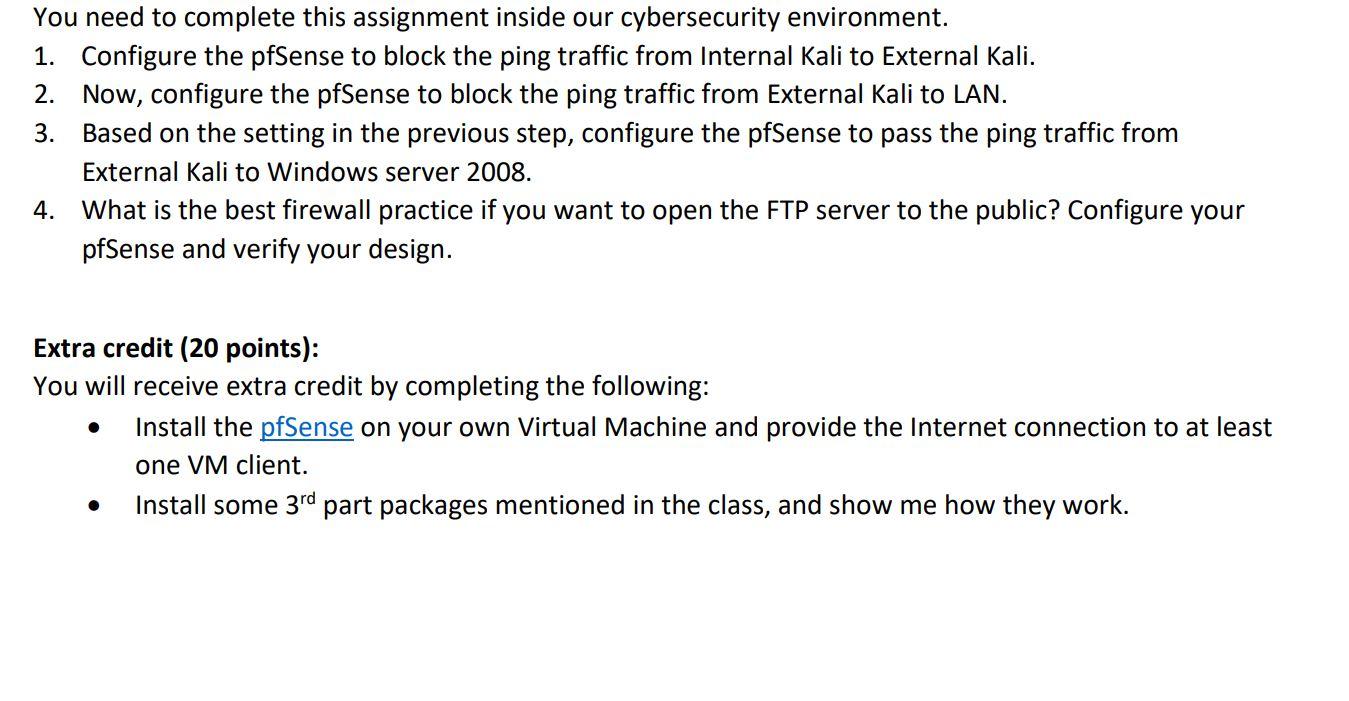
You need to complete this assignment inside our cybersecurity environment. 1. Configure the pfSense to block the ping traffic from Internal Kali to External Kali. 2. Now, configure the pfSense to block the ping traffic from External Kali to LAN. 3. Based on the setting in the previous step, configure the pfSense to pass the ping traffic from External Kali to Windows server 2008. 4. What is the best firewall practice if you want to open the FTP server to the public? Configure your pfSense and verify your design. Extra credit (20 points): You will receive extra credit by completing the following: Install the pfSense on your own Virtual Machine and provide the Internet connection to at least one VM client. Install some 3rd part packages mentioned in the class, and show me how they work. You need to complete this assignment inside our cybersecurity environment. 1. Configure the pfSense to block the ping traffic from Internal Kali to External Kali. 2. Now, configure the pfSense to block the ping traffic from External Kali to LAN. 3. Based on the setting in the previous step, configure the pfSense to pass the ping traffic from External Kali to Windows server 2008. 4. What is the best firewall practice if you want to open the FTP server to the public? Configure your pfSense and verify your design. Extra credit (20 points): You will receive extra credit by completing the following: Install the pfSense on your own Virtual Machine and provide the Internet connection to at least one VM client. Install some 3rd part packages mentioned in the class, and show me how they work
Step by Step Solution
There are 3 Steps involved in it

Get step-by-step solutions from verified subject matter experts
 Study Help