





Question: You should start and save a new Tableau file for each Chapter. Roger Company's files can be downloaded from Connect in Excel format. For Chapter
You should start and save a new Tableau file for
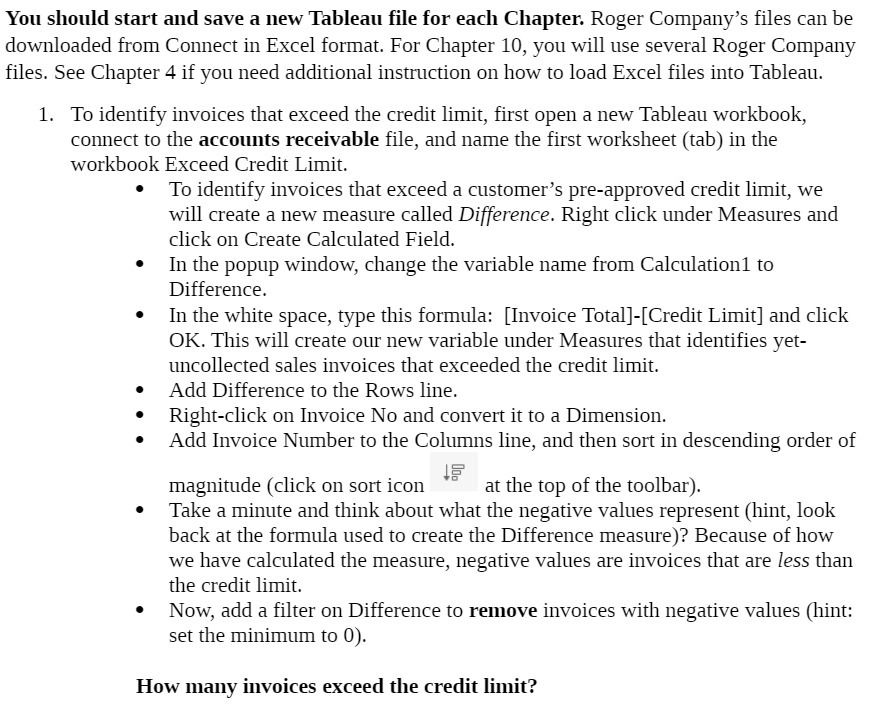
You should start and save a new Tableau file for each Chapter. Roger Company's files can be downloaded from Connect in Excel format. For Chapter 10, you will use several Roger Company files. See Chapter 4 if you need additional instruction on how to load Excel les into Tableau. 1. To identify invoices that exceed the credit limit, first open a new Tableau workbook, connect to the accounts receivable file, and name the first worksheet (tab) in the workbook Exceed Credit Limit. To identify invoices that exceed a customer's pre-approved credit limit, we will create a new measure called Difference. Right click under Measures and click on Create Calculated Field. In the popup window, change the variable name from Calculationl to Difference. In the white space, type this formula: [Invoice Total]-[Credit Limit] and click OK. This will create our new variable under Measures that identifies yet- tuicollected sales invoices that exceeded the credit limit. Add Difference to the Rows line. Right-click on Invoice No and convert it to a Dimension. Add Invoice Number to the Columns line, and then sort in descending order of = = magnitude (click on sort icon \" at the top of the toolbar). Take a minute and think about what the negative values represent (hint, look back at the formula used to create the Difference measure)? Because of how we have calculated the measure, negative values are invoices that are less than the credit limit. Now, add a filter on Difference to remove invoices with negative values (hint: set the minimum to 0). How many invoices exceed the credit limit

Step by Step Solution

There are 3 Steps involved in it

1 Expert Approved Answer
Step: 1 Unlock blur-text-image

Question Has Been Solved by an Expert!

Get step-by-step solutions from verified subject matter experts

Step: 2 Unlock
Step: 3 Unlock

Students Have Also Explored These Related Accounting Questions!