



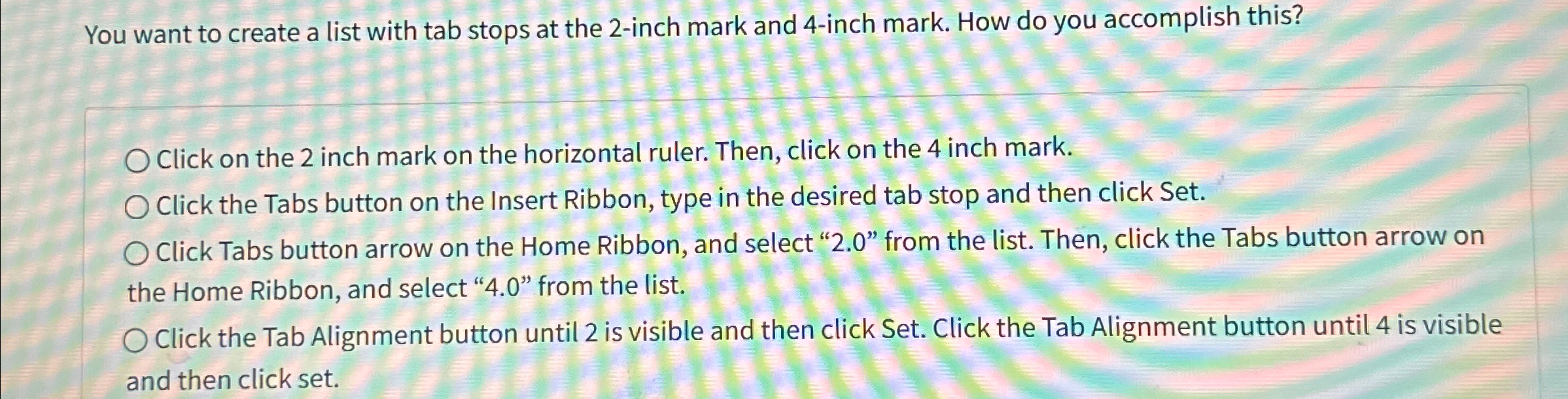
Question: You want to create a list with tab stops at the 2 - inch mark and 4 - inch mark. How do you accomplish this?
You want to create a list with tab stops at the inch mark and inch mark. How do you accomplish this?
Click on the inch mark on the horizontal ruler. Then, click on the inch mark.
Click the Tabs button on the Insert Ribbon, type in the desired tab stop and then click Set.
Click Tabs button arrow on the Home Ribbon, and select from the list. Then, click the Tabs button arrow on the Home Ribbon, and select from the list.
Click the Tab Alignment button until is visible and then click Set. Click the Tab Alignment button until is visible and then click set.
Step by Step Solution
There are 3 Steps involved in it
1 Expert Approved Answer
Step: 1 Unlock

Question Has Been Solved by an Expert!
Get step-by-step solutions from verified subject matter experts
Step: 2 Unlock
Step: 3 Unlock