







Question: You will use a WORD document to answer all the questions, when you draw the Logical and Physical ERDs in draw.io, you will screen capture
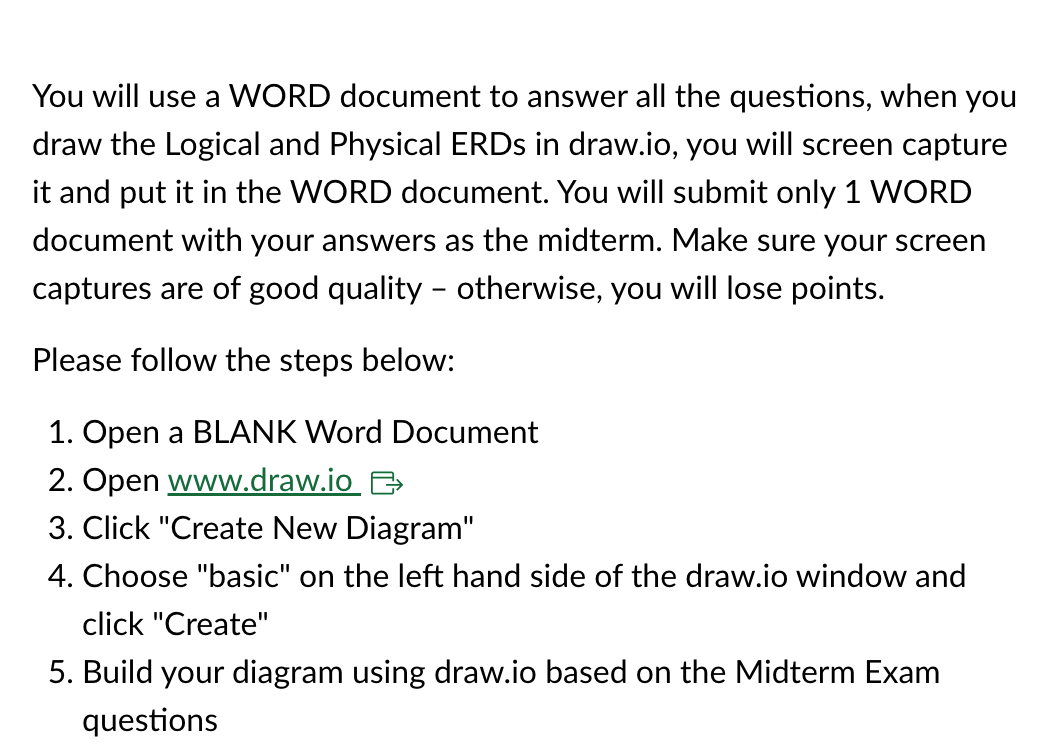
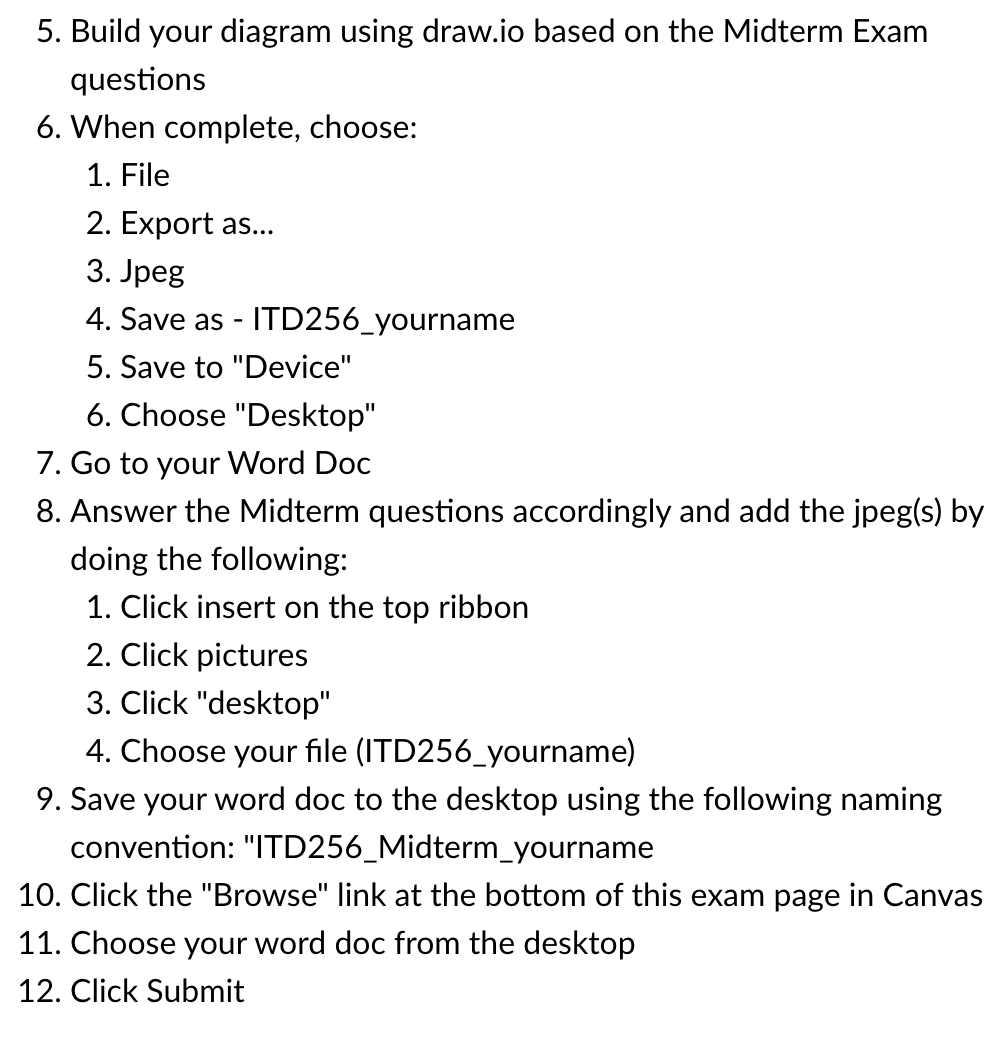
You will use a WORD document to answer all the questions, when you draw the Logical and Physical ERDs in draw.io, you will screen capture it and put it in the WORD document. You will submit only 1 WORD document with your answers as the midterm. Make sure your screen captures are of good quality - otherwise, you will lose points. Please follow the steps below: 1. Open a BLANK Word Document 2. Open www.draw.io E4 3. Click "Create New Diagram" 4. Choose \"basic" on the left hand side of the draw.io window and click "Create" 5. Build your diagram using draw.io based on the Midterm Exam questions 5. Build your diagram using draw.io based on the Midterm Exam questions 6. When complete, choose: 1. File 2. Export as... 3. Jpeg 4. Save as - |TD256_yourname 5. Save to "Device" 6. Choose "Desktop" 7. Go to your Word Doc 8. Answer the Midterm questions accordingly and add the jpeg(s) by doing the following: 1. Click insert on the top ribbon 2. Click pictures 3. Click "desktop" 4. Choose your le (lTD256_yourname) 9. Save your word doc to the desktop using the following naming convention: "ITD256_Midterm_yourname 10. Click the \"Browse" link at the bottom of this exam page in Canvas 11. Choose your word doc from the desktop 12. Click Submit
Step by Step Solution
There are 3 Steps involved in it

Get step-by-step solutions from verified subject matter experts
 Study Help