







Question: You will write a JavaScript P5 sketch that will use rectangles (bricks) to generate a grid (wall) on the canvas. The number of bricks that
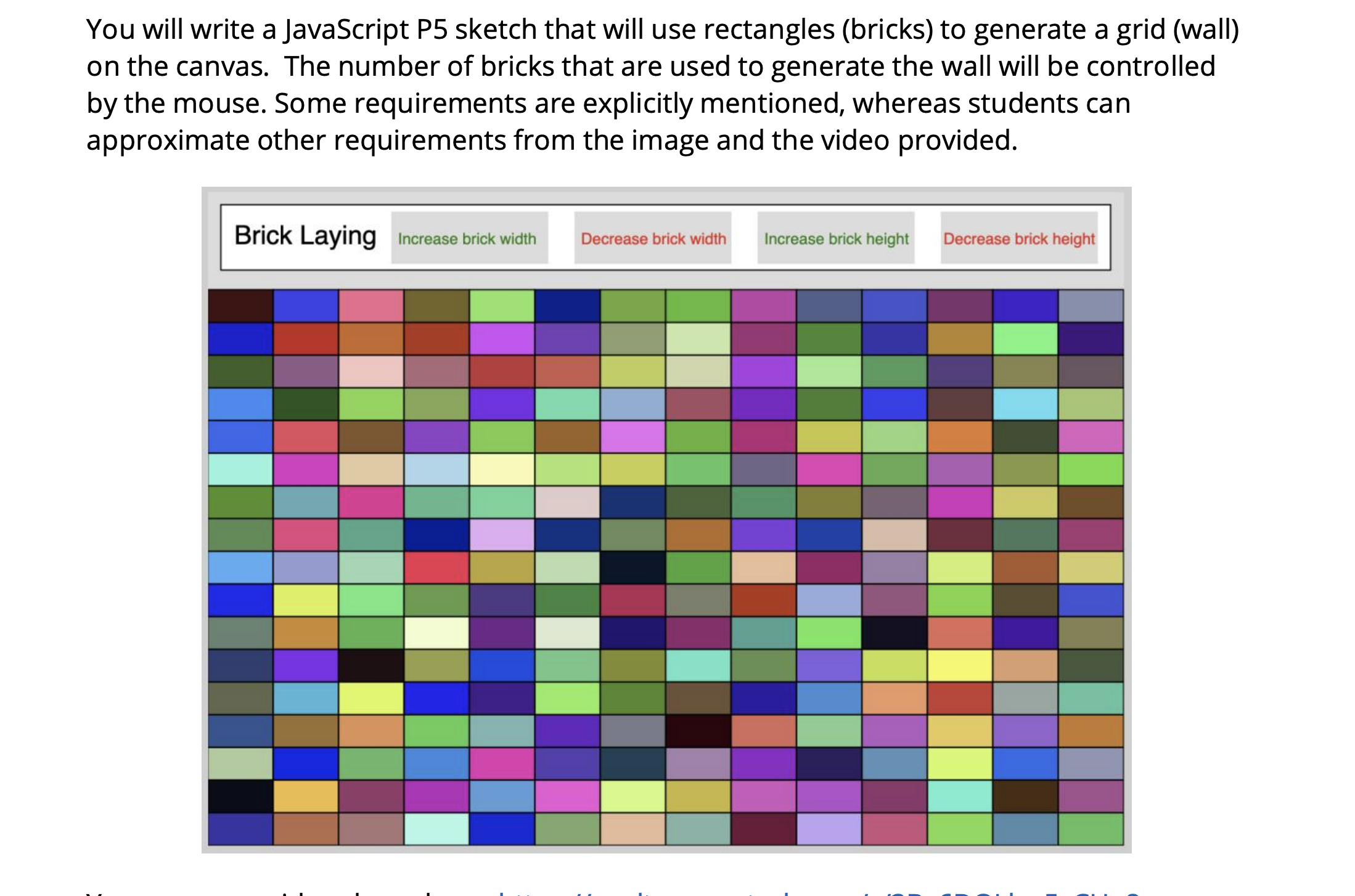
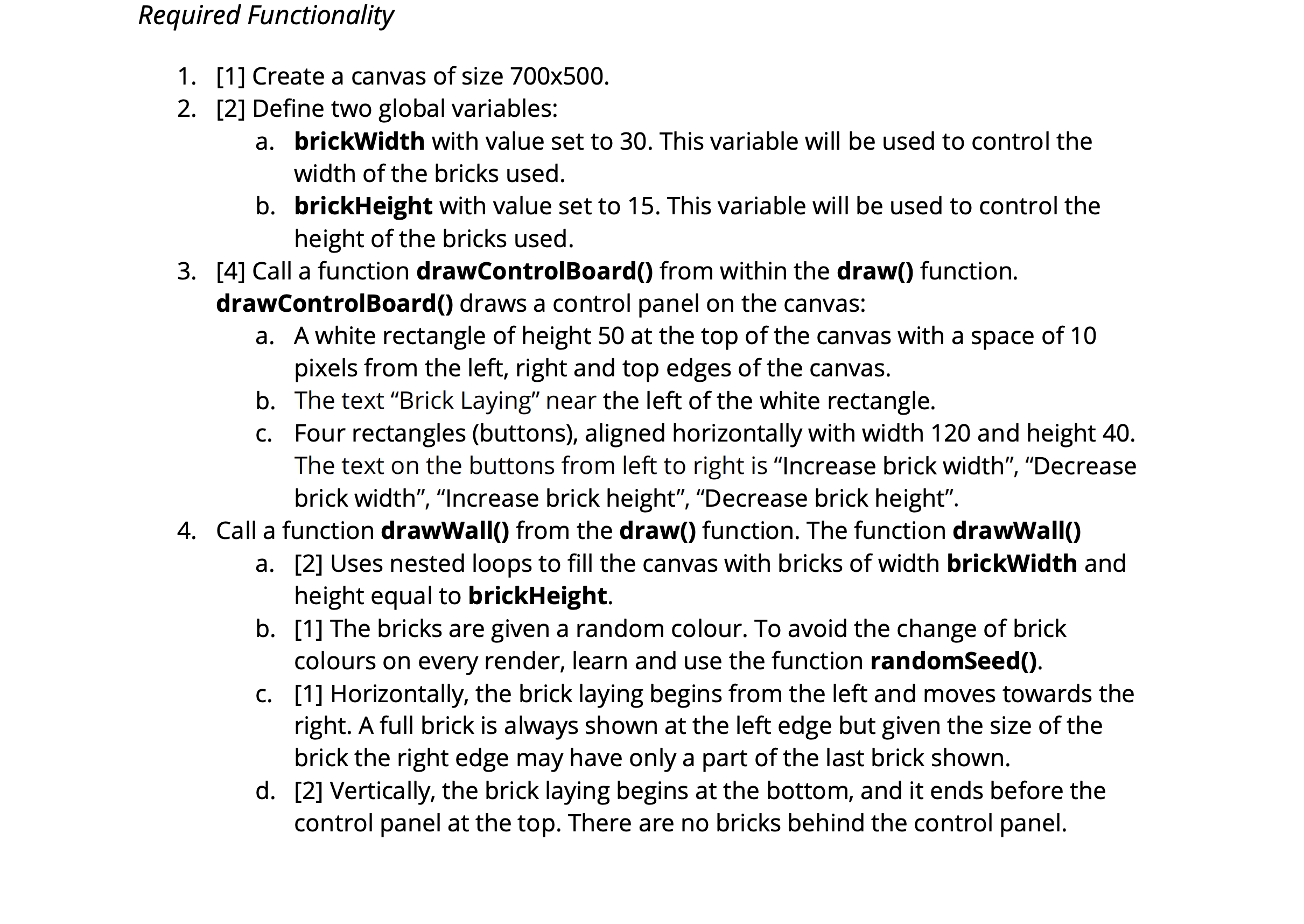
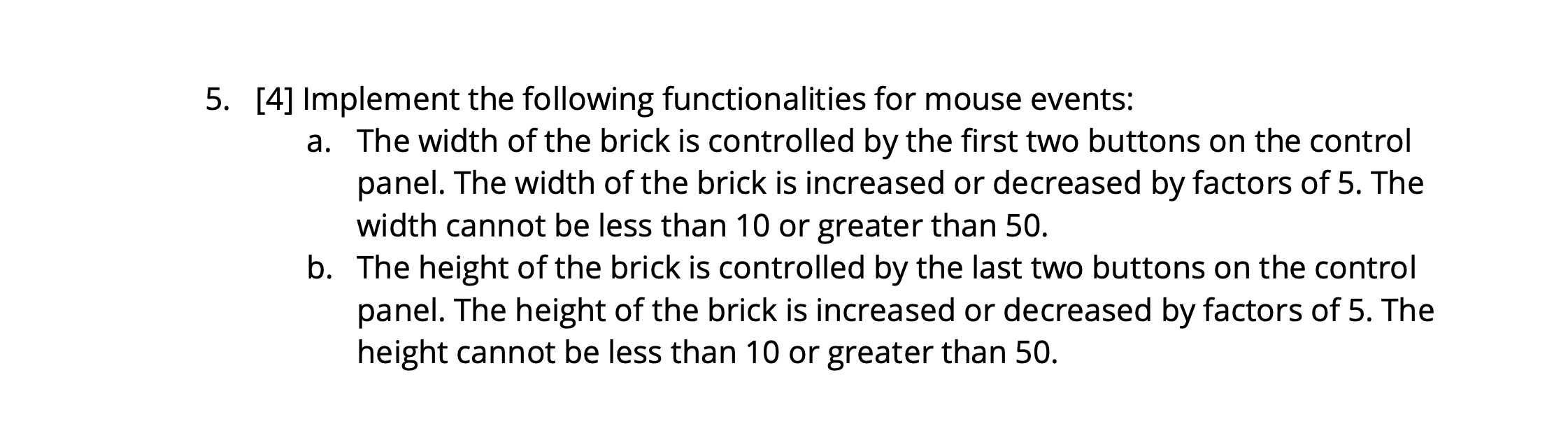
You will write a JavaScript P5 sketch that will use rectangles (bricks) to generate a grid (wall) on the canvas. The number of bricks that are used to generate the wall will be controlled by the mouse. Some requirements are explicitly mentioned, whereas students can approximate other requirements from the image and the video provided. Brick Laying Increase brick width Decrease brick width Increase brick height Decrease brick heightRequired Functionality 1. [1] Create a canvas of size 700x500. 2. [2] Define two global variables: a. brickWidth with value set to 30. This variable will be used to control the width of the bricks used. b. brickHeight with value set to 15. This variable will be used to control the height of the bricks used. 3. [4] Call a function drawControlBoardO from within the draw() function. drawControlBoardO draws a control panel on the canvas: a. A white rectangle of height 50 at the top of the canvas with a space of10 pixels from the left, right and top edges of the canvas. b. The text \"Brick Laying" near the left ofthe white rectangle. c. Four rectangles (buttons), aligned horizontally with width 120 and height 40. The text on the buttons from left to right is \"Increase brick width\5. [4] Implement the following functionalities for mouse events: a. The width of the brick is controlled by the first two buttons on the control panel. The width of the brick is increased or decreased by factors of 5. The width cannot be less than 10 or greater than 50. b. The height of the brick is controlled by the last two buttons on the control panel. The height of the brick is increased or decreased by factors of 5. The height cannot be less than 10 or greater than 50
Step by Step Solution
There are 3 Steps involved in it

Get step-by-step solutions from verified subject matter experts
 Study Help