







Question: Your goal it to implement an application that reads a file, modify its content. and writes the modification back to the same file. The file
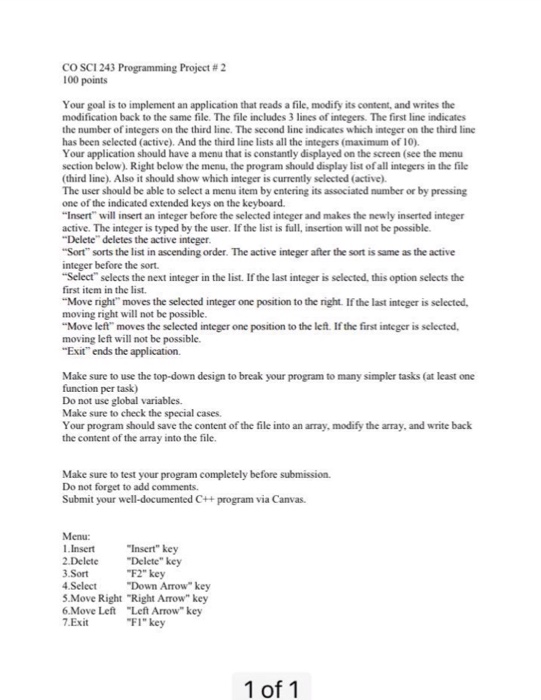
Your goal it to implement an application that reads a file, modify its content. and writes the modification back to the same file. The file includes 3 lines of integers The first line indicates the number of integers on the third line. The second line indicates which integer on the third line has been selected (active) And the thud line lists all the integers Your application should have a menu that is constantly displayed on the screen (see the menu section below) Right below the menu, the program should display list of all integers m the file (third line). Also it should show which integer is currently selected (active). The user should be able to select a menu item by entering its associated number or by pressing one of the indicated extended keys on the keyboard. "Invert" will invert an integer before the selected integer and makes the newly inverted integer active. The integer is typed by the user. If the list is full, insertion will not be possible "Delete deletes the active integer "Sort" sorts the list in ascending order The active integer after the sort is same as the active integer before the sort. "Select selects the next integer in the list. If the last integer is selected, this option selects the first item in the list. "Move right" moves the selected integer one position to the right If the last integer is selected, moving right will not be possible. "Move left" moves the selected integer one position to the left If the first integer is selected, moving left will not be possible. "Exit" ends the application Make sure to use the top-down design to break your program to many simpler tasks (at least one function per task) Do not use global variables. Make sure to check the special cases Your program should save the content of the file into an array, modify the array, and write back the content of the array into the file. Make sure to test your program completely before submission. Do not forget to add comments. Submit your well-documented C++ program via Canvas. Menu: 1. Insert "Insert" key 2. Delete "Delete" key 3. Sort "F2" key 4. Select "Down Arrow" key 5. Move Right " rightarrow " key . Move Left "Left Arrow" key 7. Exit "F1" key
Step by Step Solution
There are 3 Steps involved in it

Get step-by-step solutions from verified subject matter experts
 Study Help