







Question: Your NetBeans project will have five Java files: GeometricObject.Java. Circle.java, Rectangle.java, square.java, and the test program that contains the main method. Be creative in your
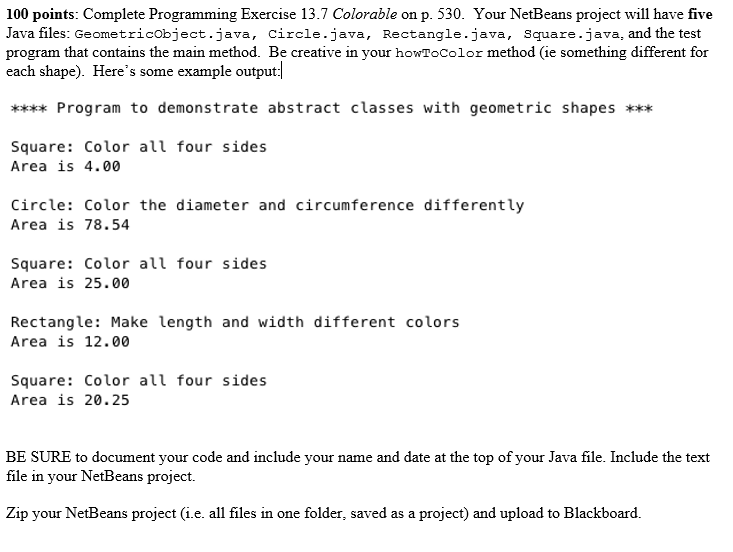
Your NetBeans project will have five Java files: GeometricObject.Java. Circle.java, Rectangle.java, square.java, and the test program that contains the main method. Be creative in your howToColor or method (ie something different for each shape). Here's some example output: **** Program to demonstrate abstract classes with geometric shapes Square *** Square: Color all four sides Area is 4.00 Circle: Color the diameter and circumference differently Area is 78.54 Square Color all four sides Area is 25.000 Rectangle: Make length and width different colors Area is 12.00 Square: Color all four sides Area is 20.25 BE SURE to document your code and include your name and date at the top of your Java file. Include the text file in your NetBeans project. Zip your NetBeans project (i.e. all files in one folder, saved as a project) and upload to Blackboard
Step by Step Solution
There are 3 Steps involved in it

Get step-by-step solutions from verified subject matter experts
 Study Help