







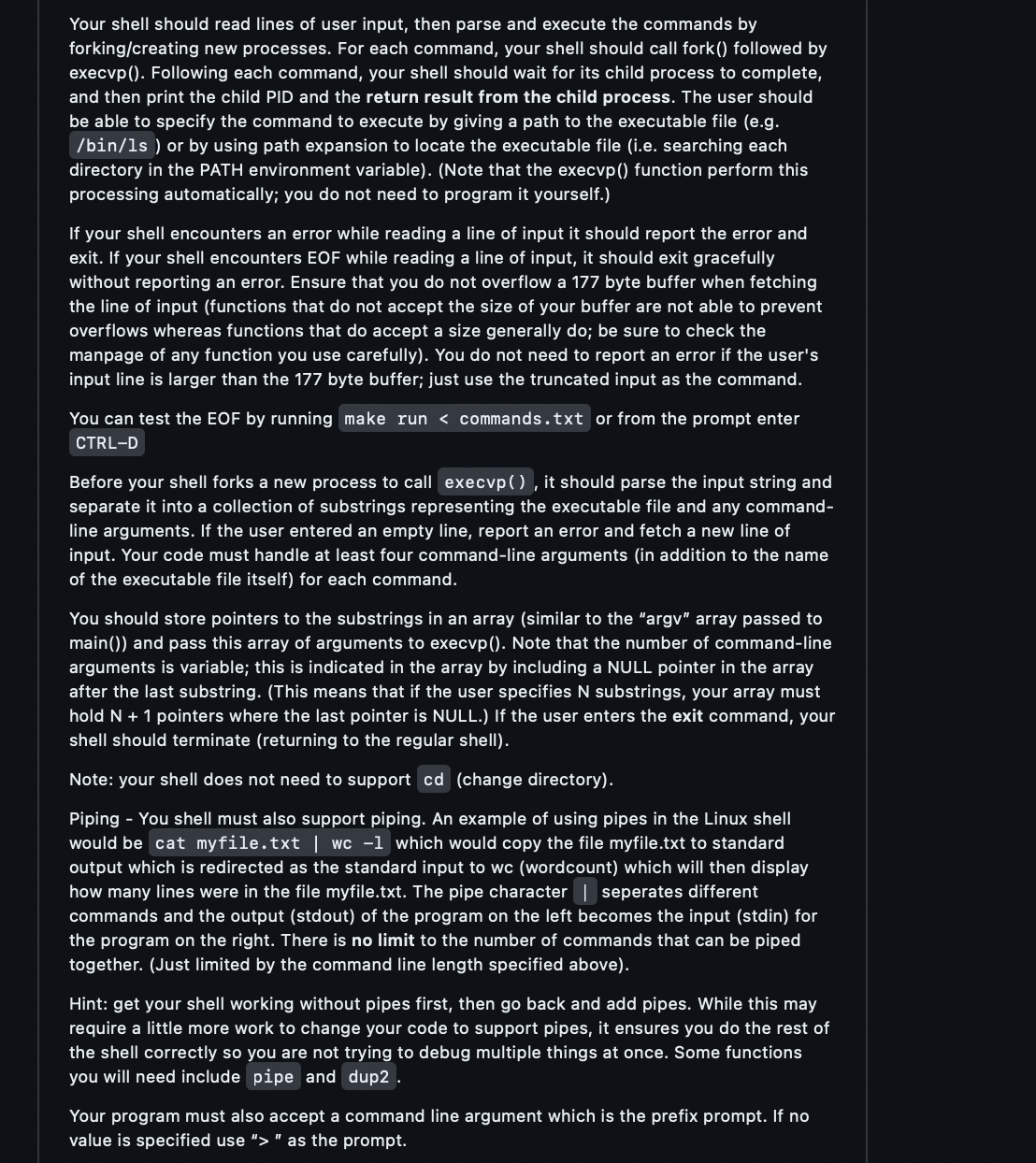
Question: Your shell should read lines of user input, then parse and execute the commands by forking / creating new processes. For each command, your shell
Your shell should read lines of user input, then parse and execute the commands by
forkingcreating new processes. For each command, your shell should call fork followed by
execvp Following each command, your shell should wait for its child process to complete,
and then print the child PID and the return result from the child process. The user should
be able to specify the command to execute by giving a path to the executable file eg
binls or by using path expansion to locate the executable file ie searching each
directory in the PATH environment variableNote that the execvp function perform this
processing automatically; you do not need to program it yourself.
If your shell encounters an error while reading a line of input it should report the error and
exit. If your shell encounters EOF while reading a line of input, it should exit gracefully
without reporting an error. Ensure that you do not overflow a byte buffer when fetching
the line of input functions that do not accept the size of your buffer are not able to prevent
overflows whereas functions that do accept a size generally do; be sure to check the
manpage of any function you use carefully You do not need to report an error if the user's
input line is larger than the byte buffer; just use the truncated input as the command.
You can test the EOF by running make run commands. txt or from the prompt enter
CTRLD
Before your shell forks a new process to call it should parse the input string and
separate it into a collection of substrings representing the executable file and any command
line arguments. If the user entered an empty line, report an error and fetch a new line of
input. Your code must handle at least four commandline arguments in addition to the name
of the executable file itself for each command.
You should store pointers to the substrings in an array similar to the "argv" array passed to
main and pass this array of arguments to execvp Note that the number of commandline
arguments is variable; this is indicated in the array by including a NULL pointer in the array
after the last substring. This means that if the user specifies substrings, your array must
hold pointers where the last pointer is NULL. If the user enters the exit command, your
shell should terminate returning to the regular shell
Note: your shell does not need to support change directory
Piping You shell must also support piping. An example of using pipes in the Linux shell
would be cat myfile.txt wc which would copy the file myfile.txt to standard
output which is redirected as the standard input to wc wordcount which will then display
how many lines were in the file myfile.txt The pipe character I seperates different
commands and the output stdout of the program on the left becomes the input stdin for
the program on the right. There is no limit to the number of commands that can be piped
together. Just limited by the command line length specified above
Hint: get your shell working without pipes first, then go back and add pipes. While this may
require a little more work to change your code to support pipes, it ensures you do the rest of
the shell correctly so you are not trying to debug multiple things at once. Some functions
you will need include pipe and dup
Your program must also accept a command line argument which is the prefix prompt. If no
value is specified use as the prompt.
commands.txt
ls
echo "Hello World"
ls l a
ps
cat Makefile wc l w
ls foo
Step by Step Solution
There are 3 Steps involved in it
1 Expert Approved Answer
Step: 1 Unlock

Question Has Been Solved by an Expert!
Get step-by-step solutions from verified subject matter experts
Step: 2 Unlock
Step: 3 Unlock
 Study Help