







Question: Your turn MacroH is currently empty. Write your own macro following what you have learned. Use the following instructions, which make use of the currently
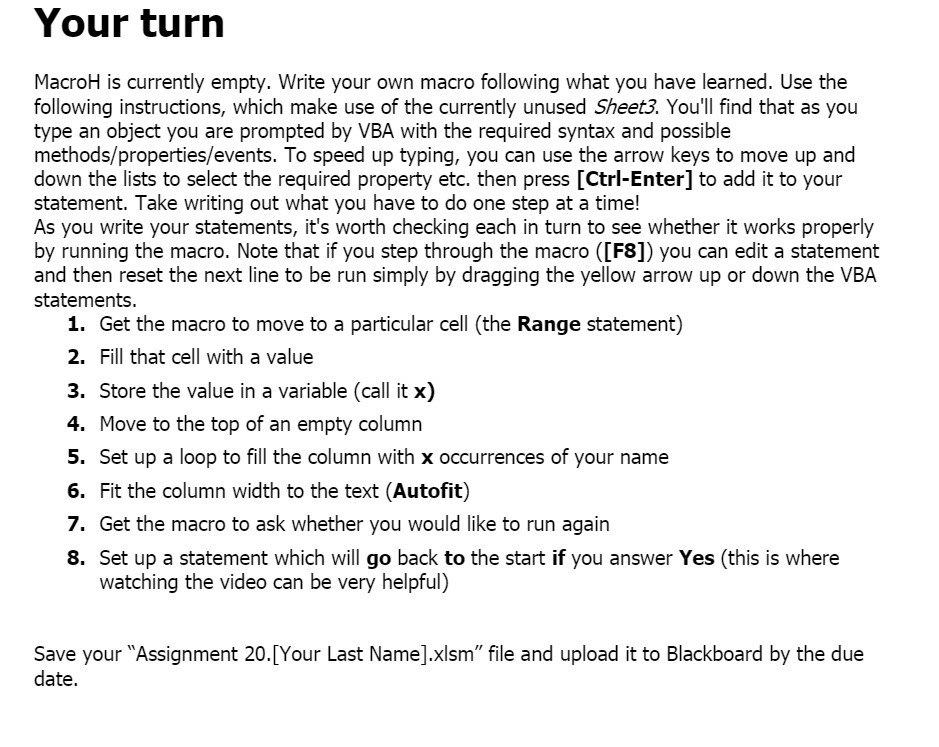
Your turn MacroH is currently empty. Write your own macro following what you have learned. Use the following instructions, which make use of the currently unused Shes-:3. You'll nd that as you type an object you are prompted by VBA with the required syntax and possible methodsfproperties/events. To speed up typing, you can use the arrow keys to move up and down the lists to select the required property etc. then press [Ctrl-Enter] to add it to your statement. Take writing out what you have to do one step at a time! As you write your statements, it's worth checking each in turn to see whether it works properly by running the macro. Note that if you step through the macro ([F8]) you can edit a statement and then reset the next line to be run simply by dragging the yellow arrow up or down the VBA statements. 1. PHF'P'PP'N Get the macro to move to a particular cell (the Range statement) Fill that cell with a value Store the value in a variable (call it x) Move to the top of an empty column Set up a loop to ll the column with x occurrences of your name Fit the column width to the text (Autot) Get the macro to ask whether you would like to run again Set up a statement which will go back to the start if you answer Yes (this is where watching the video can be very helpful) Save your \"Assignment 20.[Your Last Name].xlsm" le and upload it to Blackboard by the due date
Step by Step Solution
There are 3 Steps involved in it

Get step-by-step solutions from verified subject matter experts
 Study Help