







Question: You're able to start from scratch, no files are needed to support this independent challenge 3. Thank you! Independent Challenge 3 Diego Merckx, the manager
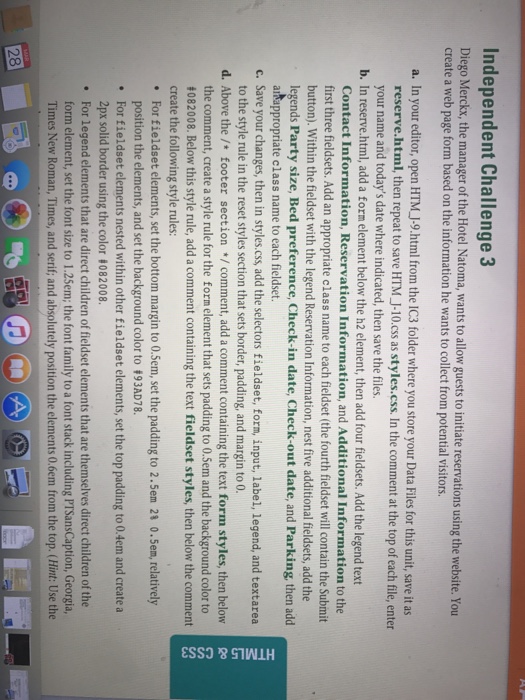
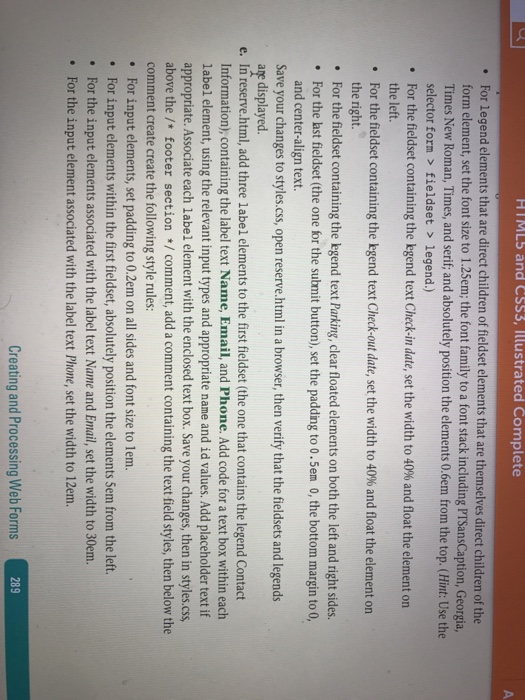
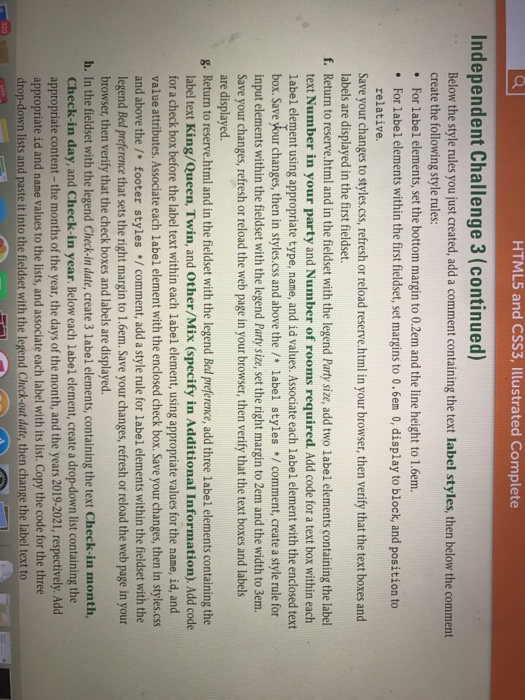
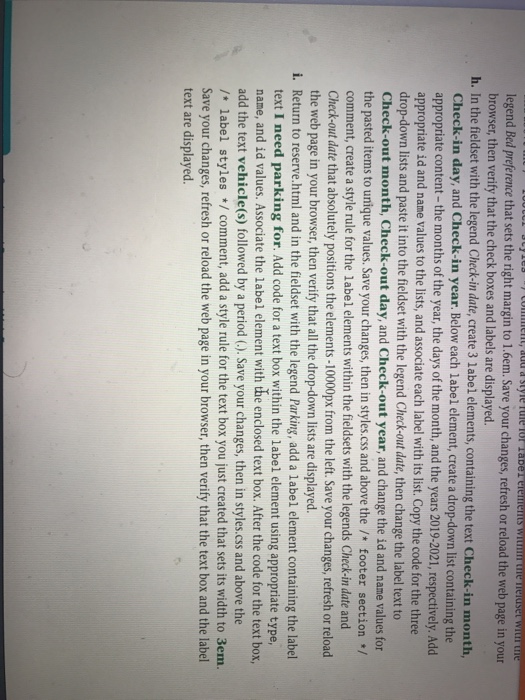
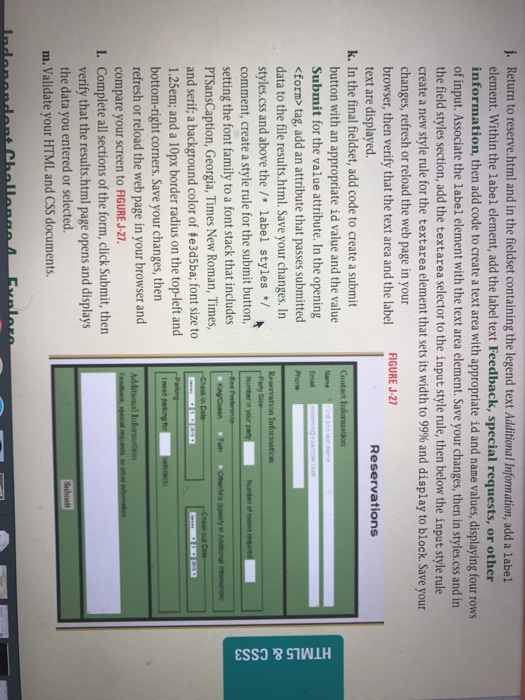
Independent Challenge 3 Diego Merckx, the manager of the Hotel Natoma, wants to allow guests to initiate reservations using the website. You create a web page form based on the information he wants to collect from potential visitors a. In your editor, open HTM J-9.html from the IC3 folder where you store your Data Files for this unit, save it as reserve.html, then repeat to save HTM J-10.css tyles.css. In the comment at the top of each file, enter your name and today's date where indicated, then save the files b. In reserve.html, add a form element below the h2 element, then add four fieldsets. Addthelegend text Contact Information, Reservation Information, and Additional Information to the first three fieldsets. Add an appropriate class name to each fieldset (the fourth fieldset will contain the Submit button). Within the fieldset with the legend Reservation Information, nest five additional fieldsets, add the legends Party size, Bed preference, Check-in date, Check-out date, and Parking, then add artappropriate class name to each fieldset c. Save your changes, then in styles.css add the selectors fieldset, form, input, label, legend, and textarea to the style rule in the reset styles section that sets border, padding, and margin to 0 d. Above the footer section comment, add a comment containing the text form styles, then belo the comment, create a style rule for the form element that sets padding to 0.5em and the background color to i082008. Below this style rule, add a comment containing the text fieldset styles, then below the comment create the following style rules: For fieldset elements, set the bottom margin to 0.5em, set the padding to 2.5em 21 0.5em, relativel position the elements, and set the background color to 193AD78 For fieldset elements nested within other fieldset elements, set the top padding to 0.4 2px solid border using the color 1082008 For legend elements that are direct children of fieldset elements that are themselves direct children of the rm element, set the font size to 1.25em; the font family to a font stack including PTSansCaption, Georgia Roman, Times, and serif; and absolutely position the elements 0.6em from the top. (Hint: Use the
Step by Step Solution
There are 3 Steps involved in it

Get step-by-step solutions from verified subject matter experts
 Study Help