







Question: Enhance Exercise Graphics P22.8 so that it shows two frames, one for a merge sorter and one for a selection sorter. They should both
Enhance Exercise ••• Graphics P22.8 so that it shows two frames, one for a merge sorter and one for a selection sorter. They should both sort arrays with the same values.
Data from exercise graphics P22.8 Implement an animation of the merge sort algorithm of Chapter 14. Reimplement the algorithm so that the recursive calls sort the elements inside a subrange of the original array, rather than in their own arrays:
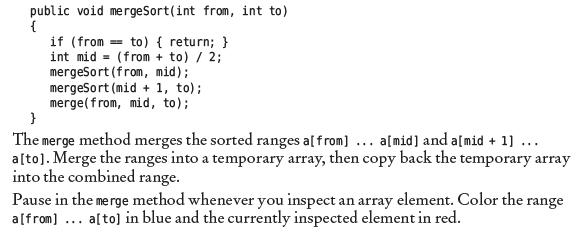
public void mergeSort(int from, int to) { if (from to) { return; } int mid (from + to) / 2; mergeSort (from, mid); mergesort (mid + 1, to); merge (from, mid, to); } The merge method merges the sorted ranges a[ from] ... a[mid] and a[mid + 1] ... a[to]. Merge the ranges into a temporary array, then copy back the temporary array into the combined range. Pause in the merge method whenever you inspect an array element. Color the range a [from] ... a[to] in blue and the currently inspected element in red.
Step by Step Solution
3.55 Rating (148 Votes )
There are 3 Steps involved in it
To enhance the exercise and implement the animation for both merge sort and selection sort algorithms you will need to create two separate frames each responsible for displaying the sorting process of ... View full answer

Get step-by-step solutions from verified subject matter experts
 Study Help