







Question: The following code attempts to draw a black-filled outer rectangle with a white-filled inner circle inside it: DrawingPanel panel = new DrawingPanel(200, 100); Graphics g
The following code attempts to draw a black-filled outer rectangle with a white-filled inner circle inside it:
DrawingPanel panel = new DrawingPanel(200, 100);
Graphics g = panel.getGraphics();
g.setColor(Color.WHITE);
g.fillOval(10, 10, 50, 50);
g.setColor(Color.BLACK);
g.fillRect(10, 10, 50, 50);
However, the graphical output looks like Figure 3G.19 instead. What must be changed for it to look as intended?
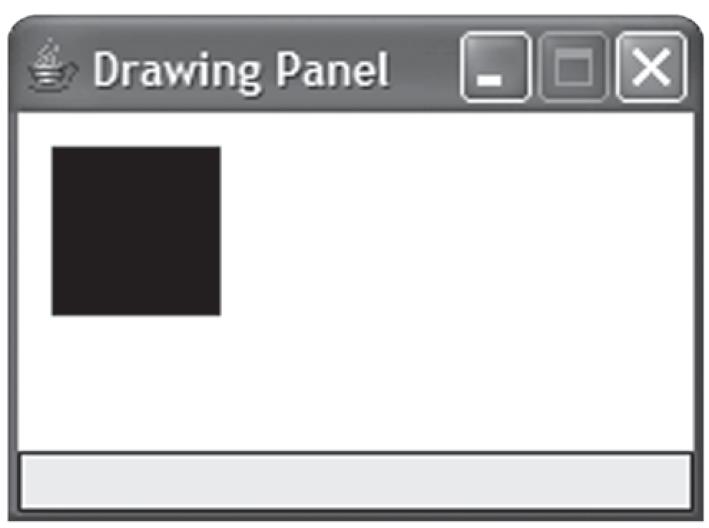
* Drawing Panel
Step by Step Solution
★★★★★
3.49 Rating (162 Votes )
There are 3 Steps involved in it
1 Expert Approved Answer
Step: 1 Unlock

The black rectangle is being drawn second so its coveri... View full answer
Question Has Been Solved by an Expert!
Get step-by-step solutions from verified subject matter experts
Step: 2 Unlock
Step: 3 Unlock
 Study Help