







Question: Add animation to Program 8.1, such that either the objects or the light (or both) move around on their ownsuch as one revolving around the
Add animation to Program 8.1, such that either the objects or the light (or both) move around on their own—such as one revolving around the other. The shadow effects will be more pronounced if you add a ground plane to the scene, such as the one illustrated in Figure 8.14.
Program 8.1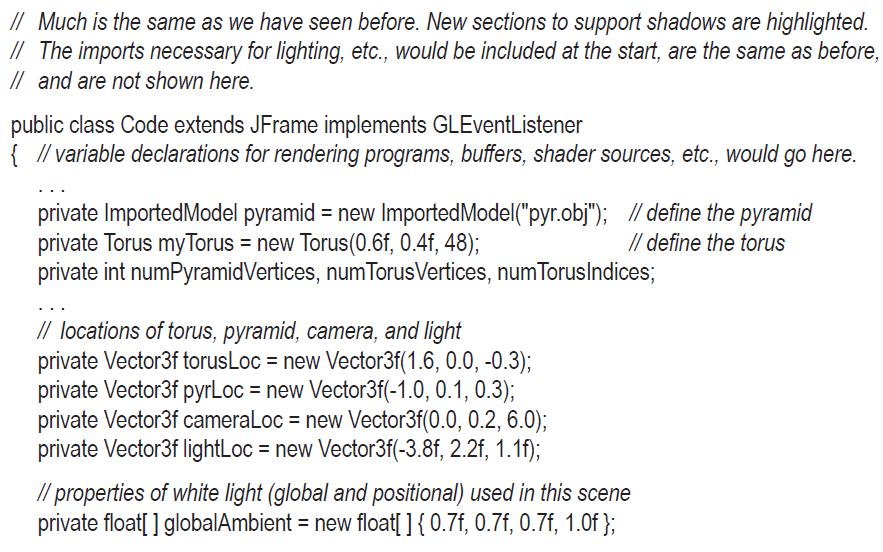
![private float[] lightAmbient = new float[] {0.Of, 0.0f, 0.0f, 1.0f}; private float[] lightDiffuse = new](https://dsd5zvtm8ll6.cloudfront.net/images/question_images/1701/6/7/4/089656d7c69bf7501701674089126.jpg)
![// shadow-related variables private int screen SizeX, screenSizeY; private int [] shadow Tex = new int [1];](https://dsd5zvtm8ll6.cloudfront.net/images/question_images/1701/6/7/4/109656d7c7db381c1701674109057.jpg)

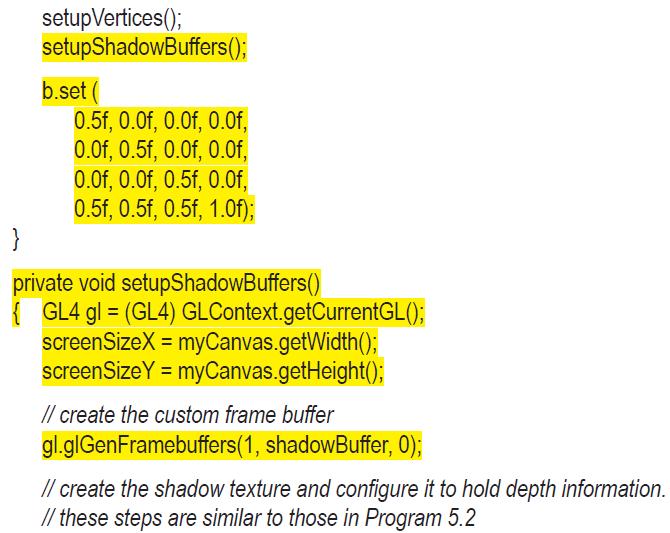
![gl.glBind Texture(GL_TEXTURE_2D, shadow Tex[0]); gl.glTexlmage2D(GL_TEXTURE_2D, 0, GL_DEPTH_COMPONENT32,](https://dsd5zvtm8ll6.cloudfront.net/images/question_images/1701/6/7/4/163656d7cb34535e1701674162572.jpg)

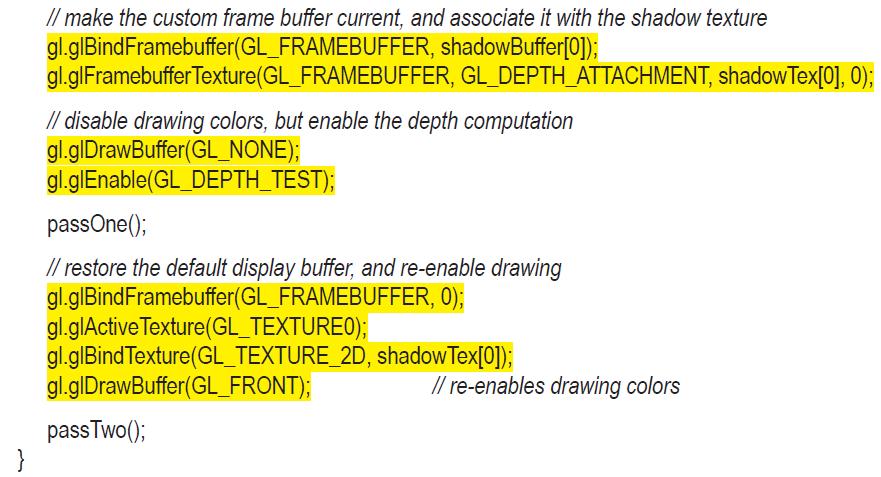
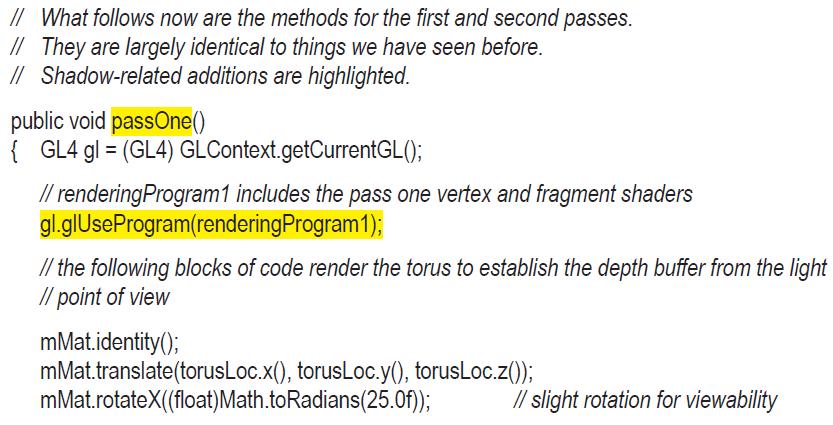
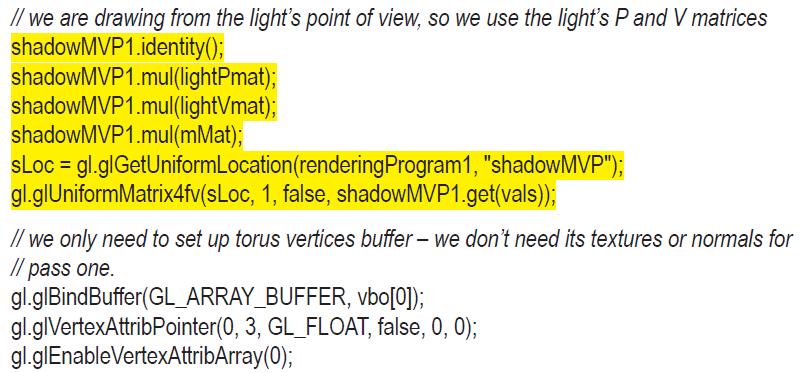
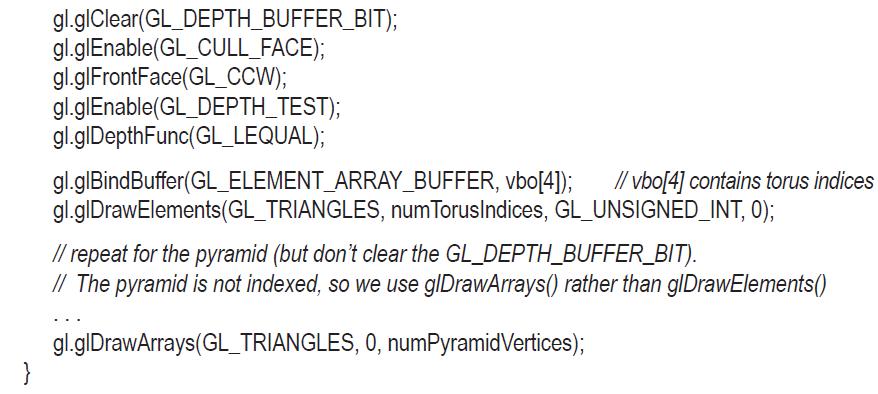
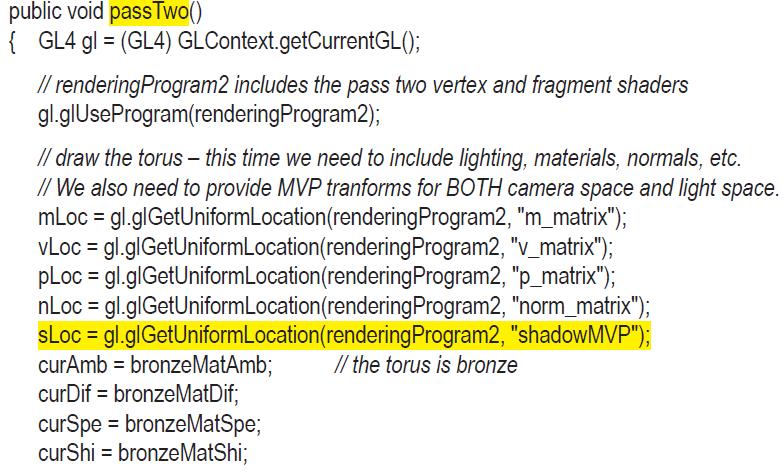
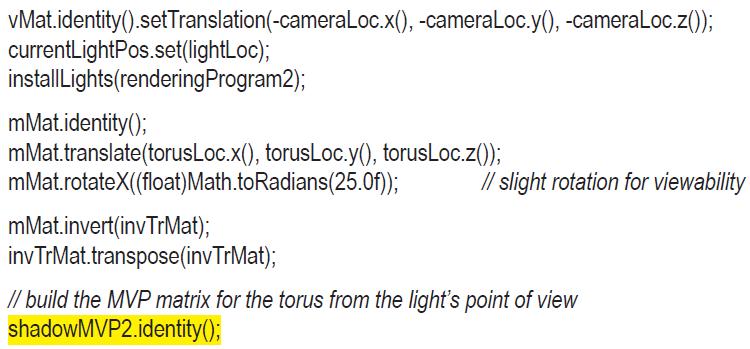
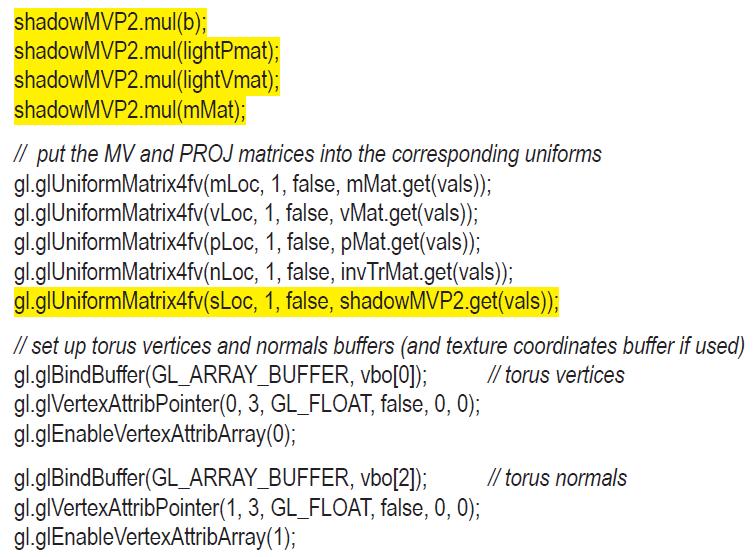
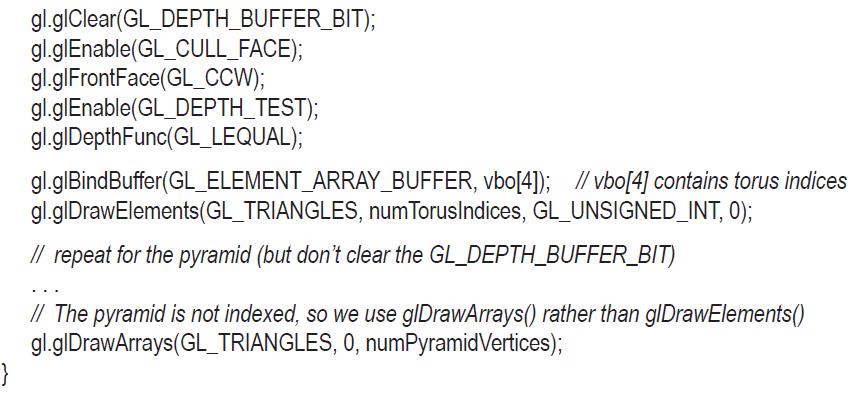
Figure 8.14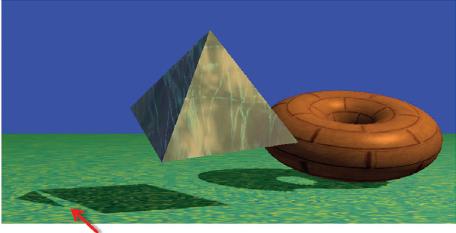
// Much is the same as we have seen before. New sections to support shadows are highlighted. // The imports necessary for lighting, etc., would be included at the start, are the same as before, // and are not shown here. public class Code extends JFrame implements GLEventListener { // variable declarations for rendering programs, buffers, shader sources, etc., would go here. private ImportedModel pyramid = new ImportedModel("pyr.obj"); // define the pyramid private Torus myTorus= new Torus (0.6f, 0.4f, 48); // define the torus private int numPyramidVertices, num Torus Vertices, num TorusIndices; // locations of torus, pyramid, camera, and light private Vector3f torusLoc = new Vector3f(1.6, 0.0, -0.3); private Vector3f pyrLoc = new Vector3f(-1.0, 0.1, 0.3); private Vector3f cameraLoc = new Vector3f(0.0, 0.2, 6.0); private Vector3f lightLoc= new Vector3f(-3.8f, 2.2f, 1.1f); // properties of white light (global and positional) used in this scene private float[] globalAmbient = new float[] { 0.7f, 0.7f, 0.7f, 1.0f};
Step by Step Solution
3.62 Rating (152 Votes )
There are 3 Steps involved in it
java Override public void display GLAutoDrawable drawable final GL4 g1 GL4 GLCon... View full answer

Get step-by-step solutions from verified subject matter experts
 Study Help