







Question: 0. To get started, open a new file in IDLE and name it finalproject.py. In this file, declare a class named TextModel. Add appropriate comments
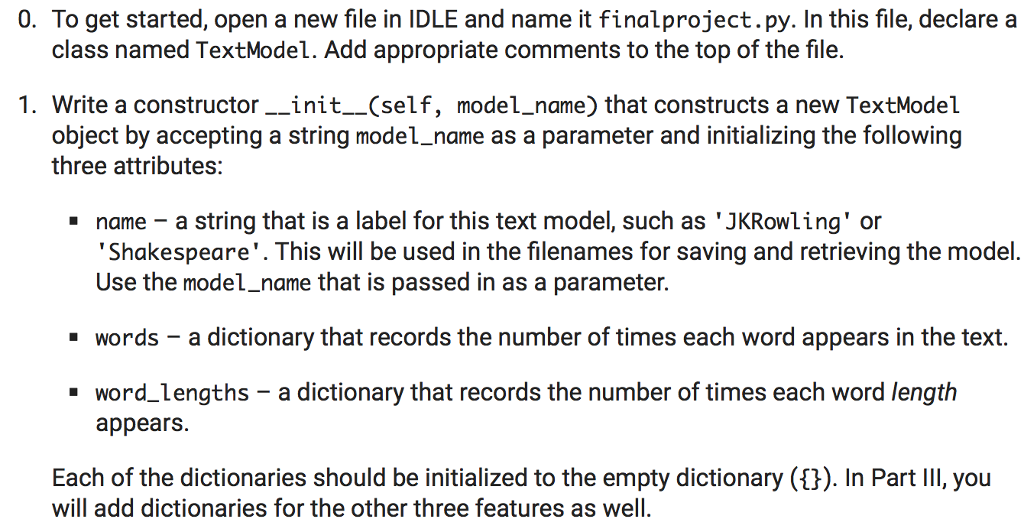
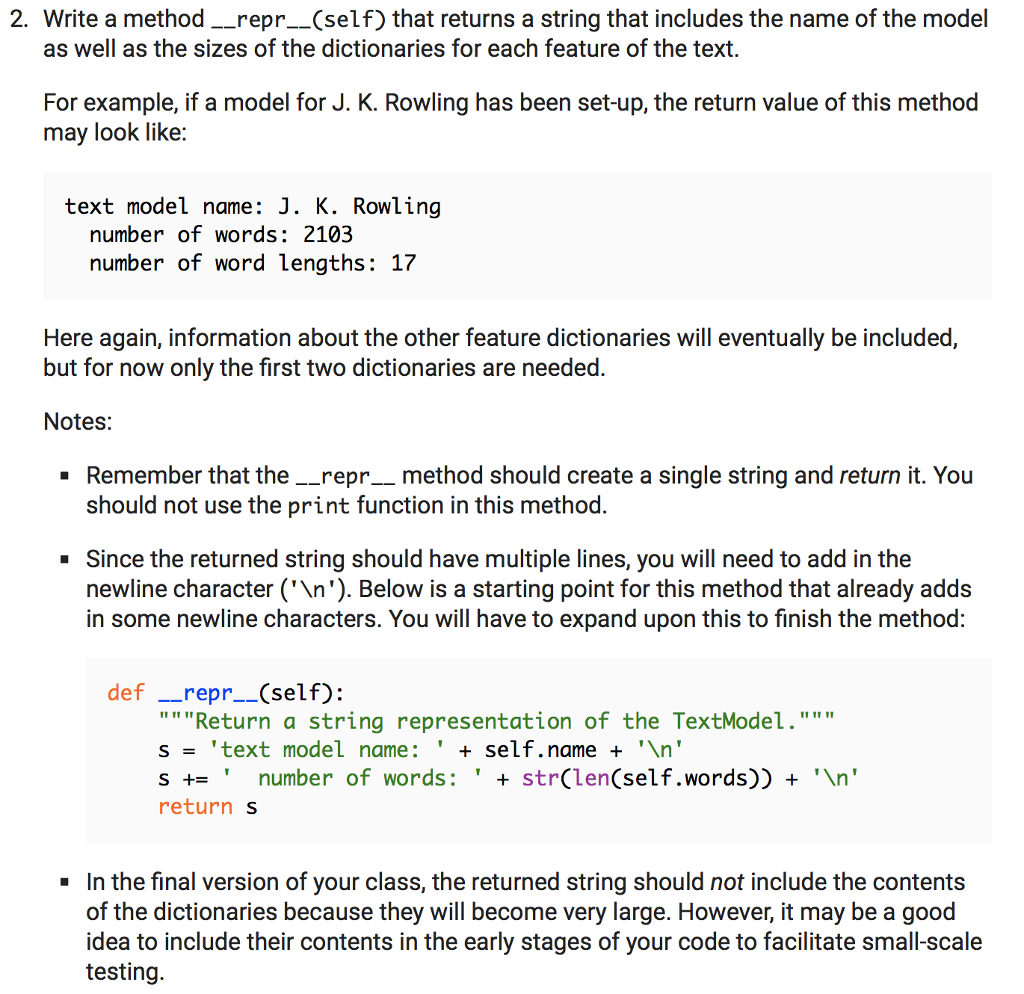
0. To get started, open a new file in IDLE and name it finalproject.py. In this file, declare a class named TextModel. Add appropriate comments to the top of the file. 1. Write a constructor__init__(self, model.name) that constructs a new TextModel object by accepting a string model_name as a parameter and initializing the following three attributes: - name - a string that is a label for this text model, such as 'JKRowling' or Shakespeare'. This will be used in the filenames for saving and retrieving the model. Use the model_name that is passed in as a parameter. - words - a dictionary that records the number of times each word appears in the text word_lengths - a dictionary that records the number of times each word length appears. Each of the dictionaries should be initialized to the empty dictionary (t) In Part II, you will add dictionaries for the other three features as well
Step by Step Solution
There are 3 Steps involved in it

Get step-by-step solutions from verified subject matter experts
 Study Help