







Question: 01 Setup Development Environment, SQL Database, and Hello World Page Module 06 - Displaying Charts Using Database Data 02 Basic Web Form and Displaying Results
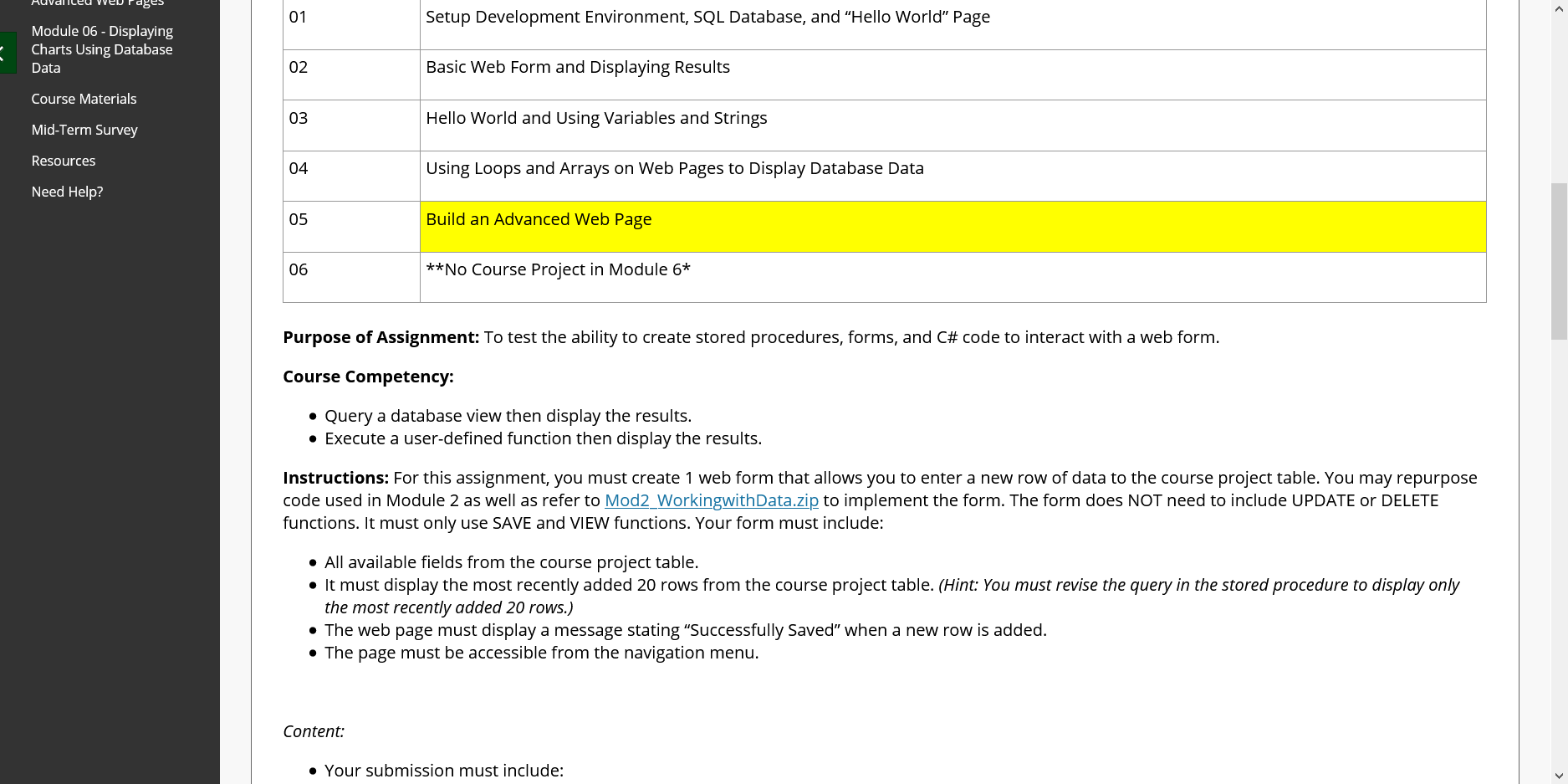
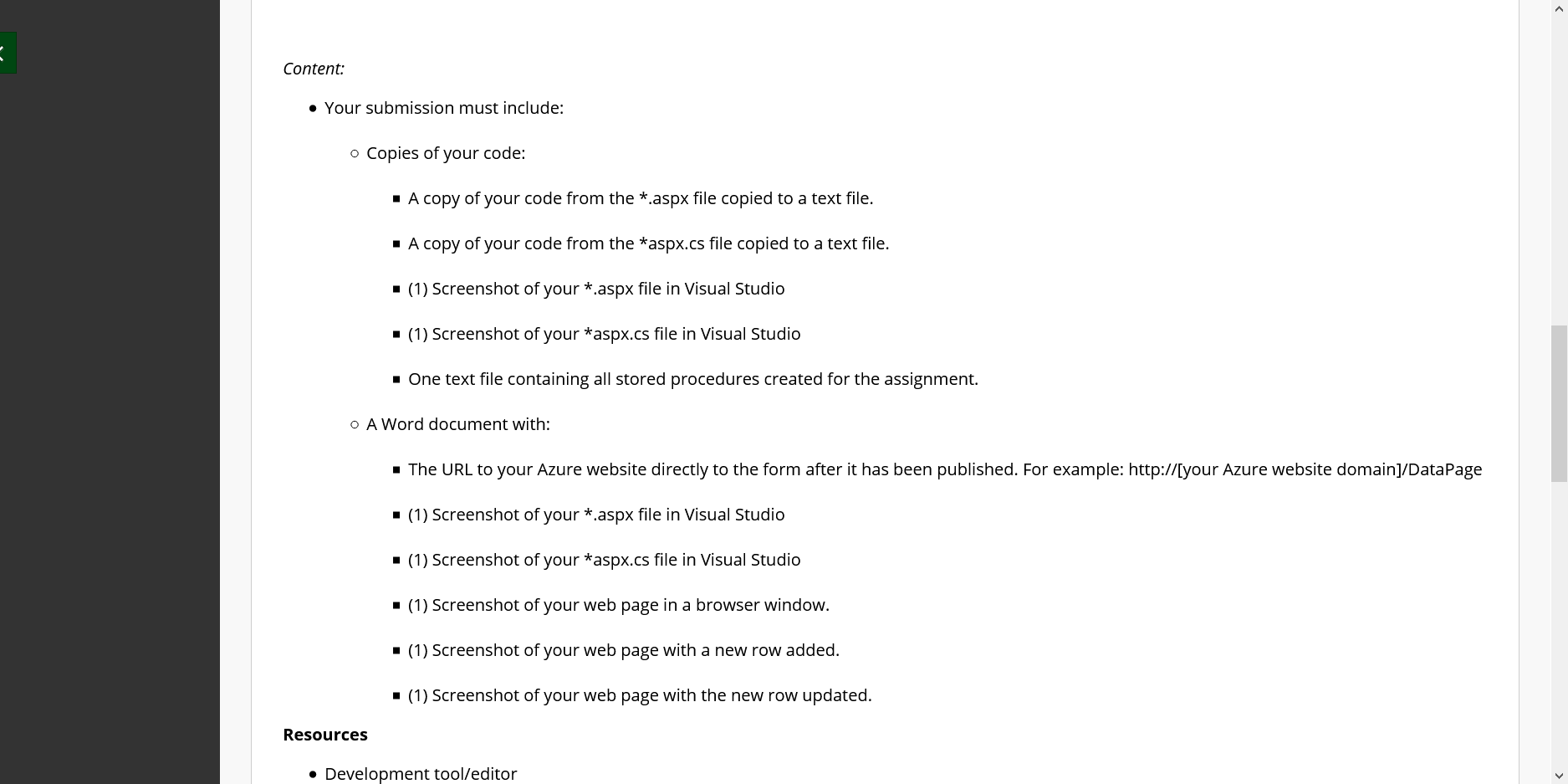
01 Setup Development Environment, SQL Database, and "Hello World" Page Module 06 - Displaying Charts Using Database Data 02 Basic Web Form and Displaying Results Course Materials 03 Hello World and Using Variables and Strings Mid-Term Survey Resources 04 Using Loops and Arrays on Web Pages to Display Database Data Need Help? 05 Build an Advanced Web Page 06 **No Course Project in Module 6* Purpose of Assignment: To test the ability to create stored procedures, forms, and C# code to interact with a web form. Course Competency: Query a database view then display the results. Execute a user-defined function then display the results. Instructions: For this assignment, you must create 1 web form that allows you to enter a new row of data to the course project table. You may repurpose code used in Module 2 as well as refer to Mod2 WorkingwithData.zip to implement the form. The form does NOT need to include UPDATE or DELETE functions. It must only use SAVE and VIEW functions. Your form must include: All available fields from the course project table. It must display the most recently added 20 rows from the course project table. (Hint: You must revise the query in the stored procedure to display only the most recently added 20 rows.) The web page must display a message stating "Successfully Saved" when a new row is added. The page must be accessible from the navigation menu. Content: Your submission must include: Content: Your submission must include: o Copies of your code: - A copy of your code from the *.aspx file copied to a text file. - A copy of your code from the *aspx.cs file copied to a text file. . (1) Screenshot of your *.aspx file in Visual Studio - (1) Screenshot of your *aspx.cs file in Visual Studio . One text file containing all stored procedures created for the assignment. O A Word document with: The URL to your Azure website directly to the form after it has been published. For example: http://[your Azure website domain]/DataPage - (1) Screenshot of your *.aspx file in Visual Studio . (1) Screenshot of your *aspx.cs file in Visual Studio . (1) Screenshot of your web page in a browser window. (1) Screenshot of your web page with a new row added. . (1) Screenshot of your web page with the new row updated. Resources Development tool/editor 01 Setup Development Environment, SQL Database, and "Hello World" Page Module 06 - Displaying Charts Using Database Data 02 Basic Web Form and Displaying Results Course Materials 03 Hello World and Using Variables and Strings Mid-Term Survey Resources 04 Using Loops and Arrays on Web Pages to Display Database Data Need Help? 05 Build an Advanced Web Page 06 **No Course Project in Module 6* Purpose of Assignment: To test the ability to create stored procedures, forms, and C# code to interact with a web form. Course Competency: Query a database view then display the results. Execute a user-defined function then display the results. Instructions: For this assignment, you must create 1 web form that allows you to enter a new row of data to the course project table. You may repurpose code used in Module 2 as well as refer to Mod2 WorkingwithData.zip to implement the form. The form does NOT need to include UPDATE or DELETE functions. It must only use SAVE and VIEW functions. Your form must include: All available fields from the course project table. It must display the most recently added 20 rows from the course project table. (Hint: You must revise the query in the stored procedure to display only the most recently added 20 rows.) The web page must display a message stating "Successfully Saved" when a new row is added. The page must be accessible from the navigation menu. Content: Your submission must include: Content: Your submission must include: o Copies of your code: - A copy of your code from the *.aspx file copied to a text file. - A copy of your code from the *aspx.cs file copied to a text file. . (1) Screenshot of your *.aspx file in Visual Studio - (1) Screenshot of your *aspx.cs file in Visual Studio . One text file containing all stored procedures created for the assignment. O A Word document with: The URL to your Azure website directly to the form after it has been published. For example: http://[your Azure website domain]/DataPage - (1) Screenshot of your *.aspx file in Visual Studio . (1) Screenshot of your *aspx.cs file in Visual Studio . (1) Screenshot of your web page in a browser window. (1) Screenshot of your web page with a new row added. . (1) Screenshot of your web page with the new row updated. Resources Development tool/editor
Step by Step Solution
There are 3 Steps involved in it

Get step-by-step solutions from verified subject matter experts
 Study Help