







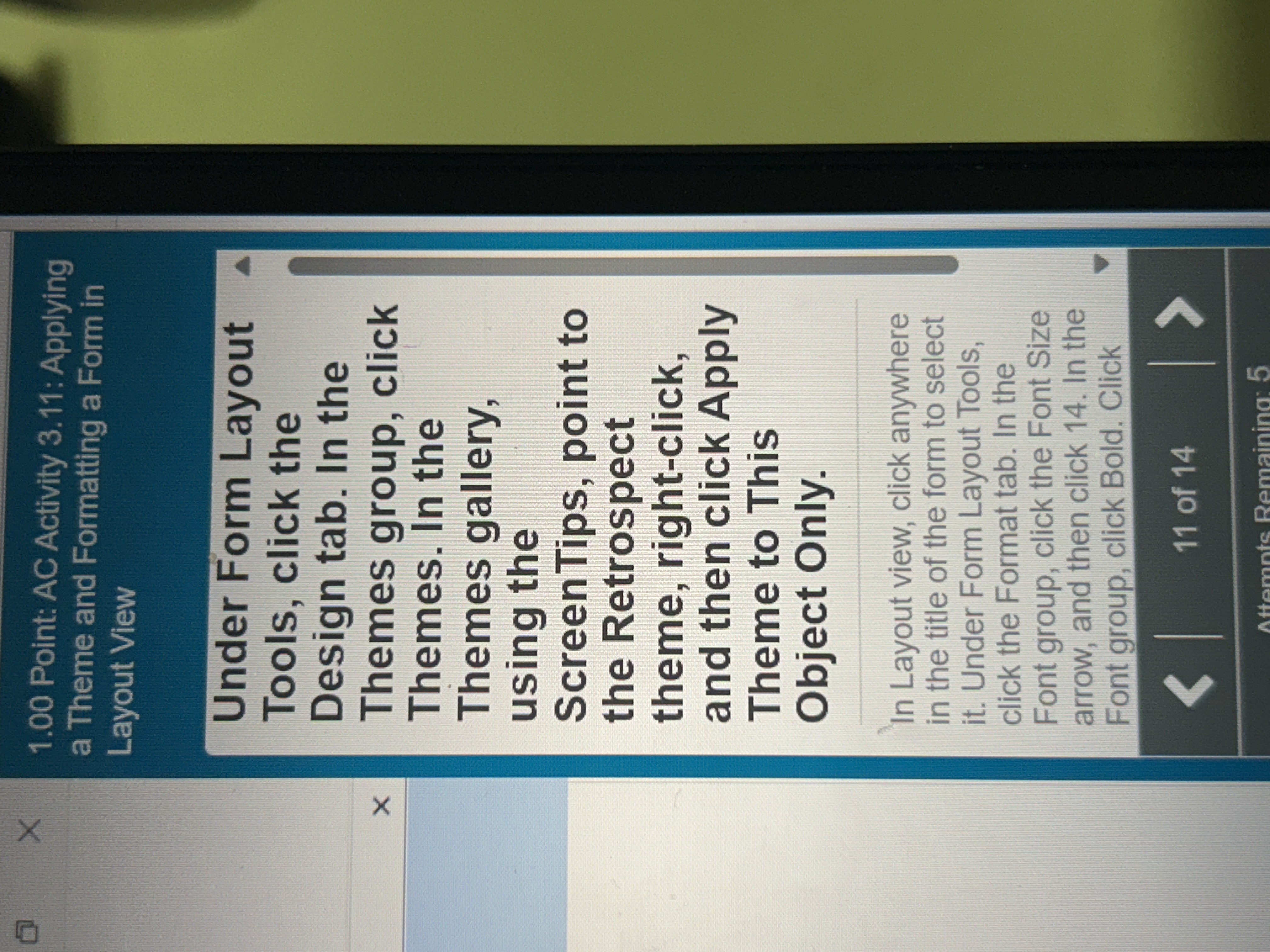
Question: 1 . 0 0 Point: AC Activity 3 . 1 1 : Applying a Theme and Formatting a Form in Layout View Under Form Layout
Point: AC Activity : Applying
a Theme and Formatting a Form in
Layout View
Under Form Layout
Tools, click the
Design tab. In the
Themes group, click
Themes. In the
Themes gallery,
using the
ScreenTips, point to
the Retrospect
theme, rightclick,
and then click Apply
Theme to This
Object Only.
In Layout view, click anywhere
in the title of the form to select
it Under Form Layout Tools,
click the Format tab. In the
Font group, click the Font Size
arrow, and then click In the
Font group, click Bold. Click
Step by Step Solution
There are 3 Steps involved in it
1 Expert Approved Answer
Step: 1 Unlock

Question Has Been Solved by an Expert!
Get step-by-step solutions from verified subject matter experts
Step: 2 Unlock
Step: 3 Unlock
 Study Help