







Question: 1 . 0 0 Point: XL Step 3 . 1 . 1 : Create a Share Basic Chart Select the range A 5 :D 9
Point: XL Step : Create a
Share
Basic Chart
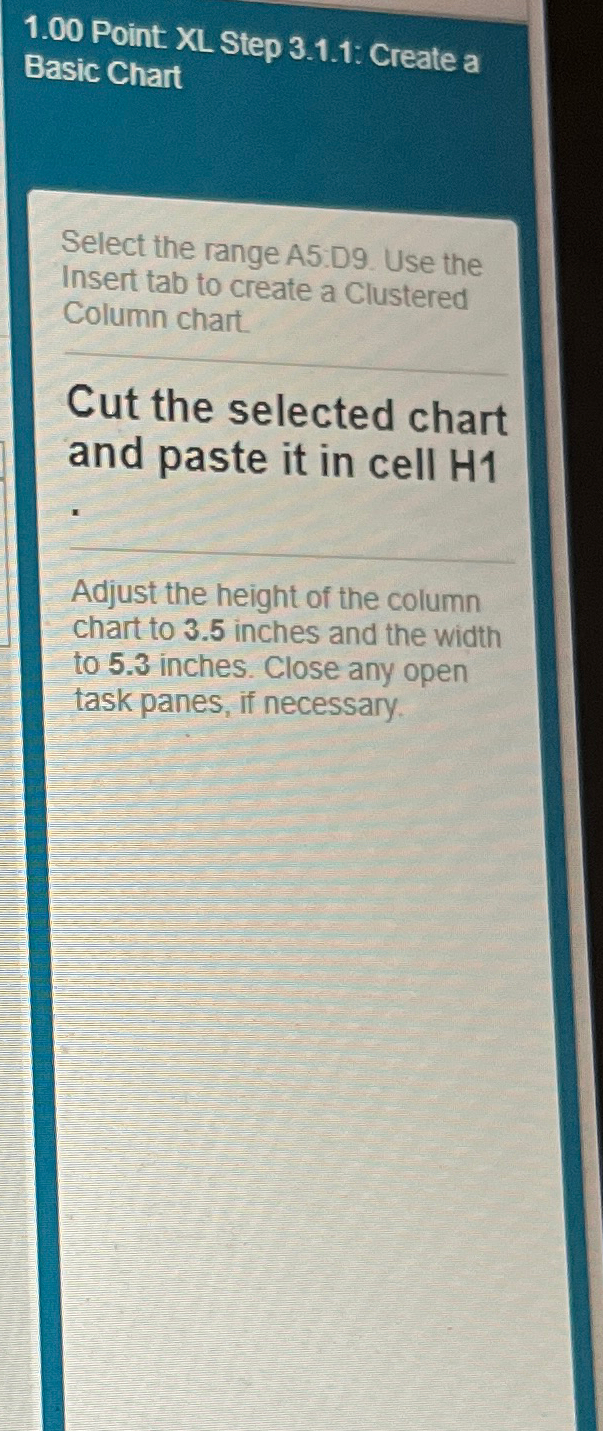
Select the range A:D Use the Insert tab to create a Clustered Column chart.
Cut the selected chart and paste it in cell
Adjust the height of the column chart to inches and the width to inches. Close any open task panes, if necessary.
Point XL Step : Create a Basic Chart
Select the range A:D Use the Insert tab to create a Clustered Column chart.
Cut the selected chart and paste it in cell
Adjust the height of the column chart to inches and the width to inches. Close any open task panes, if necessary.
Step by Step Solution
There are 3 Steps involved in it
1 Expert Approved Answer
Step: 1 Unlock

Question Has Been Solved by an Expert!
Get step-by-step solutions from verified subject matter experts
Step: 2 Unlock
Step: 3 Unlock
 Study Help