







Question: 1 . 1 Enter the hours worked and the pay rate for the employee into the Paycheck Calculations section of the model. a . Reference
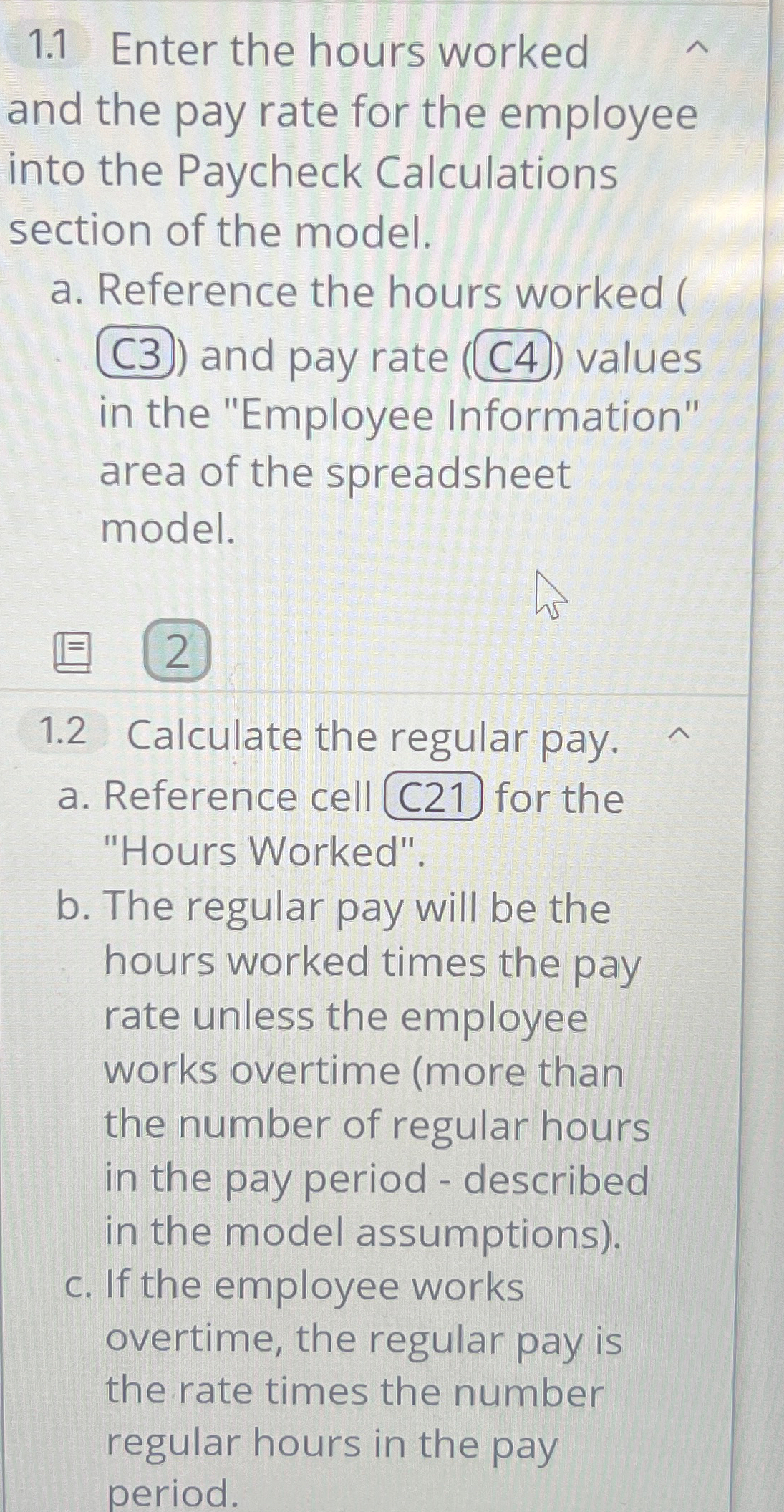
Enter the hours worked and the pay rate for the employee into the Paycheck Calculations section of the model.
a Reference the hours worked C and pay rate C values in the "Employee Information" area of the spreadsheet model.
Calculate the regular pay.
a Reference cell for the "Hours Worked".
b The regular pay will be the hours worked times the pay rate unless the employee works overtime more than the number of regular hours in the pay period described in the model assumptions
c If the employee works overtime, the regular pay is the rate times the number regular hours in the pay period.
Step by Step Solution
There are 3 Steps involved in it
1 Expert Approved Answer
Step: 1 Unlock

Question Has Been Solved by an Expert!
Get step-by-step solutions from verified subject matter experts
Step: 2 Unlock
Step: 3 Unlock
 Study Help