



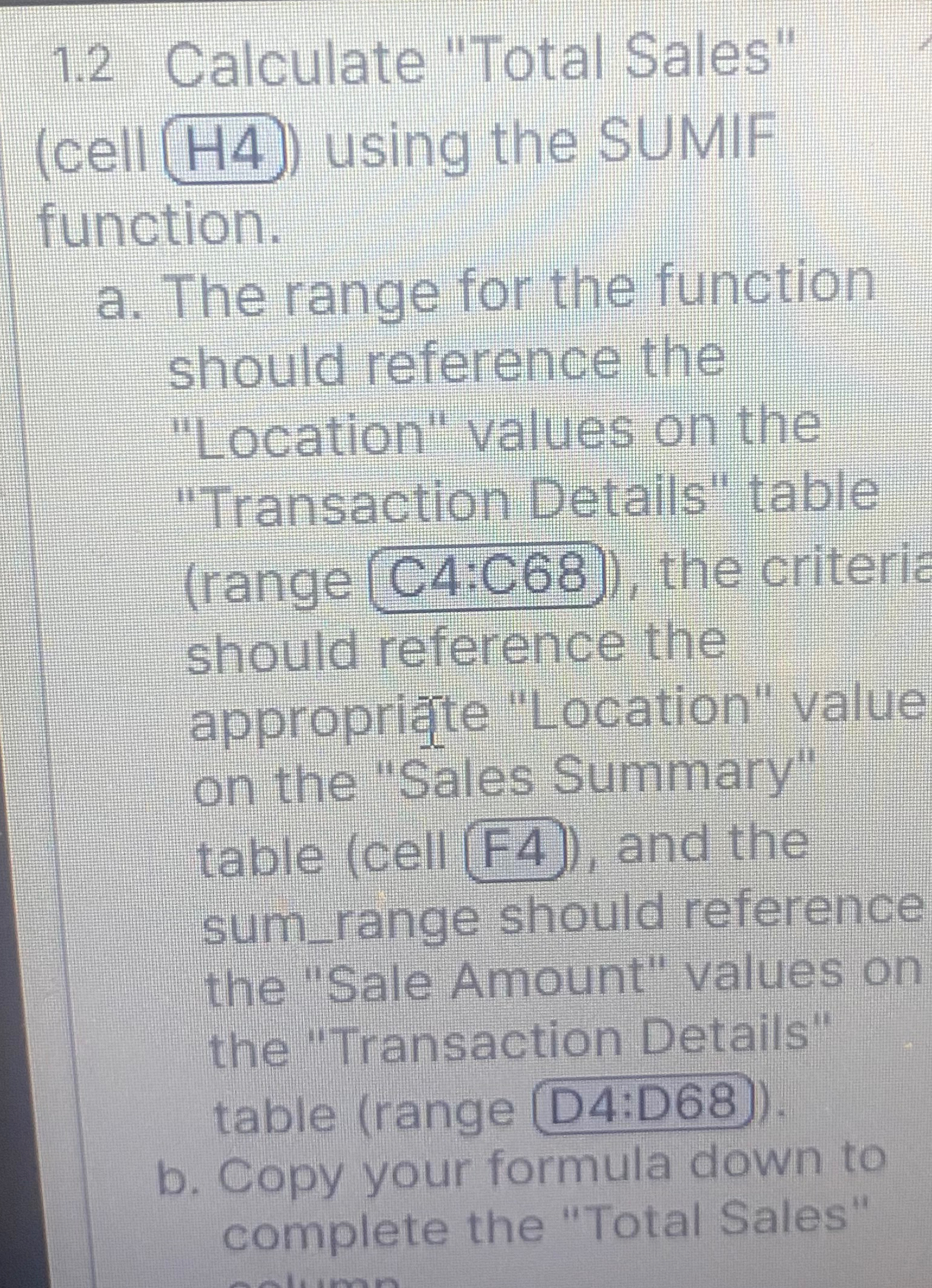
Question: 1 . 2 Calculate Total Sales ( cell H 4 ) using the SUMIF function. a . The range for the function should reference the
Calculate "Total Sales" cell using the SUMIF function.
a The range for the function should reference the "Location" values on the "Transaction Details" tabrange C:C the criteria should reference the approprite "Location" value on the "Sales Summary" table cell F and the sumrange should reference the "Sale Amount" values on the "Transaction Details" table range
b Copy your formula down to complete the "Total Sales"
Step by Step Solution
There are 3 Steps involved in it
1 Expert Approved Answer
Step: 1 Unlock

Question Has Been Solved by an Expert!
Get step-by-step solutions from verified subject matter experts
Step: 2 Unlock
Step: 3 Unlock