







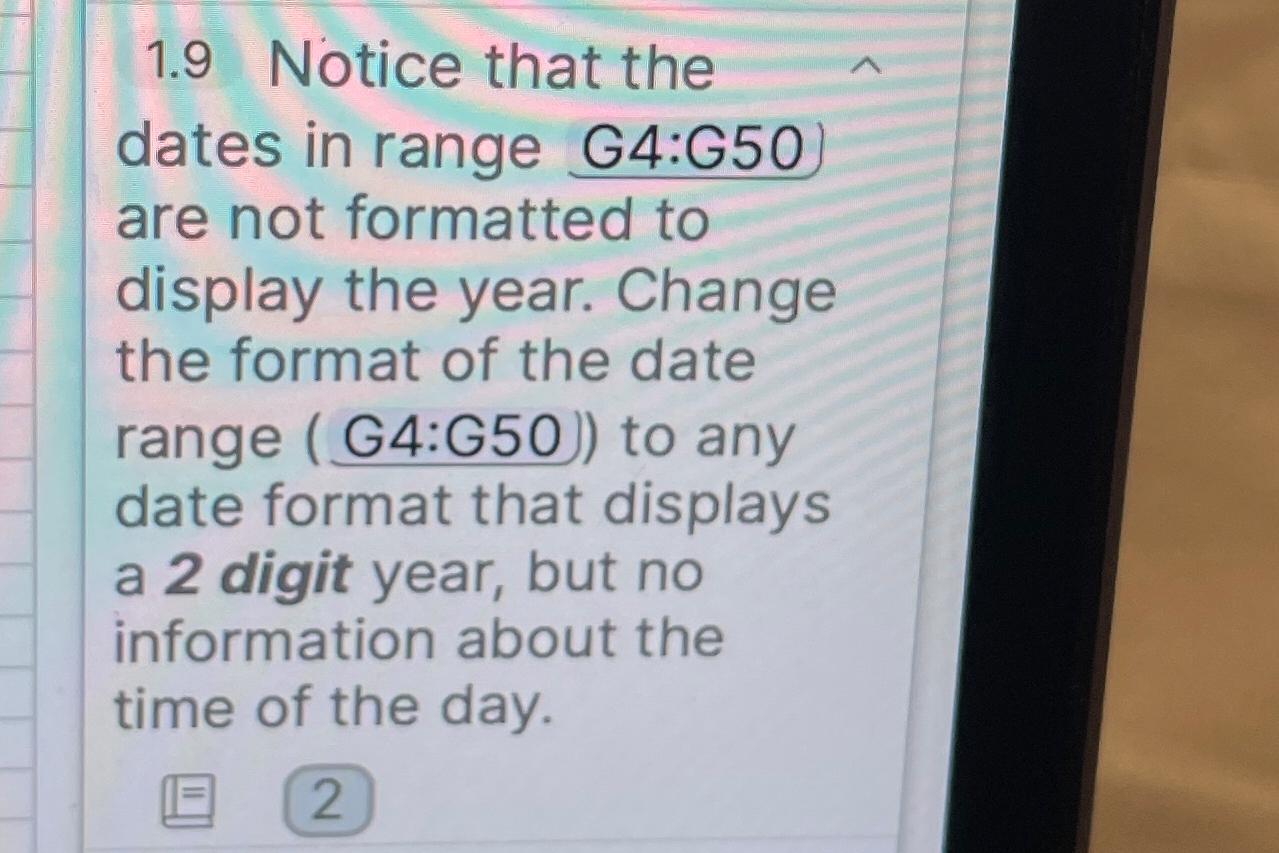
Question: 1 . 9 Notice that the dates in range G 4 :G 5 0 are not formatted to display the year. Change the format of
Notice that the dates in range G:G are not formatted to display the year. Change the format of the date range G:G to any date format that displays a digit year, but no information about the time of the day.
Step by Step Solution
There are 3 Steps involved in it
1 Expert Approved Answer
Step: 1 Unlock

Question Has Been Solved by an Expert!
Get step-by-step solutions from verified subject matter experts
Step: 2 Unlock
Step: 3 Unlock
 Study Help