







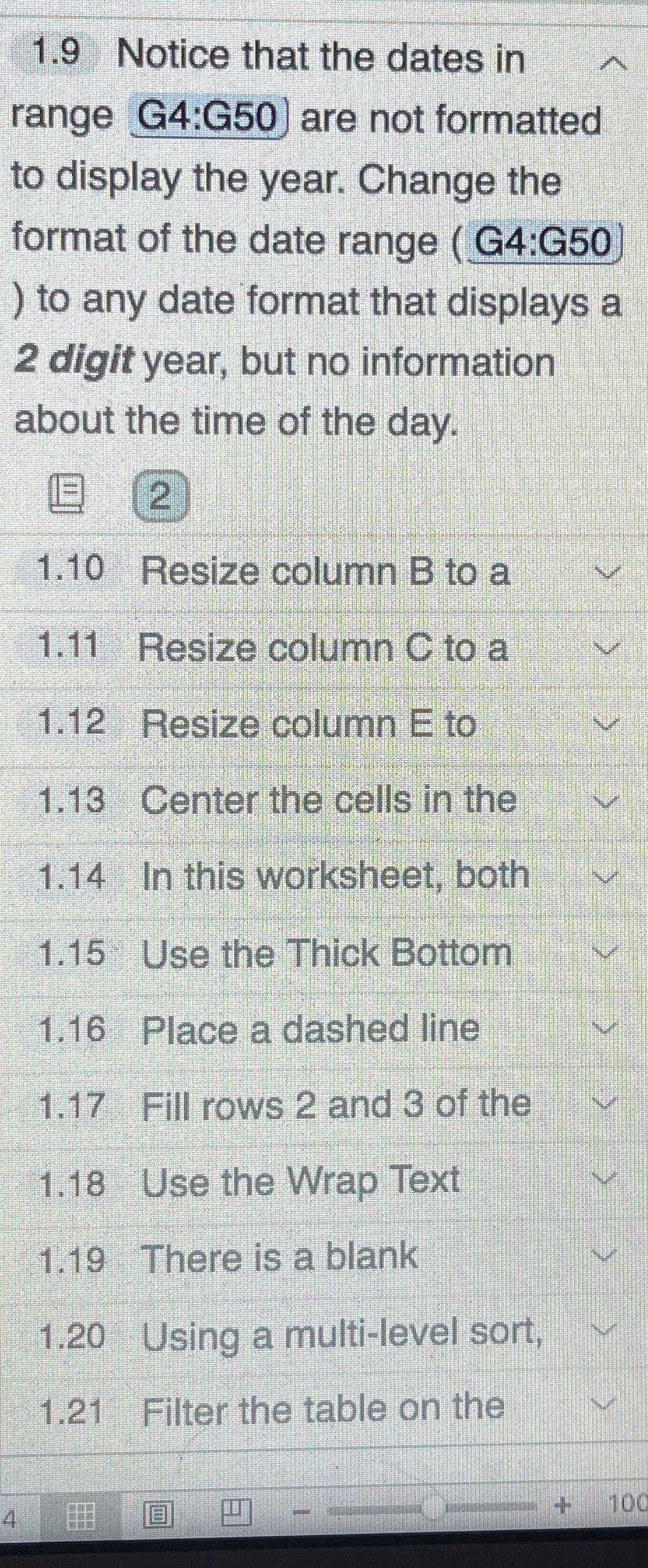
Question: 1 . 9 Notice that the dates in range G 4 :G 5 0 ) are not formatted to display the year. Change the format
Notice that the dates in range G:G are not formatted to display the year. Change the format of the date range G:G to any date format that displays a digit year, but no information about the time of the day.
Resize column B to a
Resize column to a
Resize column E to
Center the cells in the
In this worksheet, both
Use the Thick Bottom
Place a dashed line
Fill rows and of the
Use the Wrap Text
There is a blank
Using a multilevel sort,
Filter the table on the
Step by Step Solution
There are 3 Steps involved in it
1 Expert Approved Answer
Step: 1 Unlock

Question Has Been Solved by an Expert!
Get step-by-step solutions from verified subject matter experts
Step: 2 Unlock
Step: 3 Unlock
 Study Help