



Question: 1!]. Add a callout to the chart, apply a style to it, and add text. a. On the Calm Teal: Fmaf tab: in the Imerf
![1!]. Add a callout to the chart, apply a style to](https://s3.amazonaws.com/si.experts.images/answers/2024/06/667cbfe09b1ef_616667cbfe08218b.jpg)
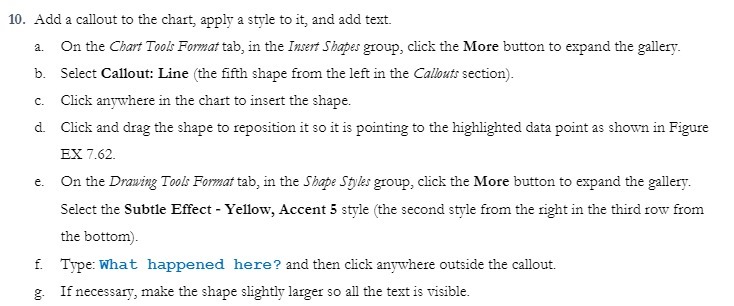
1!]. Add a callout to the chart, apply a style to it, and add text. a. On the Calm Teal: Fmaf tab: in the Imerf Shape: group: click the More button to expand the gallery. in. Select Gallant: Line (the fth shape from the left in the Cellini: seelion}. e. Clio]: anywhere in the chatt to insett the shape. d. Click and (hag the shape to reposition it so it is pohsljng to the highlighted data point as show in Figure BX 162. e. On the Mag Teal? Fame: tab: in the 554509 may group: die]: the More button to expand le gallery. Select the Subtle Effect - Yellow, uent 5 style {le second style from the tight in the third row from le bottom}. f. Type: What happened he re '3 and then click anywhere outside the callout. g. If necessary: make the shape slightly laIgeI so all the text is yisihle
Step by Step Solution
There are 3 Steps involved in it

Get step-by-step solutions from verified subject matter experts