







Question: 1) As you have learned, you can use the input function to accept numbers. For example, the following code accepts a number and stores it
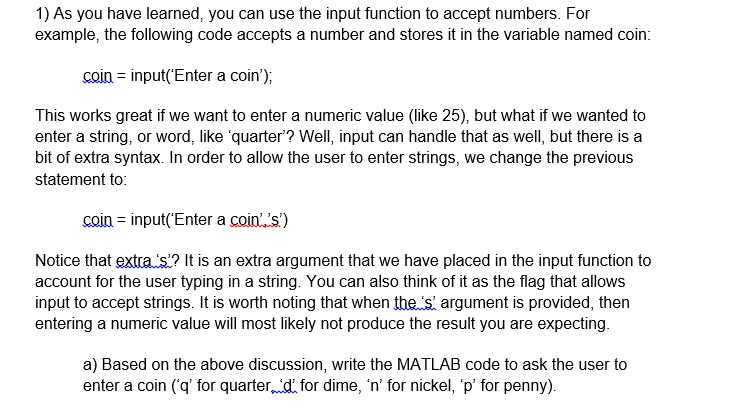
1) As you have learned, you can use the input function to accept numbers. For example, the following code accepts a number and stores it in the variable named coin coin -input( Enter a coin'), This works great if we want to enter a numeric value (like 25), but what if we wanted to enter a string, or word, like quarter? Well, input can handle that as well, but there is a bit of extra syntax. In order to allow the user to enter strings, we change the previous statement to: coin input(Enter a coin ..'s') Notice that extra s'? It is an extra argument that we have placed in the input function to account for the user typing in a string. You can also think of it as the flag that allows input to accept strings. It is worth noting that when thes argument is provided, then entering a numeric value will most likely not produce the result you are expecting a) Based on the above discussion, write the MATLAB code to ask the user to enter a coin (q' for quarterd for dime, 'n' for nickel, p for penny)
Step by Step Solution
There are 3 Steps involved in it

Get step-by-step solutions from verified subject matter experts
 Study Help