







Question: 1. Assignment goals 2. Assignment instructions 2.1. Preparation 2.2. CUDA Program Specifications 2.3. Additional Information Assume d_a and d_b are the source and destination arrays
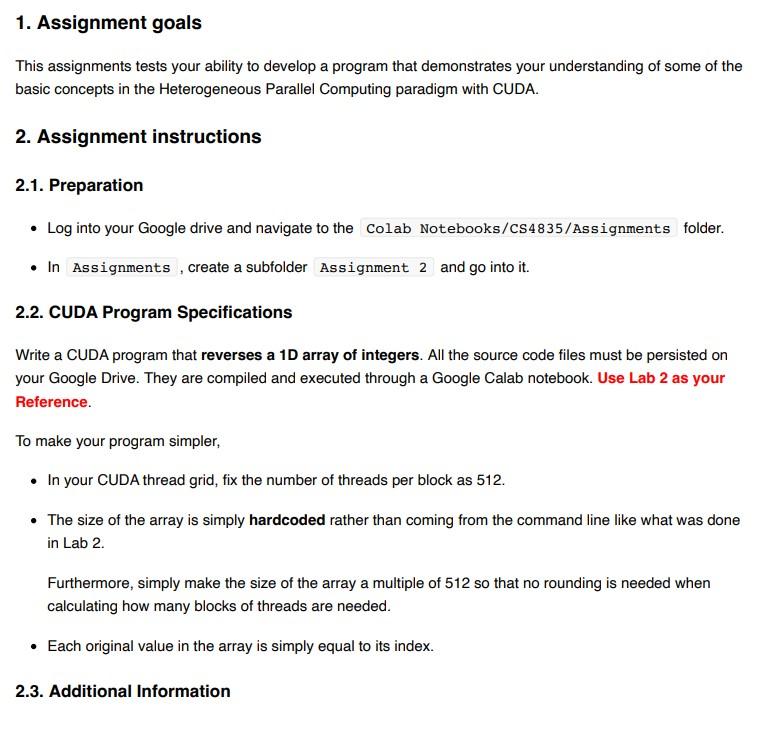
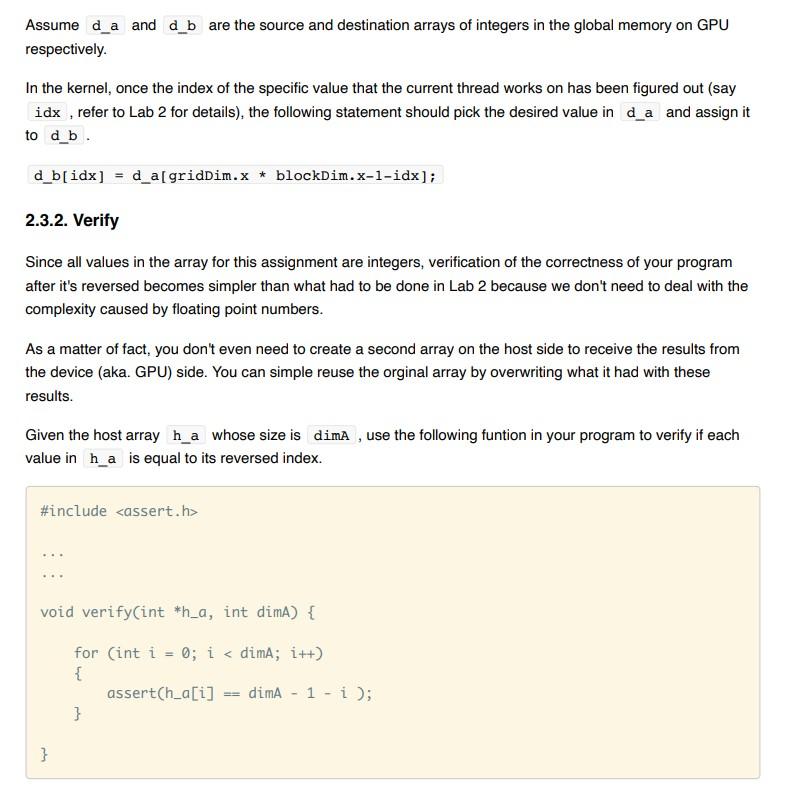 1. Assignment goals 2. Assignment instructions 2.1. Preparation 2.2. CUDA Program Specifications 2.3. Additional Information Assume d_a and d_b are the source and destination arrays of integers in the global memory on GPU respectively. In the kernel, once the index of the specific value that the current thread works on has been figured out (say idx , refer to Lab 2 for details), the following statement should pick the desired value in d_a and assign it to d_b . d_b[idx] = d_a[gridDim.x * blockDim.x-1-idx]; Since all values in the array for this assignment are integers, verification of the correctness of your program after it's reversed becomes simpler than what had to be done in Lab 2 because we don't need to deal with the complexity caused by floating point numbers. As a matter of fact, you don't even need to create a second array on the host side to receive the results from the device (aka. GPU) side. You can simple reuse the orginal array by overwriting what it had with these results. Given the host array h_a whose size is dimA , use the following funtion in your program to verify if each value in h_a is equal to its reversed index. #include ... ... void verify(int *h_a, int dimA) { for (int i = 0; i 1. Assignment goals This assignments tests your ability to develop a program that demonstrates your understanding of some of the basic concepts in the Heterogeneous Parallel Computing paradigm with CUDA. 2. Assignment instructions 2.1. Preparation - Log into your Google drive and navigate to the Colab Notebooks/CS4835/Assignments folder. - In , create a subfolder and go into it. 2.2. CUDA Program Specifications Write a CUDA program that reverses a 1D array of integers. All the source code files must be persisted on your Google Drive. They are compiled and executed through a Google Calab notebook. Use Lab 2 as your Reference. To make your program simpler, - In your CUDA thread grid, fix the number of threads per block as 512. - The size of the array is simply hardcoded rather than coming from the command line like what was done in Lab 2. Furthermore, simply make the size of the array a multiple of 512 so that no rounding is needed when calculating how many blocks of threads are needed. - Each original value in the array is simply equal to its index. 2.3. Additional Information Assume and are the source and destination arrays of integers in the global memory on GPU respectively. In the kernel, once the index of the specific value that the current thread works on has been figured out (say , refer to Lab 2 for details), the following statement should pick the desired value in and assign it to 2.3.2. Verify Since all values in the array for this assignment are integers, verification of the correctness of your program after it's reversed becomes simpler than what had to be done in Lab 2 because we don't need to deal with the complexity caused by floating point numbers. As a matter of fact, you don't even need to create a second array on the host side to receive the results from the device (aka. GPU) side. You can simple reuse the orginal array by overwriting what it had with these results. Given the host array whose size is , use the following funtion in your program to verify if each value in is equal to its reversed index. \#include w void verify(int h_a, int dimA) \{ for (int i=0;i
Step by Step Solution
There are 3 Steps involved in it

Get step-by-step solutions from verified subject matter experts
 Study Help