







Question: 1) Class name: NumberFile.java a) Write a method to create a text file named numbers.txt that is to contain the whole numbers 101 to 10000
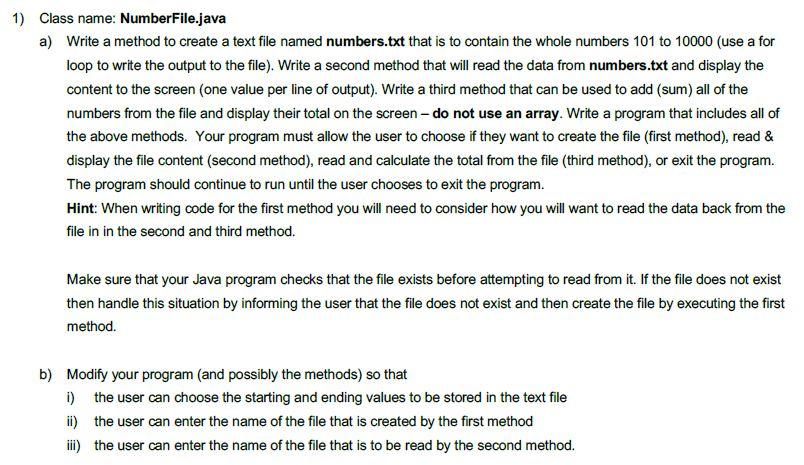
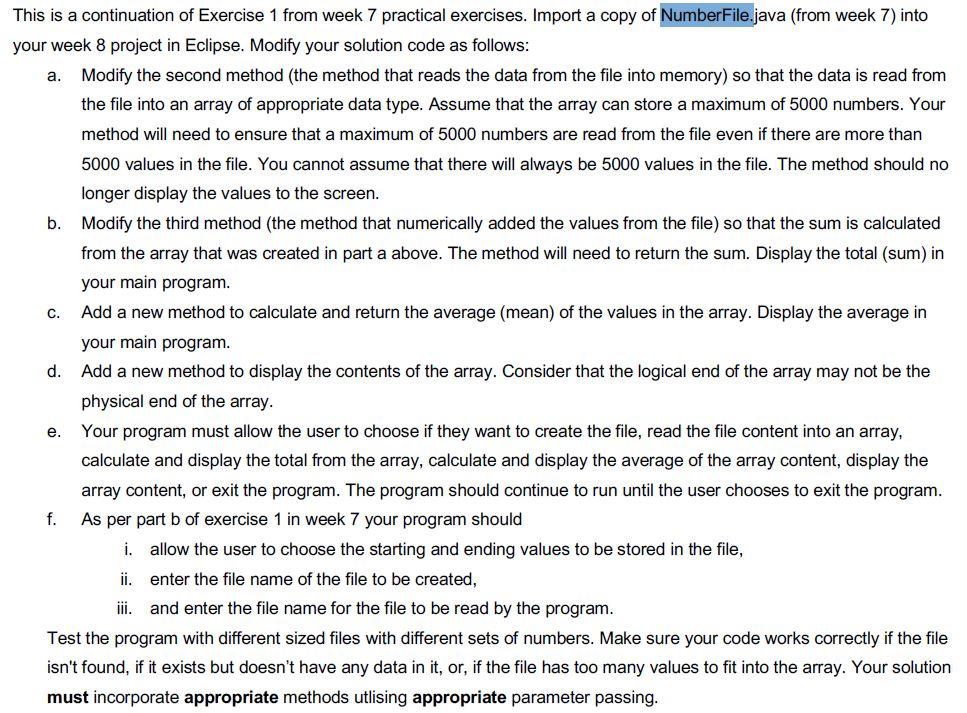
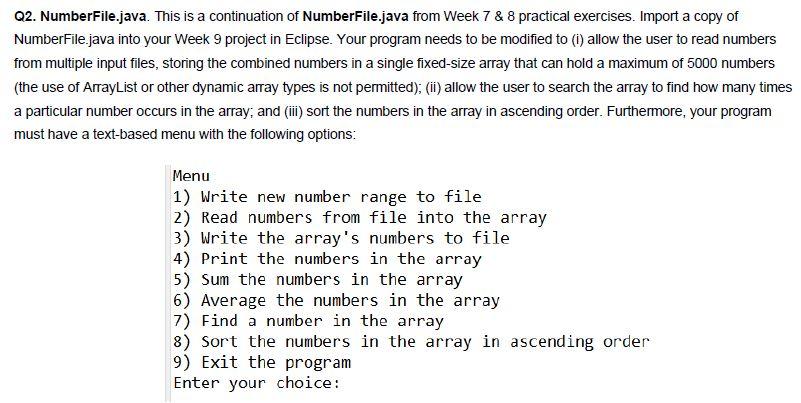
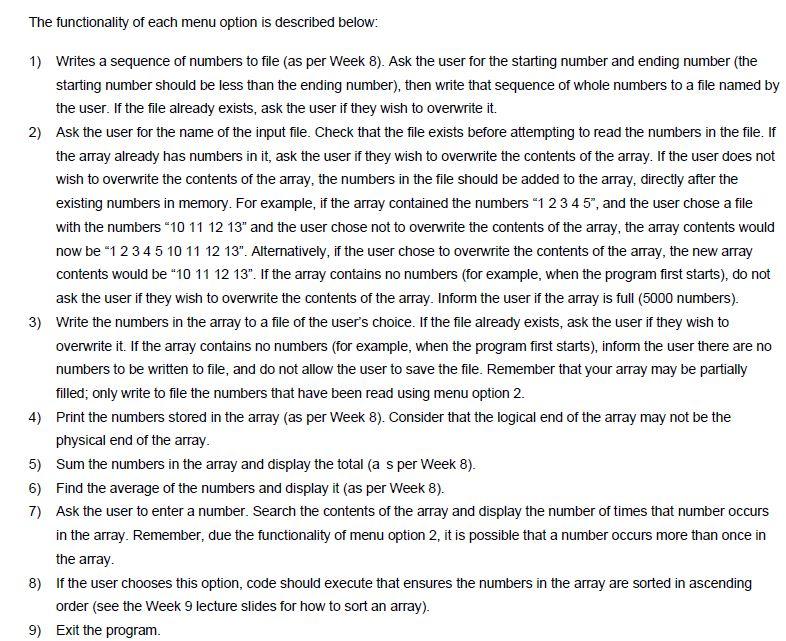
1) Class name: NumberFile.java a) Write a method to create a text file named numbers.txt that is to contain the whole numbers 101 to 10000 (use a for loop to write the output to the file). Write a second method that will read the data from numbers.txt and display the content to the screen (one value per line of output). Write a third method that can be used to add (sum) all of the numbers from the file and display their total on the screen - do not use an array. Write a program that includes all of the above methods. Your program must allow the user to choose if they want to create the file (first method), read & display the file content (second method), read and calculate the total from the file (third method), or exit the program. The program should continue to run until the user chooses to exit the program. Hint: When writing code for the first method you will need to consider how you will want to read the data back from the file in in the second and third method. Make sure that your Java program checks that the file exists before attempting to read from it. If the file does not exist then handle this situation by informing the user that the file does not exist and then create the file by executing the first method. b) Modify your program (and possibly the methods) so that 1) the user can choose the starting and ending values to be stored in the text file ii) the user can enter the name of the file that is created by the first method ii) the user can enter the name of the file that is to be read by the second method. a. This is a continuation of Exercise 1 from week 7 practical exercises. Import a copy of NumberFile.java (from week 7) into your week 8 project in Eclipse. Modify your solution code as follows: Modify the second method (the method that reads the data from the file into memory) so that the data is read from the file into an array of appropriate data type. Assume that the array can store a maximum of 5000 numbers. Your method will need to ensure that a maximum of 5000 numbers are read from the file even if there are more than 5000 values in the file. You cannot assume that there will always be 5000 values in the file. The method should no longer display the values to the screen. b. Modify the third method (the method that numerically added the values from the file) so that the sum is calculated from the array that was created in part a above. The method will need to return the sum. Display the total (sum) in your main program. c. Add a new method to calculate and return the average (mean) of the values in the array. Display the average in your main program. d. Add a new method to display the contents of the array. Consider that the logical end of the array may not be the physical end of the array. e. Your program must allow the user to choose if they want to create the file, read the file content into an array, calculate and display the total from the array, calculate and display the average of the array content, display the array content, or exit the program. The program should continue to run until the user chooses to exit the program. f. As per part b of exercise 1 in week 7 your program should i. allow the user to choose the starting and ending values to be stored in the file, ii. enter the file name of the file to be created, iii. and enter the file name for the file to be read by the program. Test the program with different sized files with different sets of numbers. Make sure your code works correctly if the file isn't found, if it exists but doesn't have any data in it, or, if the file has too many values to fit into the array. Your solution must incorporate appropriate methods utlising appropriate parameter passing. Q2. NumberFile.java. This is a continuation of NumberFile.java from Week 7 & 8 practical exercises. Import a copy of NumberFile.java into your Week 9 project in Eclipse. Your program needs to be modified to (i) allow the user to read numbers from multiple input files, storing the combined numbers in a single fixed-size array that can hold a maximum of 5000 numbers (the use of ArrayList or other dynamic array types is not permitted); (ii) allow the user to search the array to find how many times a particular number occurs in the array, and (ii) sort the numbers in the array in ascending order. Furthermore, your program must have a text-based menu with the following options: Menu 1) Write new number range to file 2) Read numbers from file into the array 3) Write the array's numbers to file 4) Print the numbers in the array 5) Sum the numbers in the array 6) Average the numbers in the array 7) Find a number in the array 8) Sort the numbers in the array in ascending order 9) Exit the program Enter your choice: The functionality of each menu option is described below: 1) Writes a sequence of numbers to file (as per week 8). Ask the user for the starting number and ending number the starting number should be less than the ending number), then write that sequence of whole numbers to a file named by the user. If the file already exists, ask the user if they wish to overwrite it. 2) Ask the user for the name of the input file. Check that the file exists before attempting to read the numbers in the file. If the array already has numbers in it, ask the user if they wish to overwrite the contents of the array. If the user does not wish to overwrite the contents of the array, the numbers in the file should be added to the array, directly after the existing numbers in memory. For example, if the array contained the numbers 1 2 3 4 5", and the user chose a file with the numbers 10 11 12 13" and the user chose not to overwrite the contents of the array, the array contents would now be *1 2 3 4 5 10 11 12 13". Alternatively, if the user chose to overwrite the contents of the array, the new array contents would be 10 11 12 13". If the array contains no numbers (for example, when the program first starts), do not ask the user if they wish to overwrite the contents of the array. Inform the user if the array is full (5000 numbers). 3) Write the numbers in the array to a file of the user's choice. If the file already exists, ask the user if they wish to overwrite it. If the array contains no numbers (for example, when the program first starts), inform the user there are no numbers to be written to file, and do not allow the user to save the file. Remember that your array may be partially filled; only write to file the numbers that have been read using menu option 2. 4) Print the numbers stored in the array (as per week 8). Consider that the logical end of the array may not be the physical end of the array 5) Sum the numbers in the array and display the total (a s per week 8). 6) Find the average of the numbers and display it (as per Week 8). 7) Ask the user to enter a number. Search the contents of the array and display the number of times that number occurs in the array. Remember, due the functionality of menu option 2, it is possible that a number occurs more than once in the array. 8) If the user chooses this option, code should execute that ensures the numbers in the array are sorted in ascending order (see the Week 9 lecture slides for how to sort an array). 9) Exit the program
Step by Step Solution
There are 3 Steps involved in it

Get step-by-step solutions from verified subject matter experts
 Study Help