







Question: 1. Code the two Java Swing exercises shown in the attached document. 2. Code any graphic using the AWT library Create a simple Combo Box
1. Code the two Java Swing exercises shown in the attached document.
2. Code any graphic using the AWT library
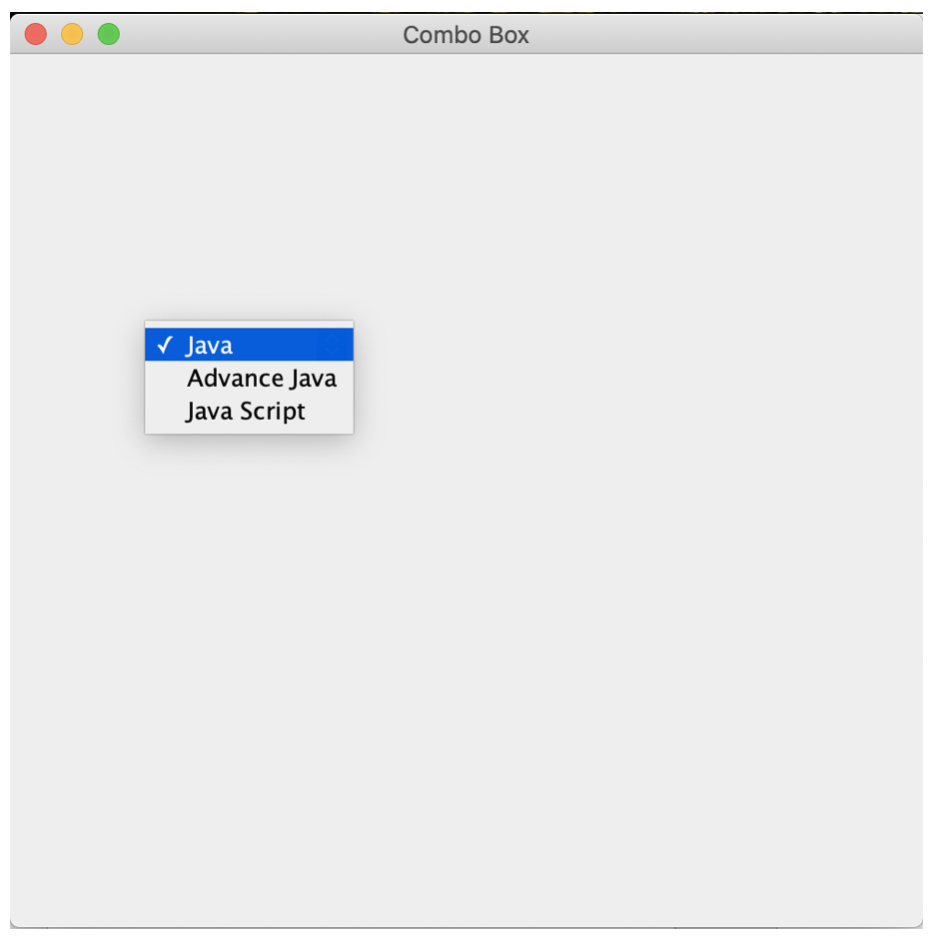
- Create a simple Combo Box through JAVA Swing. First of all, create a class name ComboBox. Then you have to create JFrame; the title of the frame is Combo Box. Create an ArrayList and put any three courses name in this list. Set the position & size of the combo-box and then set the size of the JFrame. The output is like the below image.
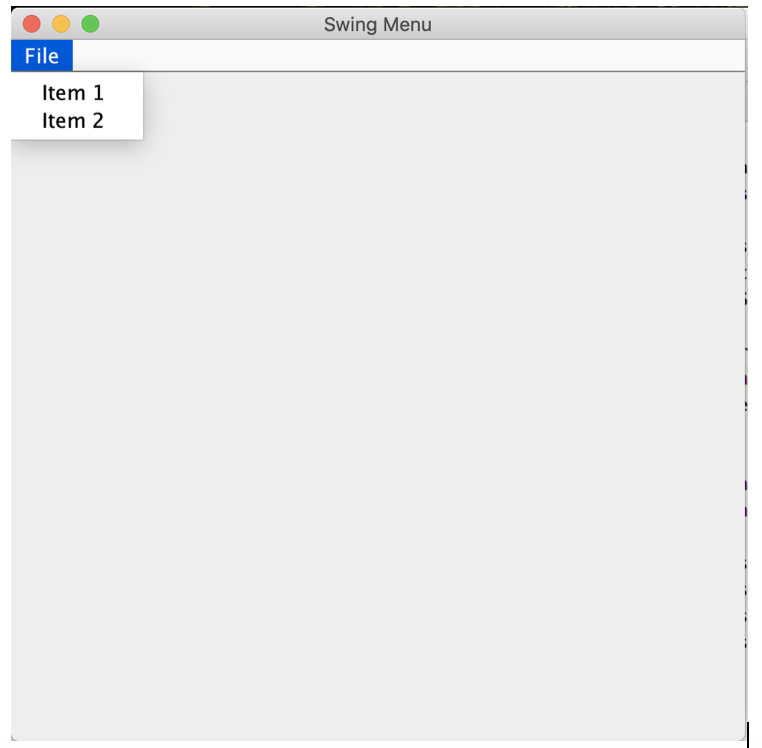
2. Create a Menu with two items through JAVA Swing. First of all, create a class name JMenu. Create a JFrame and give the title of the frame is Swing Menu. Create a Menu Bar and add two Items in this bar. Set the menu bar on this frame and set the size of the frame. The output is like the below image.
Combo Box Java Advance Java Java Script Swing Menu File Item 1 Item 2
Step by Step Solution
There are 3 Steps involved in it
1 Expert Approved Answer
Step: 1 Unlock

Question Has Been Solved by an Expert!
Get step-by-step solutions from verified subject matter experts
Step: 2 Unlock
Step: 3 Unlock
 Study Help