







Question: 1 Compute the predetermined overhead allocation rate for 2018. Use the blue shaded areas for inputs. 2 Use Excel to journalize the transactions in the

| 1 | Compute the predetermined overhead allocation rate for 2018. Use the blue shaded areas for inputs. | ||||||||||||
| 2 | Use Excel to journalize the transactions in the general journal. The account titles are available when you click the down-arrow. | ||||||||||||
| Use the Increase Indent button on the Home tab to indent items. | |||||||||||||
| 3 | Post the transactions to T-accounts. The balances in the T-accounts are automatically updated. | ||||||||||||
| Enter the beginning balances for the inventories. Assume the rest of the accounts have beginning balances of zero. | |||||||||||||
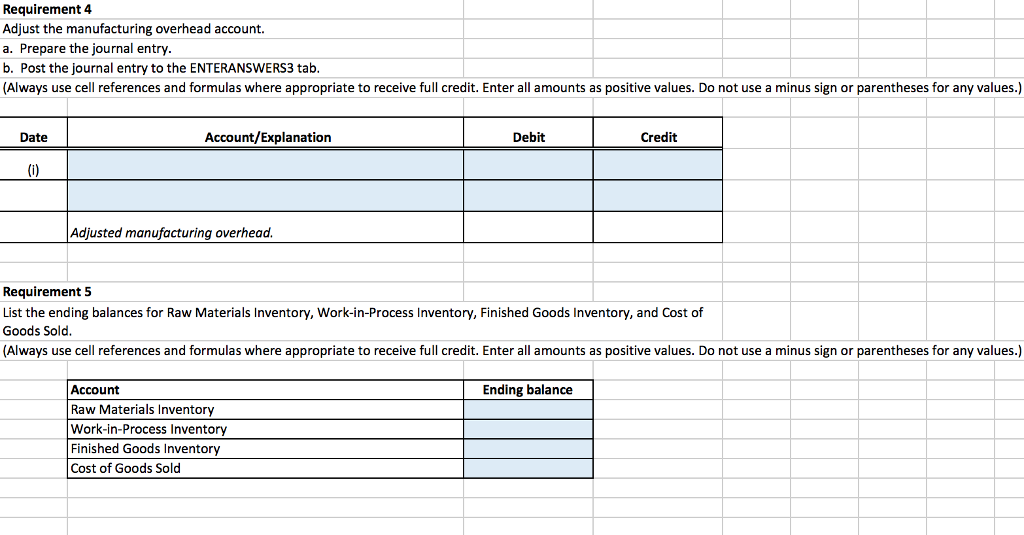
| 4 | Adjust the manufacturing overhead account. | ||||||||||||
| a. | Prepare the journal entry. | ||||||||||||
| b. | Post to T-accounts. | ||||||||||||
| 5 | List the ending balances for Raw Materials Inventory, Work-in-Process Inventory, Finished Goods Inventory, and Cost of Goods Sold. | ||||||||||||
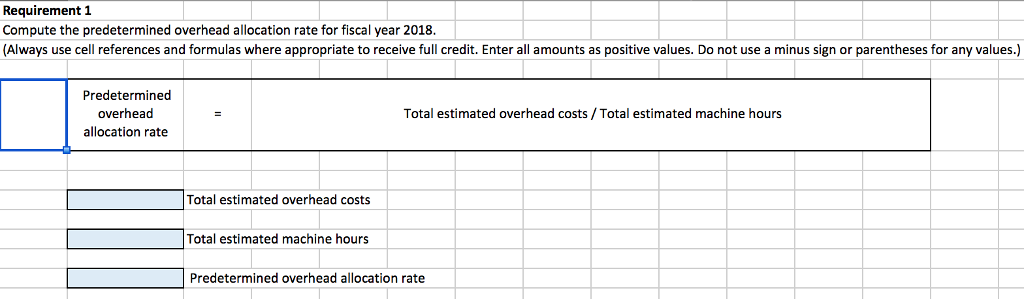
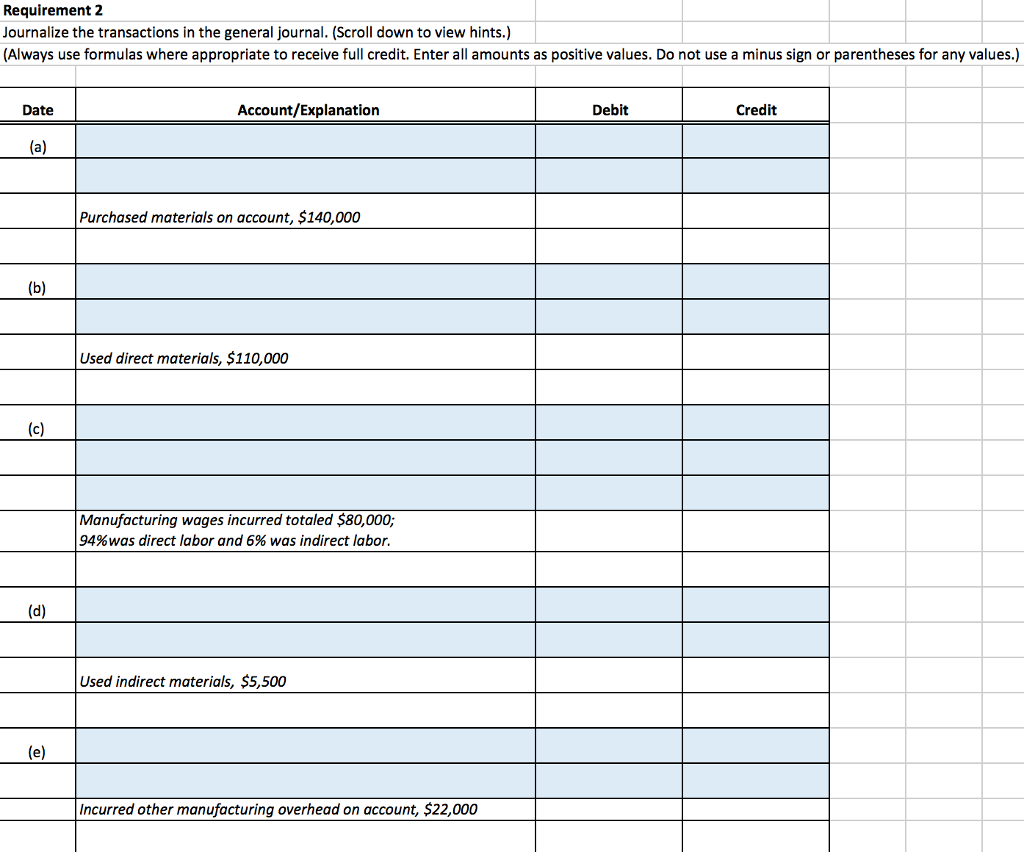
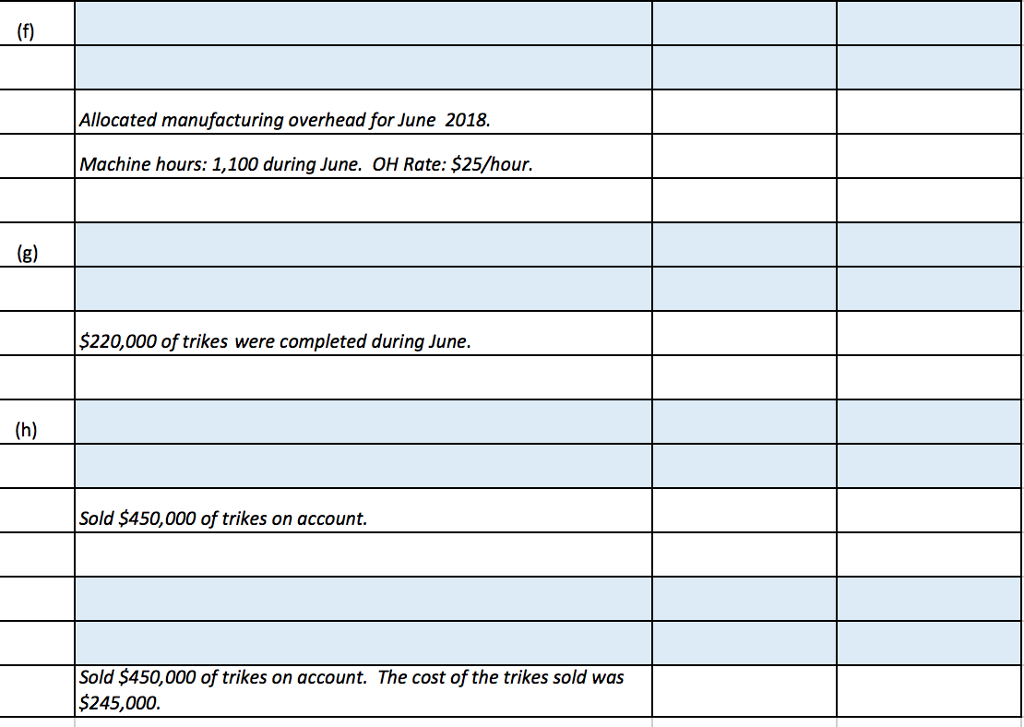
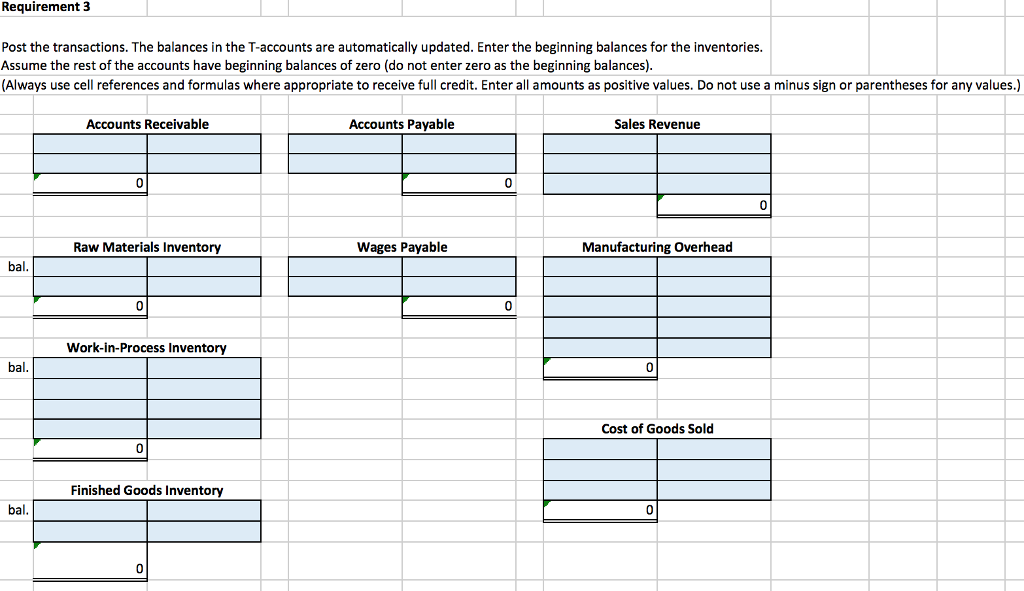
Job Order Costing Using Excel to calculate a predetermined overhead allocation rate, journalize and post manufacturing journal entries, and adjust for overallocated or underallocated overhead Chedar River Trikes manufactures three-wheeled bikes for adults. The company allocates manufacturing overhead based on machine hours. Chedar River expects to ncur $250,000 of manufacturing overhead costs, and to use 10,000 machine hours during 2018. Chedar River reported the following inventory balances at May 31, 2018 Raw Materials Inventory Work-in-Process Inventory Finished Goods Inventory 25000 18000 43000 During June, 2018, Cedar River actually used 1,100 machine hours. Use the blue shaded areas on the ENTER-ANSWERS tabs for inputs
Step by Step Solution
There are 3 Steps involved in it

Get step-by-step solutions from verified subject matter experts
 Study Help