







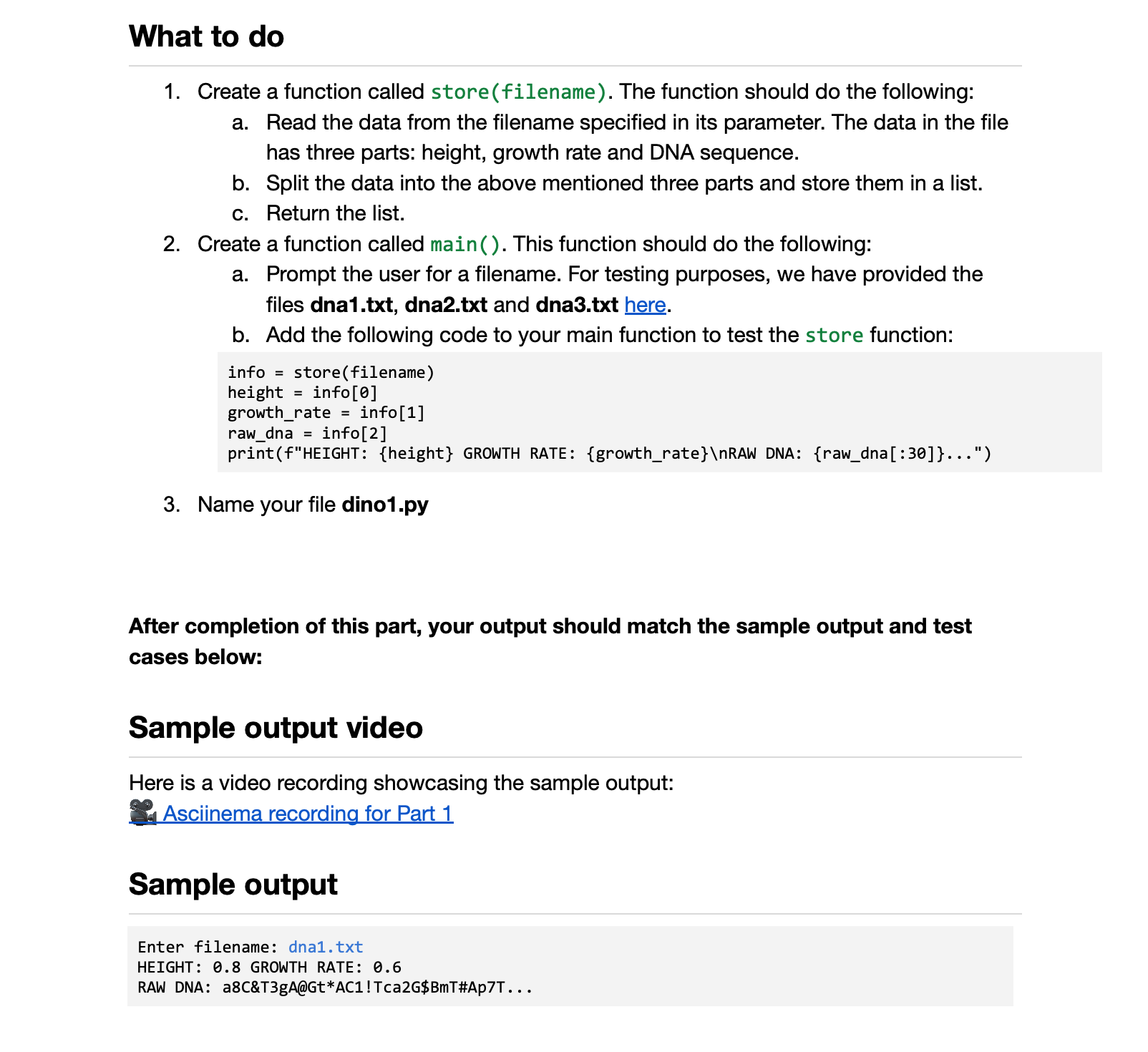
Question: 1 . Create a function called store ( filename ) . The function should do the following: a . Read the data from the filename
Create a function called storefilename The function should do the following:
a Read the data from the filename specified in its parameter. The data in the file has three parts: height, growth rate and DNA sequence.
b Split the data into the above mentioned three parts and store them in a list.
c Return the list.
Create a function called main This function should do the following:
a Prompt the user for a filename. For testing purposes, we have provided the files dnatxt dnatxt and dnatxt here.
b Add the following code to your main function to test the store function:
info storefilename
height info
growthrate info
rawdna info
printfHEIGHT: height GROWTH RATE: growthrate
RAW DNA: rawdna:
Name your file dinopy
After completion of this part, your output should match the sample output and test cases below:
Sample output video
Here is a video recording showcasing the sample output:
Asciinema recording for Part
Sample output
Enter filename: dnatxt
HEIGHT: GROWTH RATE:
RAW DNA: aC&TgA@GtACTcaG$BmT#ApT
Step by Step Solution
There are 3 Steps involved in it
1 Expert Approved Answer
Step: 1 Unlock

Question Has Been Solved by an Expert!
Get step-by-step solutions from verified subject matter experts
Step: 2 Unlock
Step: 3 Unlock
 Study Help