







Question: 1. Create a new app. (This app can be used eventually for Lab Assignment #1.) 2. Give the app an interface containing an EditText, a
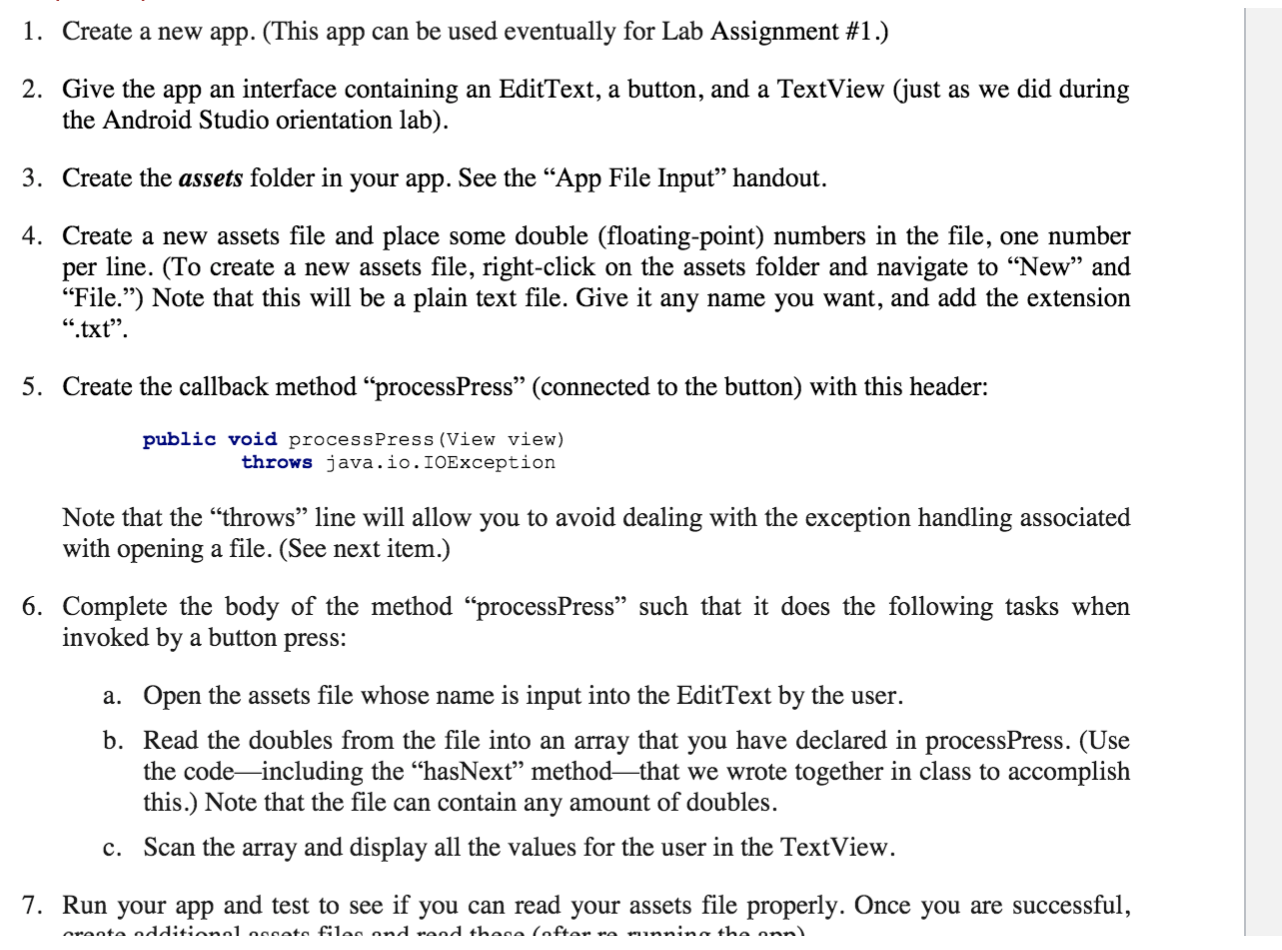
1. Create a new app. (This app can be used eventually for Lab Assignment #1.) 2. Give the app an interface containing an EditText, a button, and a TextView (just as we did during the Android Studio orientation lab). 3. Create the assets folder in your app. See the App File Input handout. 4. Create a new assets file and place some double (floating-point) numbers in the file, one number per line. (To create a new assets file, right-click on the assets folder and navigate to New and File.") Note that this will be a plain text file. Give it any name you want, and add the extension .txt. 5. Create the callback method "processPress (connected to the button) with this header: public void processPress (View view) throws java.io.IOException Note that the throws line will allow you to avoid dealing with the exception handling associated with opening a file. (See next item.) 6. Complete the body of the method processPress such that it does the following tasks when invoked by a button press: a. Open the assets file whose name is input into the EditText by the user. b. Read the doubles from the file into an array that you have declared in processPress. (Use the codeincluding the hasNext methodthat we wrote together in class to accomplish this.) Note that the file can contain any amount of doubles. c. Scan the array and display all the values for the user in the TextView. 7. Run your app and test to see if you can read your assets file properly. Once you are successful, nanta additional accato files and rand thara (oftar na minnina tha ann
Step by Step Solution
There are 3 Steps involved in it

Get step-by-step solutions from verified subject matter experts
 Study Help