







Question: 1 . Create an one - dimensional string array named salesArray _ String [ ] . 2 . In the Load File button open the
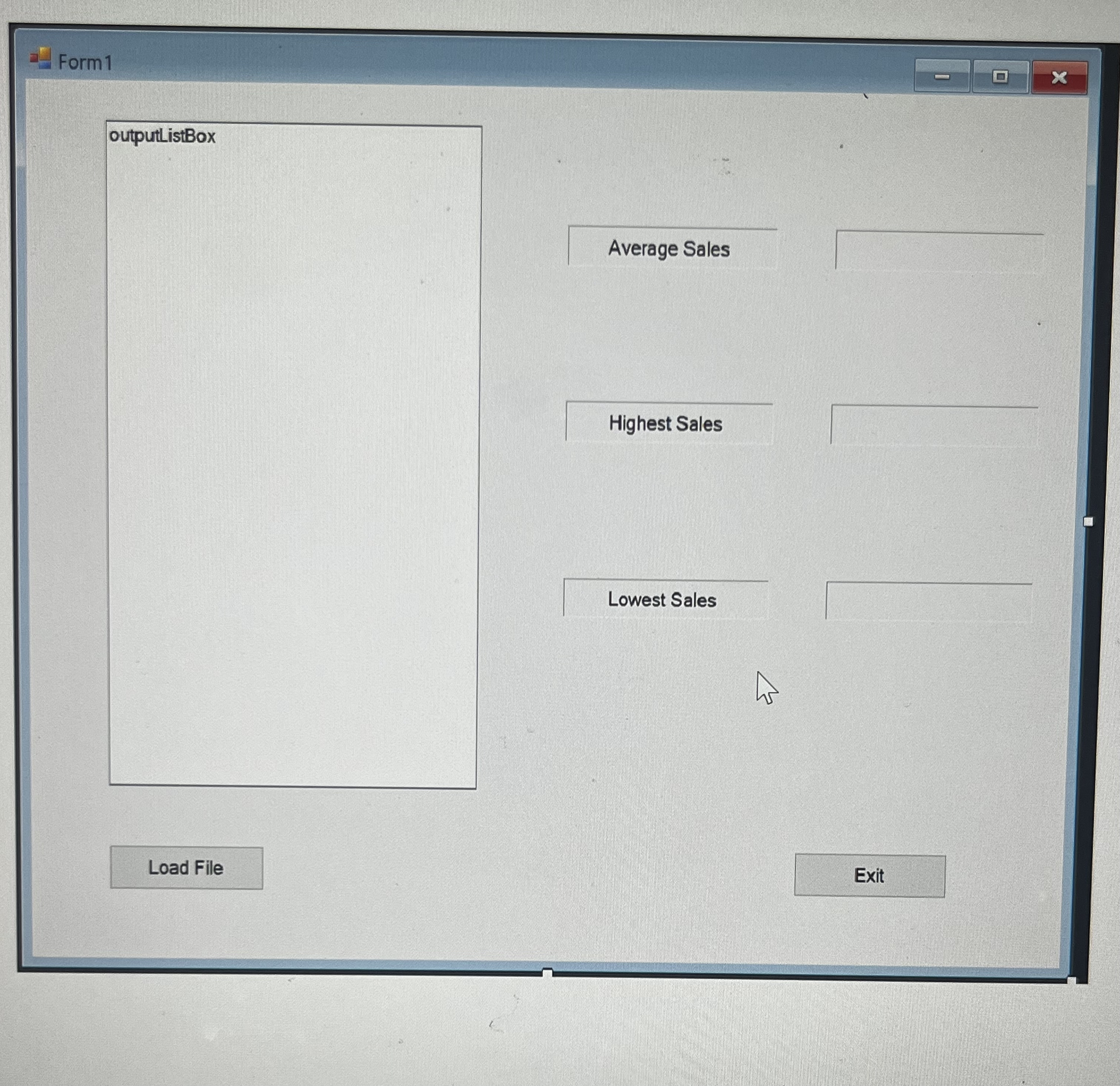
Create an onedimensional string array named salesArrayString In the Load File button open the Sales.txt file and: a Load the sales data into the salesArrayString from the sales data from the Sales.txt file. You will create a second array called salesArrayDouble. Convert the string values from the salesArrayString into a double. Assign that double value to the elements inthe saleArrayDouble.b Create the following methods and then call them from inside the Load File button click event: Create a method named PopulateListBox that will accept as an argument a onedimensional string array. Then load the data from the string array passed as an argument to the method into the listbox with the format xxxxxxxx such as $ Create a method named CalcAverageSales that will accept as an argument a onedimensional double array. The method will calculate the average sales from the data from the array passed as an argument and put the result in lblAverage labeldisplayed as currency with two decimal places, example: $ Create a method named FindHighestSales that will accept as an argument a onedimensional double array. The method will determine the highest sales value from the data passed as an argument and assign the result in lblHighest label displayed as currency with zero decimal places, example: $ Create a method called FindLowestSales that will accept as an argument a onedimensional double array. The method will determine the lowest sales value from the data from the array passed as an argument and assign the result in lblLowest label displayed as currency with zero decimal places, example: $
Sales
Starting out with Visual c#
Step by Step Solution
There are 3 Steps involved in it
1 Expert Approved Answer
Step: 1 Unlock

Question Has Been Solved by an Expert!
Get step-by-step solutions from verified subject matter experts
Step: 2 Unlock
Step: 3 Unlock
 Study Help