







Question: 1. Create Table in Microsoft Excel. You can fill the required data of your table by select any 3 Names of Products and 10 days
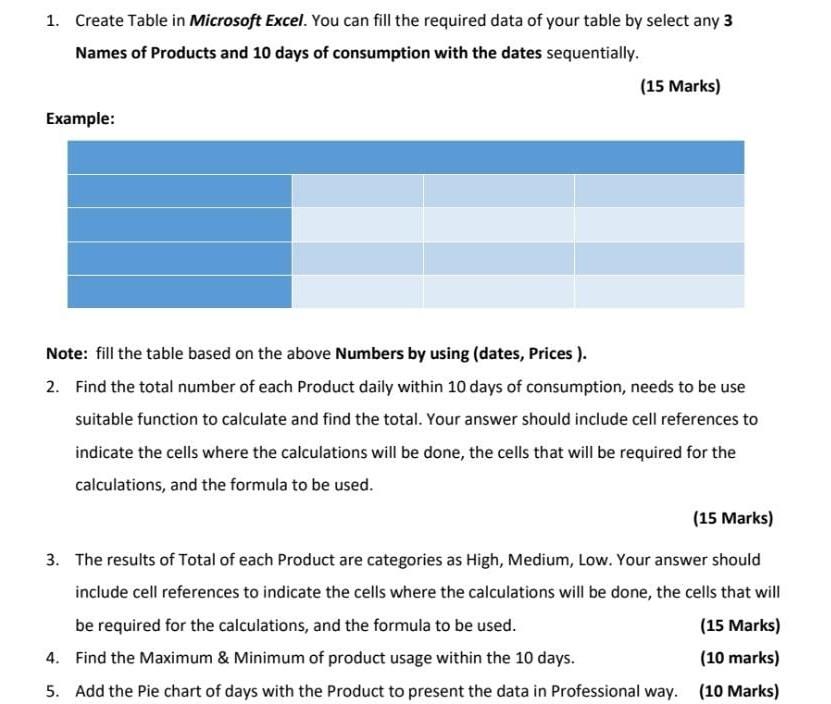
1. Create Table in Microsoft Excel. You can fill the required data of your table by select any 3 Names of Products and 10 days of consumption with the dates sequentially. (15 Marks) Example: Note: fill the table based on the above Numbers by using (dates, Prices ). 2. Find the total number of each Product daily within 10 days of consumption, needs to be use suitable function to calculate and find the total. Your answer should include cell references to indicate the cells where the calculations will be done, the cells that will be required for the calculations, and the formula to be used. (15 Marks) 3. The results of Total of each Product are categories as High, Medium, Low. Your answer should include cell references to indicate the cells where the calculations will be done, the cells that will be required for the calculations, and the formula to be used. (15 Marks) 4. Find the Maximum & Minimum of product usage within the 10 days. (10 marks) 5. Add the Pie chart of days with the Product to present the data in Professional way. (10 Marks) 1. Create Table in Microsoft Excel. You can fill the required data of your table by select any 3 Names of Products and 10 days of consumption with the dates sequentially. (15 Marks) Example: Note: fill the table based on the above Numbers by using (dates, Prices ). 2. Find the total number of each Product daily within 10 days of consumption, needs to be use suitable function to calculate and find the total. Your answer should include cell references to indicate the cells where the calculations will be done, the cells that will be required for the calculations, and the formula to be used. (15 Marks) 3. The results of Total of each Product are categories as High, Medium, Low. Your answer should include cell references to indicate the cells where the calculations will be done, the cells that will be required for the calculations, and the formula to be used. (15 Marks) 4. Find the Maximum & Minimum of product usage within the 10 days. (10 marks) 5. Add the Pie chart of days with the Product to present the data in Professional way. (10 Marks)
Step by Step Solution
There are 3 Steps involved in it

Get step-by-step solutions from verified subject matter experts
 Study Help