







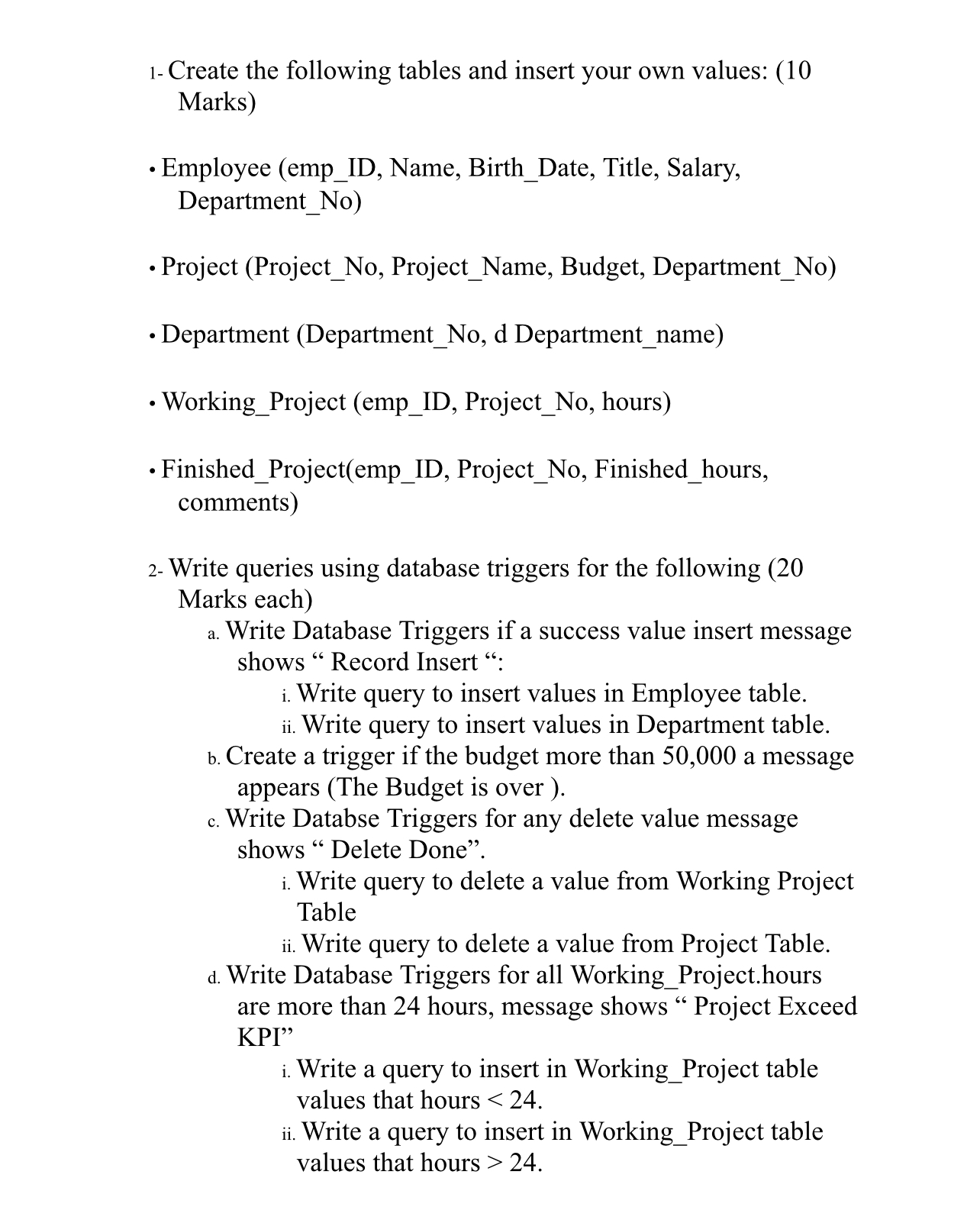
Question: 1 - Create the following tables and insert your own values: ( 1 0 Marks ) - Employee ( emp _ ID , Name, Birth
Create the following tables and insert your own values:
Marks
Employee empID Name, BirthDate, Title, Salary, DepartmentNo
Project ProjectNo ProjectName, Budget, DepartmentNo
Department DepartmentNo d Departmentname
WorkingProject empID ProjectNo hours
FinishedProjectempID ProjectNo Finishedhours, comments
Write queries using database triggers for the following Marks each
a Write Database Triggers if a success value insert message shows Record Insert :
i Write query to insert values in Employee table.
ii Write query to insert values in Department table.
b Create a trigger if the budget more than a message appears The Budget is over
c Write Databse Triggers for any delete value message shows Delete Done".
i Write query to delete a value from Working Project Table
ii Write query to delete a value from Project Table.
d Write Database Triggers for all WorkingProject.hours are more than hours, message shows Project Exceed KPI
i Write a query to insert in WorkingProject table values that hours
ii Write a query to insert in WorkingProject table values that hours
Step by Step Solution
There are 3 Steps involved in it
1 Expert Approved Answer
Step: 1 Unlock

Question Has Been Solved by an Expert!
Get step-by-step solutions from verified subject matter experts
Step: 2 Unlock
Step: 3 Unlock
 Study Help