







Question: (1). Enter the following query in the query window (do not execute it): select * from table_A where b = 5000; At the top
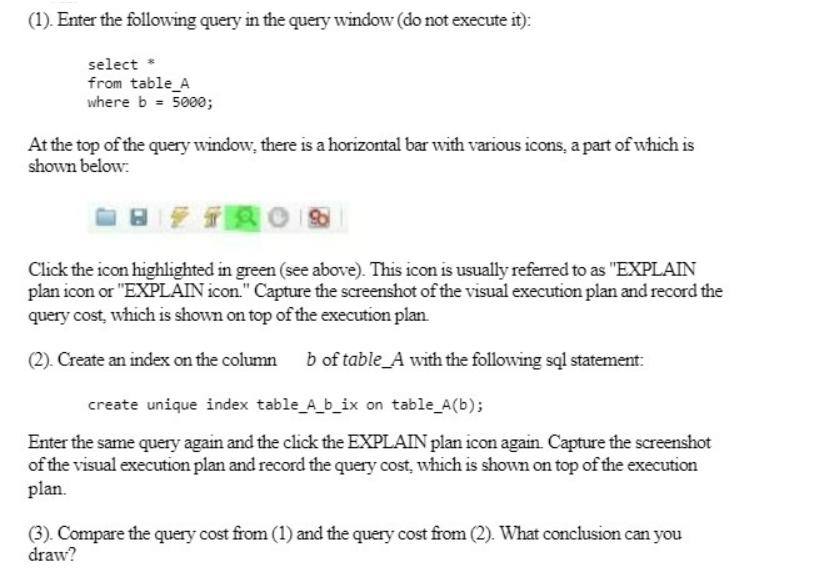
(1). Enter the following query in the query window (do not execute it): select * from table_A where b = 5000; At the top of the query window, there is a horizontal bar with various icons, a part of which is shown below: TRO Click the icon highlighted in green (see above). This icon is usually referred to as "EXPLAIN plan icon or "EXPLAIN icon." Capture the screenshot of the visual execution plan and record the query cost, which is shown on top of the execution plan. (2). Create an index on the column b of table_A with the following sql statement: create unique index table_A_b_ix on table_A(b); Enter the same query again and the click the EXPLAIN plan icon again. Capture the screenshot of the visual execution plan and record the query cost, which is shown on top of the execution plan. (3). Compare the query cost from (1) and the query cost from (2). What conclusion can you draw?
Step by Step Solution
There are 3 Steps involved in it
To get the query cost you need to enter the following query in the query window Then click on the ... View full answer

Get step-by-step solutions from verified subject matter experts
 Study Help