







Question: 1. Implement the Sales Record class which contains: A private attribute named numltems, which is an integer. It represents the total number of items
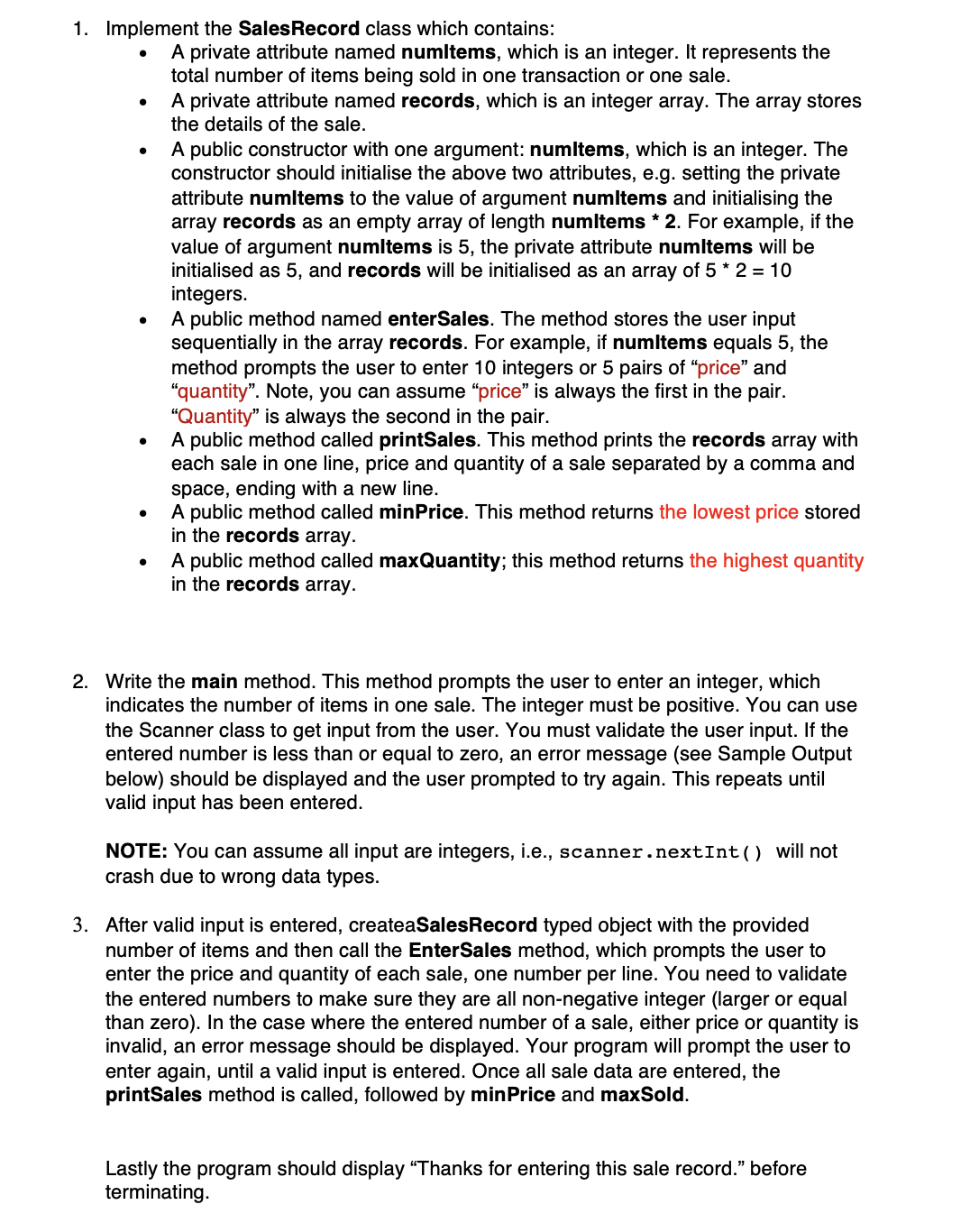
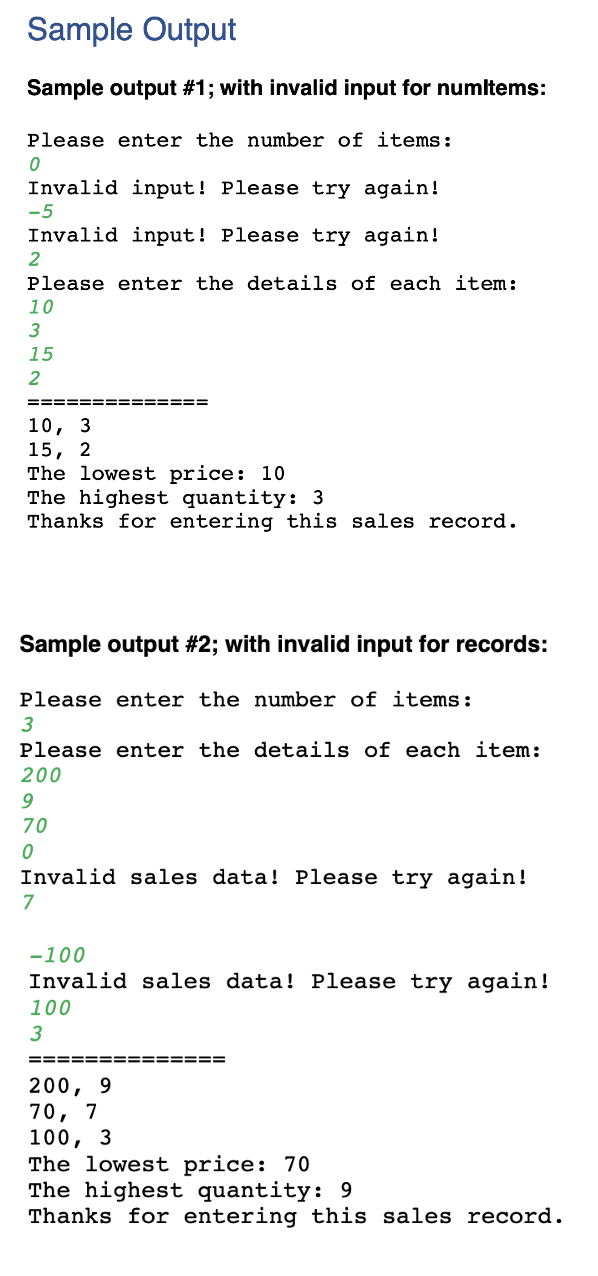
1. Implement the Sales Record class which contains: A private attribute named numltems, which is an integer. It represents the total number of items being sold in one transaction or one sale. A private attribute named records, which is an integer array. The array stores the details of the sale. A public constructor with one argument: numltems, which is an integer. The constructor should initialise the above two attributes, e.g. setting the private attribute numitems to the value of argument numltems and initialising the array records as an empty array of length numltems *2. For example, if the value of argument numitems is 5, the private attribute numitems will be initialised as 5, and records will be initialised as an array of 5 * 2 = 10 integers. A public method named enterSales. The method stores the user input sequentially in the array records. For example, if numltems equals 5, the method prompts the user to enter 10 integers or 5 pairs of "price" and "quantity". Note, you can assume "price" is always the first in the pair. "Quantity" is always the second in the pair. A public method called printSales. This method prints the records array with each sale in one line, price and quantity of a sale separated by a comma and space, ending with a new line. A public method called minPrice. This method returns the lowest price stored in the records array. A public method called maxQuantity; this method returns the highest quantity in the records array. 2. Write the main method. This method prompts the user to enter an integer, which indicates the number of items in one sale. The integer must be positive. You can use the Scanner class to get input from the user. You must validate the user input. If the entered number is less than or equal to zero, an error message (see Sample Output below) should be displayed and the user prompted to try again. This repeats until valid input has been entered. NOTE: You can assume all input are integers, i.e., scanner.nextInt () will not crash due to wrong data types. 3. After valid input is entered, createaSalesRecord typed object with the provided number of items and then call the EnterSales method, which prompts the user to enter the price and quantity of each sale, one number per line. You need to validate the entered numbers to make sure they are all non-negative integer (larger or equal than zero). In the case where the entered number of a sale, either price or quantity is invalid, an error message should be displayed. Your program will prompt the user to enter again, until a valid input is entered. Once all sale data are entered, the printSales method is called, followed by minPrice and maxSold. Lastly the program should display "Thanks for entering this sale record." before terminating. Sample Output Sample output #1; with invalid input for numltems: Please enter the number of items: 0 Invalid input! Please try again! -5 Invalid input! Please try again! 2 Please enter the details of each item: 10 3 15 2 10, 3 15, 2 The lowest price: 10 The highest quantity: 3 Thanks for entering this sales record. Sample output #2; with invalid input for records: Please enter the number of items: 3 Please enter the details of each item: 200 9 70 0 Invalid sales data! Please try again! 7 -100 Invalid sales data! Please try again! 100 3 ====== 200, 70, 7 9 ==== 100, 3 The lowest price: 70 The highest quantity: 9 Thanks for entering this sales record.
Step by Step Solution
There are 3 Steps involved in it
Heres a simple implementation in Java import javautilScanner class SalesRecord private int numItems ... View full answer

Get step-by-step solutions from verified subject matter experts
 Study Help