



Question: 1. In a new document, key the model report on the previous page. Apply the Droplet theme. Tap ENTER three times to position the title
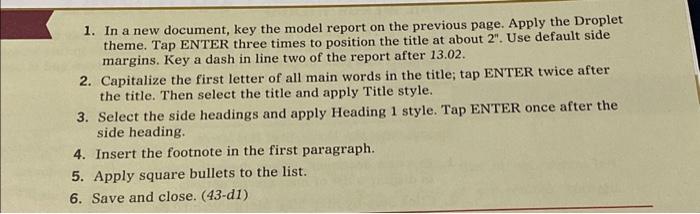
1. In a new document, key the model report on the previous page. Apply the Droplet theme. Tap ENTER three times to position the title at about 2". Use default side margins. Key a dash in line two of the report after 13.02. 2. Capitalize the first letter of all main words in the title; tap ENTER twice after the title. Then select the title and apply Title style. 3. Select the side headings and apply Heading 1 style. Tap ENTER once after the side heading. 4. Insert the footnote in the first paragraph. 5. Apply square bullets to the list. 6. Save and close. (43-d1)
1. In a new document, key the model report on the previous page. Apply the Droplet theme. Tap ENTER three times to position the title at about 2. Use default side margins. Key a dash in line two of the report after 13.02. 2. Capitalize the first letter of all main words in the title; tap ENTER twice after the title. Then select the title and apply Title style. 3. Select the side headings and apply Heading 1 style. Tap ENTER once after the side heading. 4. Insert the footnote in the first paragraph. 5. Apply square bullets to the list. 6. Save and close. (43-d1)
Step by Step Solution
There are 3 Steps involved in it
1 Expert Approved Answer
Step: 1 Unlock

Question Has Been Solved by an Expert!
Get step-by-step solutions from verified subject matter experts
Step: 2 Unlock
Step: 3 Unlock