Question: 1. INTRODUCTION Arena discrete event simulation software provides supply chain, manufacturing, healthcare simulation software solutions, among many others, to address a variety of business challenges.
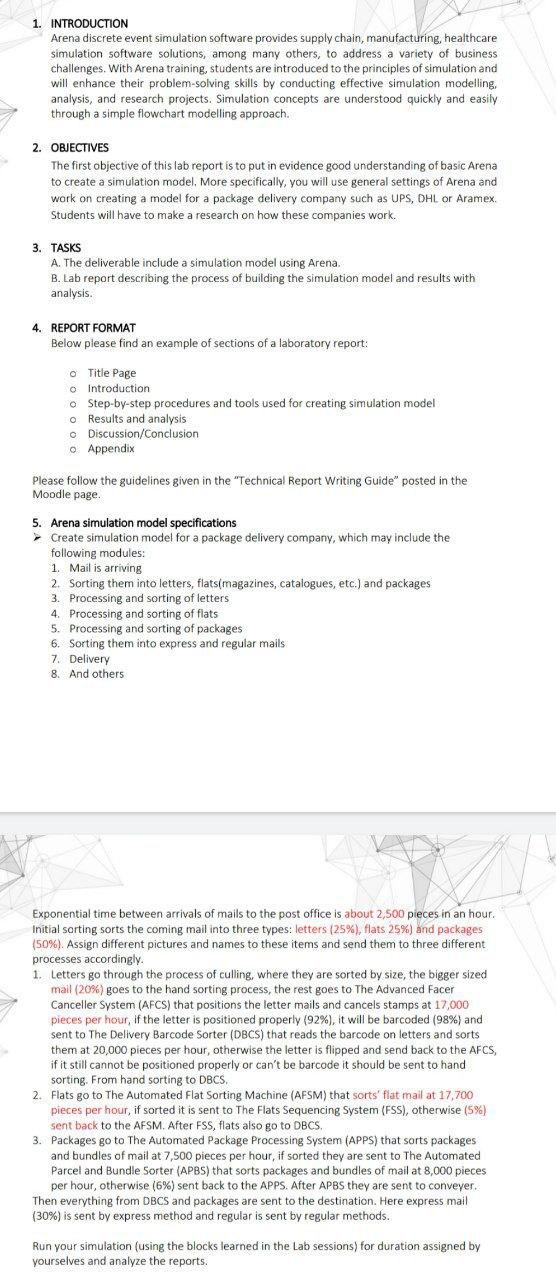
1. INTRODUCTION Arena discrete event simulation software provides supply chain, manufacturing, healthcare simulation software solutions, among many others, to address a variety of business challenges. With Arena training, students are introduced to the principles of simulation and will enhance their problem-solving skills by conducting effective simulation modelling, analysis, and research projects. Simulation concepts are understood quickly and easily through a simple flowchart modelling approach. 2. OBJECTIVES The first objective of this lab report is to put in evidence good understanding of basic Arena to create a simulation model. More specifically, you will use general settings of Arena and work on creating a model for a package delivery company such as UPS, DHL or Aramex Students will have to make a research on how these companies work. 3. TASKS A. The deliverable include a simulation model using Arena. B. Lab report describing the process of building the simulation model and results with analysis. 4. REPORT FORMAT Below please find an example of sections of a laboratory report: o Title Page o introduction o Step-by-step procedures and tools used for creating simulation model o Results and analysis o Discussion/Conclusion Appendix Please follow the guidelines given in the "Technical Report Writing Guide" posted in the Moodle page 5. Arena simulation model specifications Create simulation model for a package delivery company, which may include the following modules: 1. Mail is arriving 2. Sorting them into letters, flats(magazines, catalogues, etc.) and packages 3. Processing and sorting of letters 4. Processing and sorting of flats 5. Processing and sorting of packages 6. Sorting them into express and regular mails 7. Delivery 8. And others Exponential time between arrivals of mails to the post office is about 2,500 pieces in an hour. Initial sorting Sorts the coming mail into three types: letters (25%), flats 25%) and packages (50%). Assign different pictures and names to these items and send them to three different processes accordingly. 1. Letters go through the process of culling, where they are sorted by size, the bigger sized mail (20%) goes to the hand sorting process, the rest goes to The Advanced Facer Canceller System (AFCS) that positions the letter mails and cancels stamps at 17,000 pieces per hour, if the letter is positioned properly (92%), it will be barcoded (98%) and sent to The Delivery Barcode Sorter (DBCS) that reads the barcode on letters and sorts them at 20,000 pieces per hour, otherwise the letter is flipped and send back to the AFCS, if it still cannot be positioned properly or can't be barcode it should be sent to hand sorting. From hand sorting to DBCS. 2. Flats go to The Automated Flat Sorting Machine (AFSM) that sorts' flat mail at 17,700 pieces per hour, if sorted it is sent to The Flats Sequencing System (FSS), otherwise (5%) sent back to the AFSM. After FSS, flats also go to DBCS 3. Packages go to The Automated Package Processing System (APPS) that sorts packages and bundles of mail at 7,500 pieces per hour, if sorted they are sent to The Automated Parcel and Bundle Sorter (APBS) that sorts packages and bundles of mail at 8,000 pieces per hour, otherwise (6%) sent back to the APPs. After APBS they are sent to conveyer. Then everything from DBCS and packages are sent to the destination. Here express mail (30%) is sent by express method and regular is sent by regular methods. Run your simulation (using the blocks learned in the Lab sessions) for duration assigned by yourselves and analyze the reports. 1. INTRODUCTION Arena discrete event simulation software provides supply chain, manufacturing, healthcare simulation software solutions, among many others, to address a variety of business challenges. With Arena training, students are introduced to the principles of simulation and will enhance their problem-solving skills by conducting effective simulation modelling, analysis, and research projects. Simulation concepts are understood quickly and easily through a simple flowchart modelling approach. 2. OBJECTIVES The first objective of this lab report is to put in evidence good understanding of basic Arena to create a simulation model. More specifically, you will use general settings of Arena and work on creating a model for a package delivery company such as UPS, DHL or Aramex Students will have to make a research on how these companies work. 3. TASKS A. The deliverable include a simulation model using Arena. B. Lab report describing the process of building the simulation model and results with analysis. 4. REPORT FORMAT Below please find an example of sections of a laboratory report: o Title Page o introduction o Step-by-step procedures and tools used for creating simulation model o Results and analysis o Discussion/Conclusion Appendix Please follow the guidelines given in the "Technical Report Writing Guide" posted in the Moodle page 5. Arena simulation model specifications Create simulation model for a package delivery company, which may include the following modules: 1. Mail is arriving 2. Sorting them into letters, flats(magazines, catalogues, etc.) and packages 3. Processing and sorting of letters 4. Processing and sorting of flats 5. Processing and sorting of packages 6. Sorting them into express and regular mails 7. Delivery 8. And others Exponential time between arrivals of mails to the post office is about 2,500 pieces in an hour. Initial sorting Sorts the coming mail into three types: letters (25%), flats 25%) and packages (50%). Assign different pictures and names to these items and send them to three different processes accordingly. 1. Letters go through the process of culling, where they are sorted by size, the bigger sized mail (20%) goes to the hand sorting process, the rest goes to The Advanced Facer Canceller System (AFCS) that positions the letter mails and cancels stamps at 17,000 pieces per hour, if the letter is positioned properly (92%), it will be barcoded (98%) and sent to The Delivery Barcode Sorter (DBCS) that reads the barcode on letters and sorts them at 20,000 pieces per hour, otherwise the letter is flipped and send back to the AFCS, if it still cannot be positioned properly or can't be barcode it should be sent to hand sorting. From hand sorting to DBCS. 2. Flats go to The Automated Flat Sorting Machine (AFSM) that sorts' flat mail at 17,700 pieces per hour, if sorted it is sent to The Flats Sequencing System (FSS), otherwise (5%) sent back to the AFSM. After FSS, flats also go to DBCS 3. Packages go to The Automated Package Processing System (APPS) that sorts packages and bundles of mail at 7,500 pieces per hour, if sorted they are sent to The Automated Parcel and Bundle Sorter (APBS) that sorts packages and bundles of mail at 8,000 pieces per hour, otherwise (6%) sent back to the APPs. After APBS they are sent to conveyer. Then everything from DBCS and packages are sent to the destination. Here express mail (30%) is sent by express method and regular is sent by regular methods. Run your simulation (using the blocks learned in the Lab sessions) for duration assigned by yourselves and analyze the reports









 Study Help