







Question: 1 Log onto the course UNIX computer Create a new python3 script called -/sandbox/add2.py and make sure your python3 script is UNIX-executable. 3. Write your
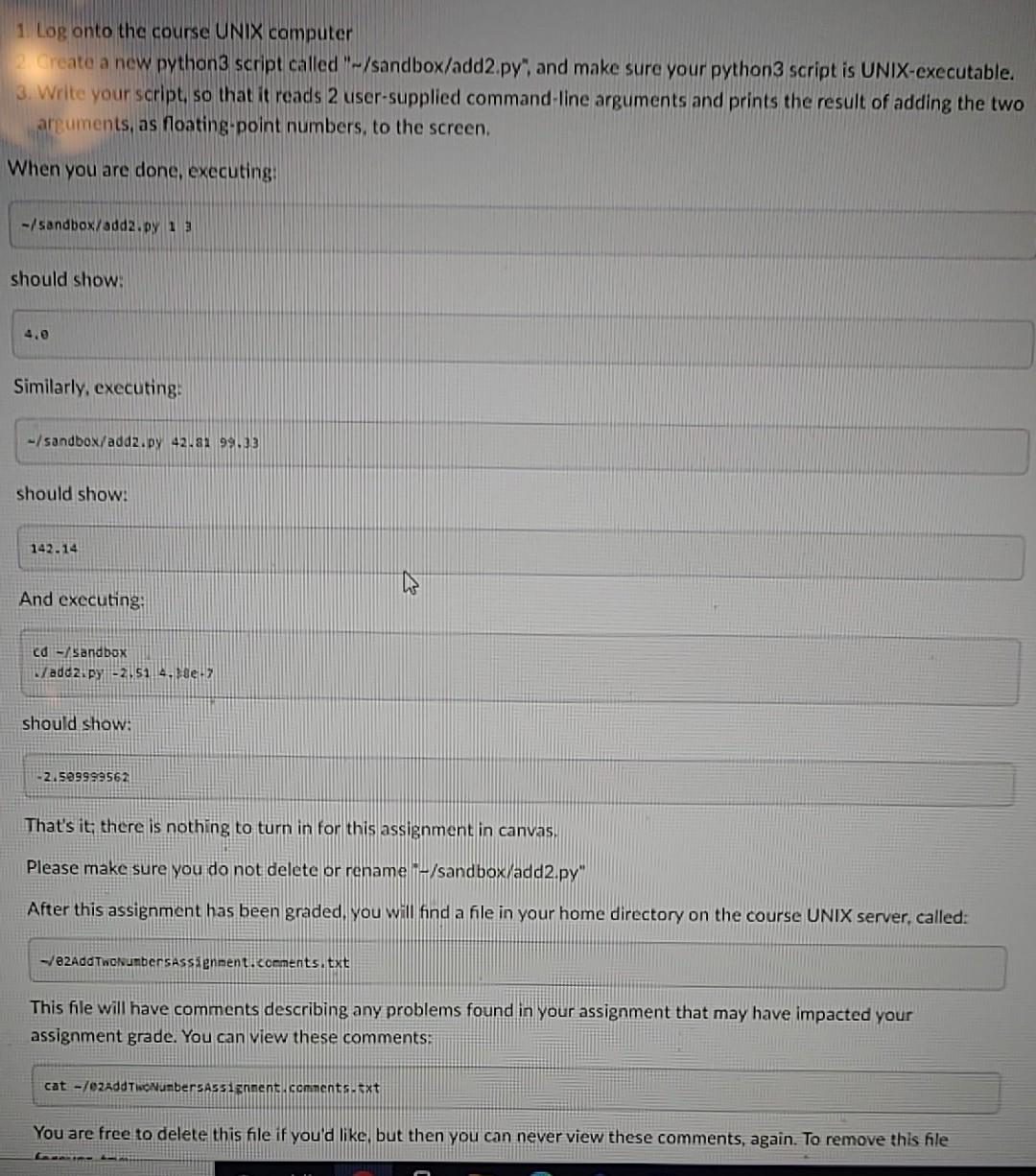
1 Log onto the course UNIX computer Create a new python3 script called "-/sandbox/add2.py" and make sure your python3 script is UNIX-executable. 3. Write your script, so that it reads 2 user-supplied command-line arguments and prints the result of adding the two arguments, as floating point numbers, to the screen. When you are done, executing: -/sandbox/adda.py 13 should show: 4.0 Similarly, executing -/sandbox/add2.py 4281 991.33 should show: 142.14 And executing: Cd - Sandbox Wadd2.py -2.51 4.de should show: -2.589999562 That's it, there is nothing to turn in for this assignment in canvas. Please make sure you do not delete or rename - /sandbox/add2.py" After this assignment has been graded, you will find a file in your home directory on the course UNIX server, called: -72AddTwoNumbersAssenment.comments.txt This file will have comments describing any problems found in your assignment that may have impacted your assignment grade. You can view these comments: cat -/ezAddT NumbersAssignment contents.txt You are free to delete this file if you'd like but then you can never view these comments, again. To remove this file
Step by Step Solution
There are 3 Steps involved in it

Get step-by-step solutions from verified subject matter experts
 Study Help